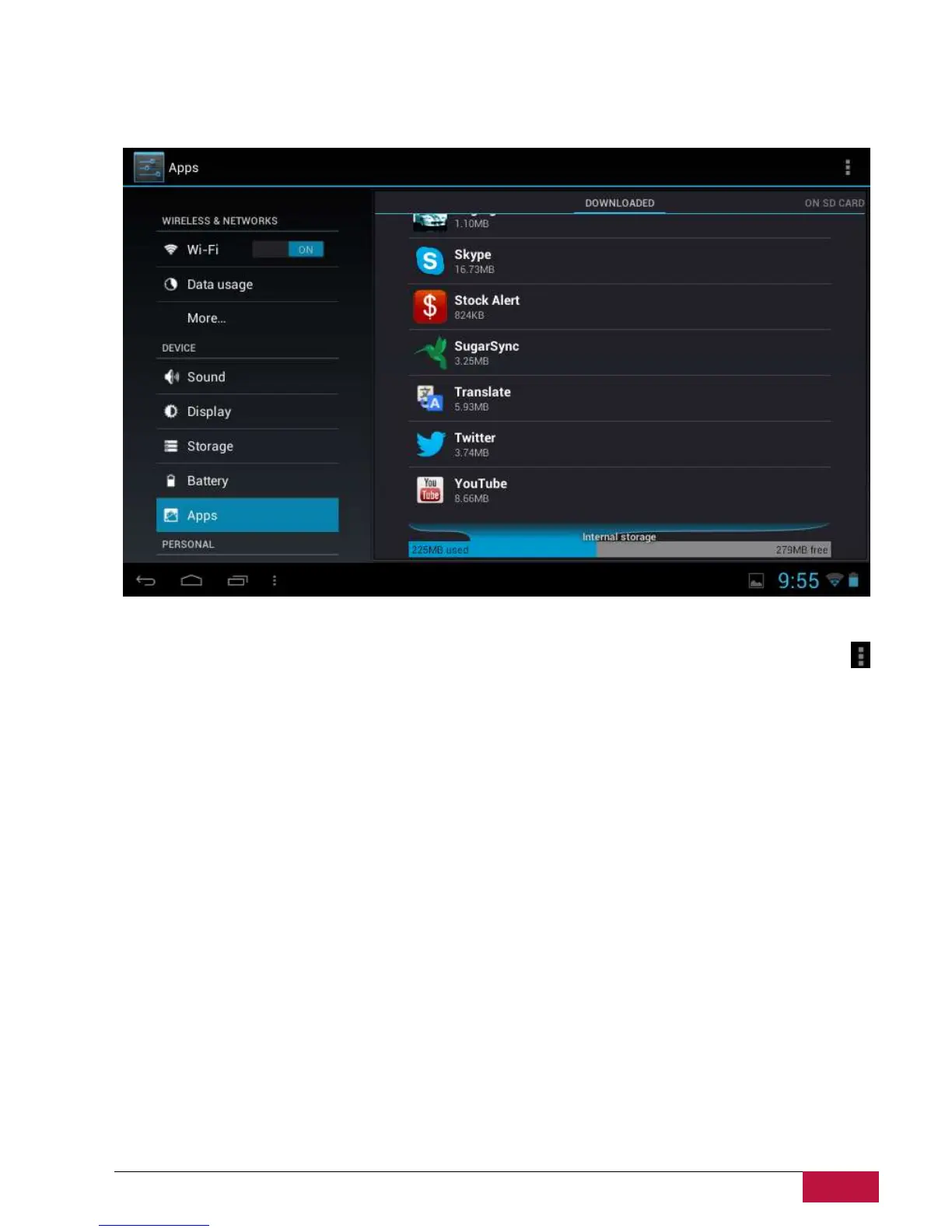
9.5 Apps
Manage applications and installation of new programs.
Apps
Open a list of all the applications and other software installed on your MultiPad, along with their sizes.
By default, only downloaded applications are shown, and they are sorted in alphabetical order. Touch
and tap Sort by size to display applications in order by size. Tap an application to open its Application
Info screen.
To manage and /or remove downloaded applications, tap Settings > Apps > Downloaded.
Running services
To check and control running service, tap Settings > Apps > Running.















 To Next Page