EN – 16 PMP5080
USER MANUAL
Prestigio MultiPad
PMP5080
14. Connecting to WiFi
Touch Menu buttonSettings Wireless & networks.
If the WiFi is off, tap on the Wi-Fi line to turn it on. Then select the
Wi-Fi settings.
The device will scan for available WiFi networks and display them at
the bottom of the screen.
Tap on the network you want to connect to. Then tap inside the
Wireless password field to make the virtual keyboard appear. Enter
the required network information, tap on Done, and then tap on
Connect.
Your device will now attempt to establish a connection to the WiFi access
point with the network parameters you entered.
15. Browsing the Web
Choose OnlineBrowser, or press button.
The device will automatically access Google search page.
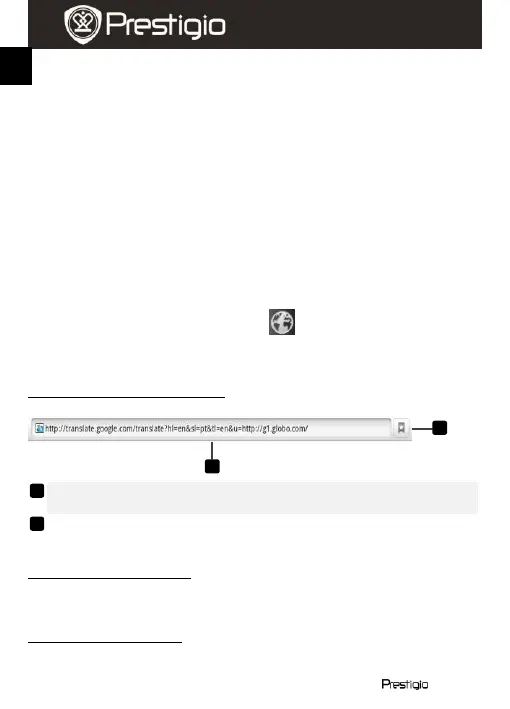
Slide the page down to display the browser bar (below).
To use the browser controls bar:
Touch the web page address field and type the address of the web
page.
Touch to view bookmarks, most visited web pages, and browsing
history.
Navigation on a web page
Flick your finger horizontally or vertically on the screen to scroll and view
desired areas of a web page.
Zoom in/out a web page
Move two fingers apart on the screen to zoom in. Move two fingers close
together on the screen to zoom out.















 To Next Page