PMP5080 EN - 3
USER MANUAL
Prestigio MultiPad
PMP5080
side of the device and the printing side of the card towards the rear
side of the device.
To remove the micro SD card, gently press the edge of the card to
release the safety lock and pull the card out of the slot.
To access the files on the memory card, select File icon and tap on SD
Card.
Notice:
When you are reading the file from micro SD card, please don’t
remove it, or the device could fail to operate correctly.
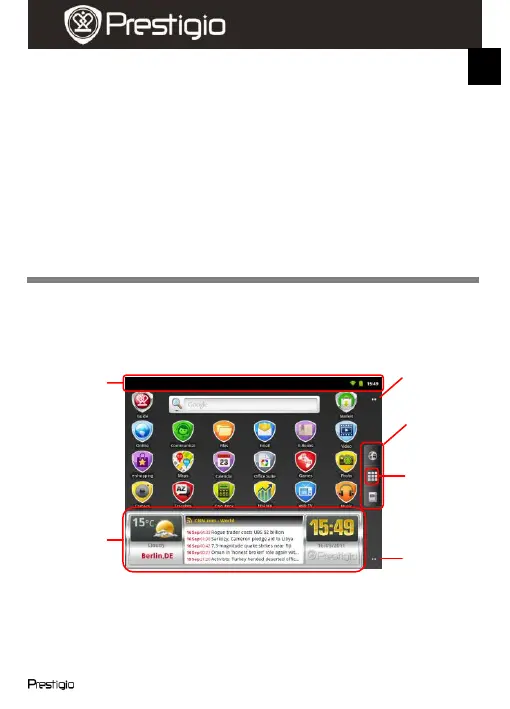
6. Home screen bars
Your device has the capacitive sensitive screen. It is operated by
touching the screen surface with your finger.
Status bar
The status bar displays the time, battery status, WiFi, alarm, news status
and various notifications.















 To Next Page