EN – 4 PMP5080
USER MANUAL
Prestigio MultiPad
PMP5080
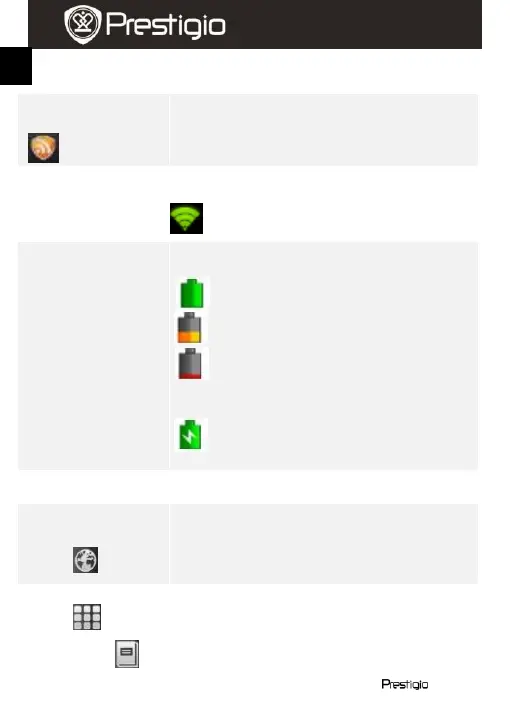
Notification of the RSS Reader, informing that the
news widget has updated the news feeds.
Displays the current time and the alarm symbol,
when Alarm is activated.
Connected to a WiFi network.
Displays the battery power or charging progress.
Battery is full
Battery is low and must be recharged
Battery is extremely low and must be
recharged immediately
Battery is charging
Buttons panel
Touch to open the Internet Explorer. By default
the device will attempt Google web search.
For more info regarding Internet Explorer
function, please, refer to section 15. Browsing
the web.
Open the list of all applications, folders and
shortcuts on the device.
Direct access to the eBook Reader application.
For more info regarding eBook Reader















 To Next Page