PMP5080 EN - 5
USER MANUAL
Prestigio MultiPad
PMP5080
application, please, refer to section 10. eBook
Reader.
Touch to move to the desired room of the home
screen.
Widgets
Prestigio home screen contains news, weather forecast and clock
widgets, providing you with up-to-date information.
Weather widget
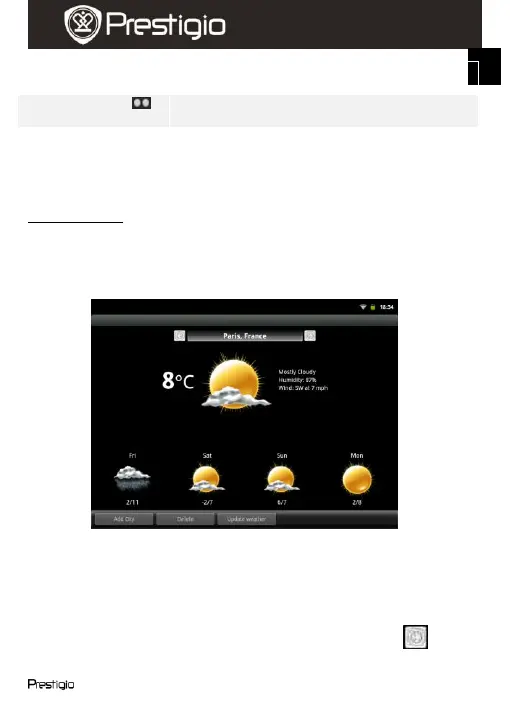
This widget displays temperature and cloudiness for a selected city.
To open the options, touch the weather widget. The following screen will
appear, showing the current temperature, cloudiness, humidity and wind
for the selected city, as well as cloudiness for the nearest 4 days:
To add a new city to the widget, touch Add City and enter the city
name. As you type the device will suggest most probable city names.
Choose the desired city and touch Add.
If you have selected more than one city, you can choose the one that
will appear on the home screen widget simply by pressing or















 To Next Page