EN – 6 PMP5080
USER MANUAL
Prestigio MultiPad
PMP5080
.
To delete a city from the widget, touch Delete. You will see the list of
all cities in the widget. Choose the desired city by touching it once,
and then touch OK.
You can update the weather forecast for the selected city by touching
Update Weather.
Note:
To obtain weather forecast your device must be connected to WIFI. For
instructions on how to establish a WIFI connection, please, refer to
section 14. Connecting to WIFI.
News widget
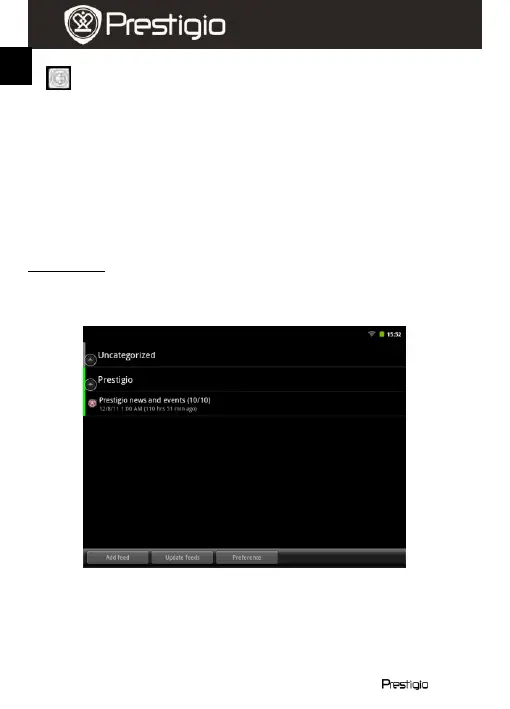
This widget displays news from selected RSS-feeds. To open the list of
available feeds and options, touch the RSS feed header. The following
screen will appear:
To add a news feed, touch Add feed and enter the search keyword or
a URL-address.
You can update the news feeds by touching Update feed.
To change the update settings, touch Preferences.
To open the list of news and options, touch the news panel. The following















 To Next Page