PMP5080 EN - 7
USER MANUAL
Prestigio MultiPad
PMP5080
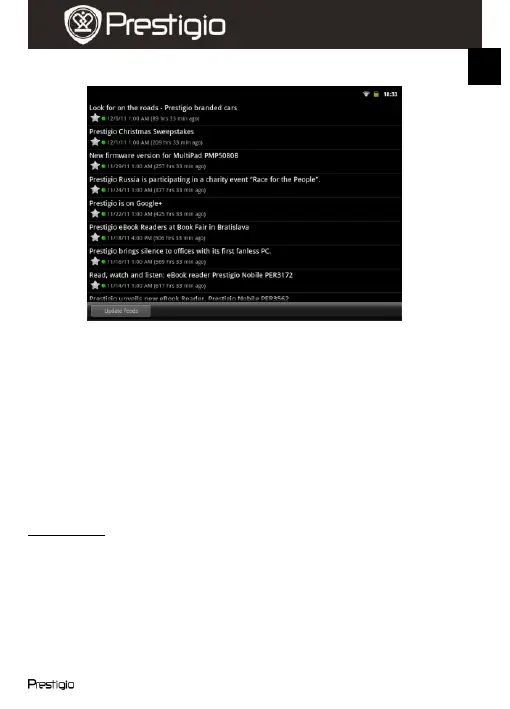
screen will appear:
Touch Update Feeds to update all news.
To read more info about certain news feed touch it once. To read the
news feed completely touch it and hold. The device will open the
source page in Internet.
To sort the news by newest or by oldest touch the Menu button
Sort by oldest (newest) first.
Note:
To obtain news feeds your device must be connected to WIFI. For
instructions on how to establish a WIFI connection, please, refer to
section 14. Connecting to WIFI.
Clock widget
The clock widget displays current time and date.
By touching the clock widget you can access several functions: Clock,
World clock, Alarm, Stopwatch and Timer.
The Clock tab displays current time and date.
The World clock option allows you to display current time in different
locations.
To add a location touch Add Timezone and enter the city name. As
you type the device will suggest most probable city names. Choose















 To Next Page