PMP5080 EN - 23
USER MANUAL
Prestigio MultiPad
PMP5080
Note:
If the e-mail account you want to set up is not in the device e-mail
database, you will be asked to manually enter the e-mail account
settings, including the e-mail server, protocol, and so on after touching
Next.
Enter the name for the account and the name you want displayed in
outgoing e-mails and then touch Done.
After creating one e-mail account, touch Add account if you need to
create another e-mail account.
26. Files
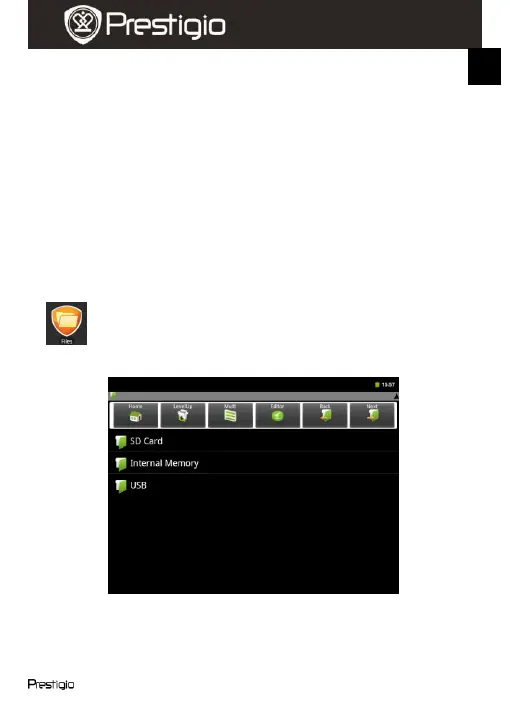
You can access all files and folders on the device by touching
Explorer.
The following interface will be displayed:
Note:
In order to operate with SD Card and USB these devices must be
connected.















 To Next Page