EasyManua.ls Logo

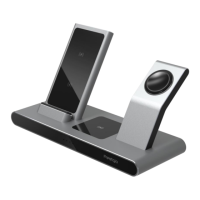
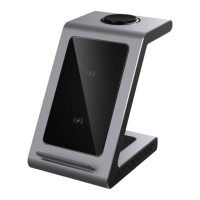
Prestigio ReVolt A7 - Figure 2 - Components and Controls

Prestigio ReVolt A7
20 pages
Print Icon
To Next Page IconTo Next Page
To Previous Page IconTo Previous Page
Loading...
Prestigio ReVolt A7
©2021 Prestigio
10
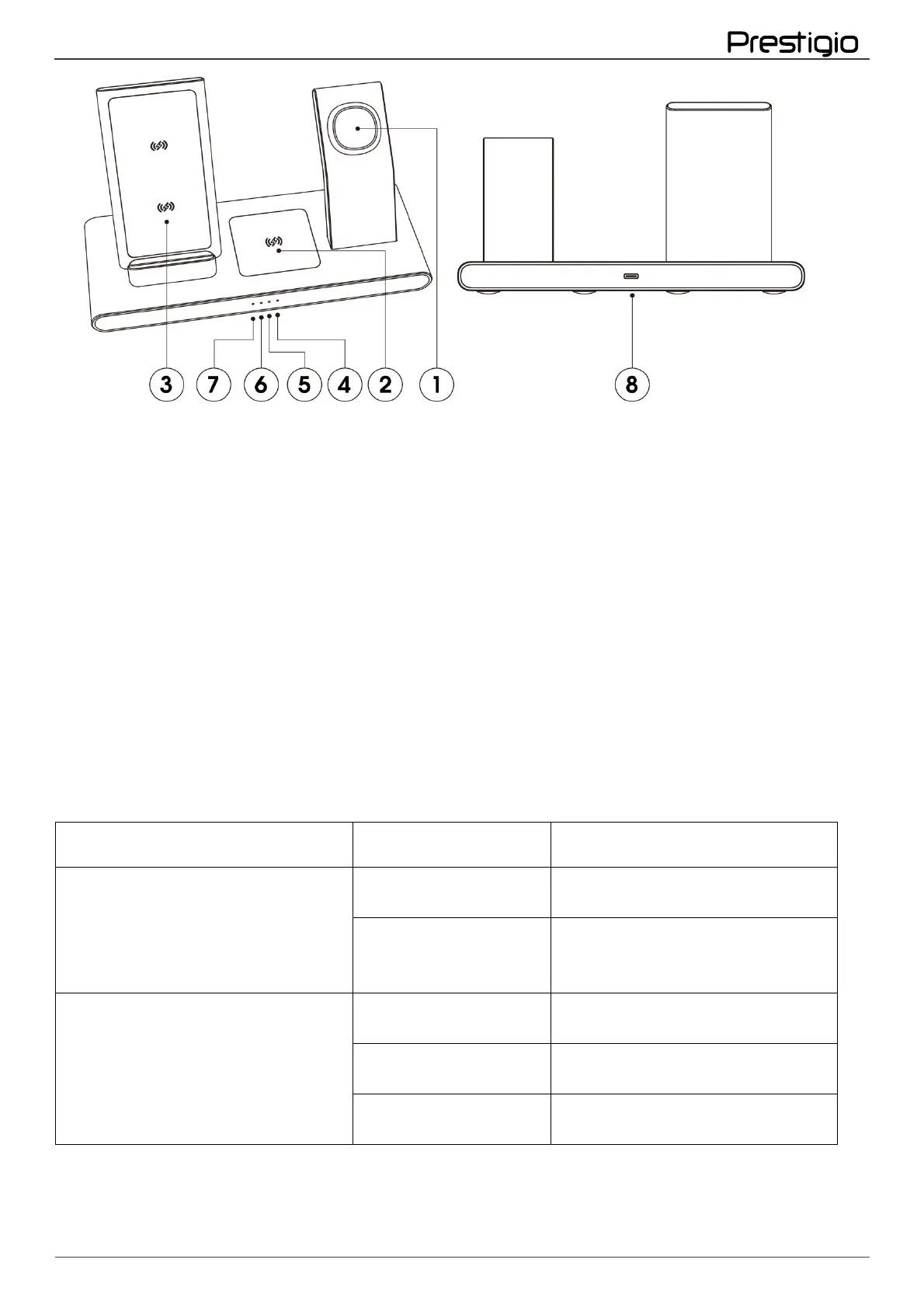
Figure 2 - Components and controls
Components and controls
1. A place to charge a smart watch
2. Charging compartment for smartphone/headphones
3. A place to charge your smartphone
4. Station power indicator
5. Smartphone charging indicator
6. Headphone charging indicator
7. Smart watch charging indicator
8. USB-C port
Table 1 - Status of the Prestigio Revolt A7 Wireless Charging Station LEDs

Indicator
Indicator status
Description
Power supply connection indicator
It's not on fire
The station is not connected to
the power supply
Lights up red all the
time. The other
indicators are not lit
The station is connected to the
power supply network. None of
the devices are charging
Charging device indicators
They don't burn
The station is not connected to
the power supply
Slowly flashing blue
One or more devices are being
charged
Flashing blue rapidly
Foreign object protection has
been triggered

Other manuals for Prestigio ReVolt A7

Related product manuals