7 Troubleshooting
The table below shows typical errors and problems that occur during operation of the device.
Table 3 - Typical errors and solutions
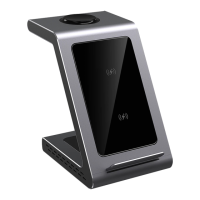
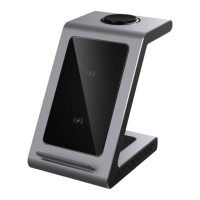
Wireless charging station
does not turn on, LEDs are
not lit
The outlet to which you
plug the adapter is de-
energized
Make sure that the power outlet
you are plugging the adapter
into is not de-energized. Use only
the original cable and power
adapter provided
The device is not charging.
Indicator is not lit
The device does not
support the Qi wireless
charging protocol.
Incorrect location of the
device at the station. The
thickness of the case
exceeds 4 mm and/or
metal accessories are
present
Make sure your device supports
the Qi wireless charging protocol.
Change the position of the device
to be charged, remove the case
and any additional accessories
The device is not charging.
One or more device
indicators blink blue rapidly
There are metal objects
between the device
being charged and the
station
Make sure there are no metal
objects between the device to be
charged and the station
If the problem is not solved or if you have other questions, contact support. The contacts are in the
warranty card and on the website www.prestigio.com/use.


 To Next Page