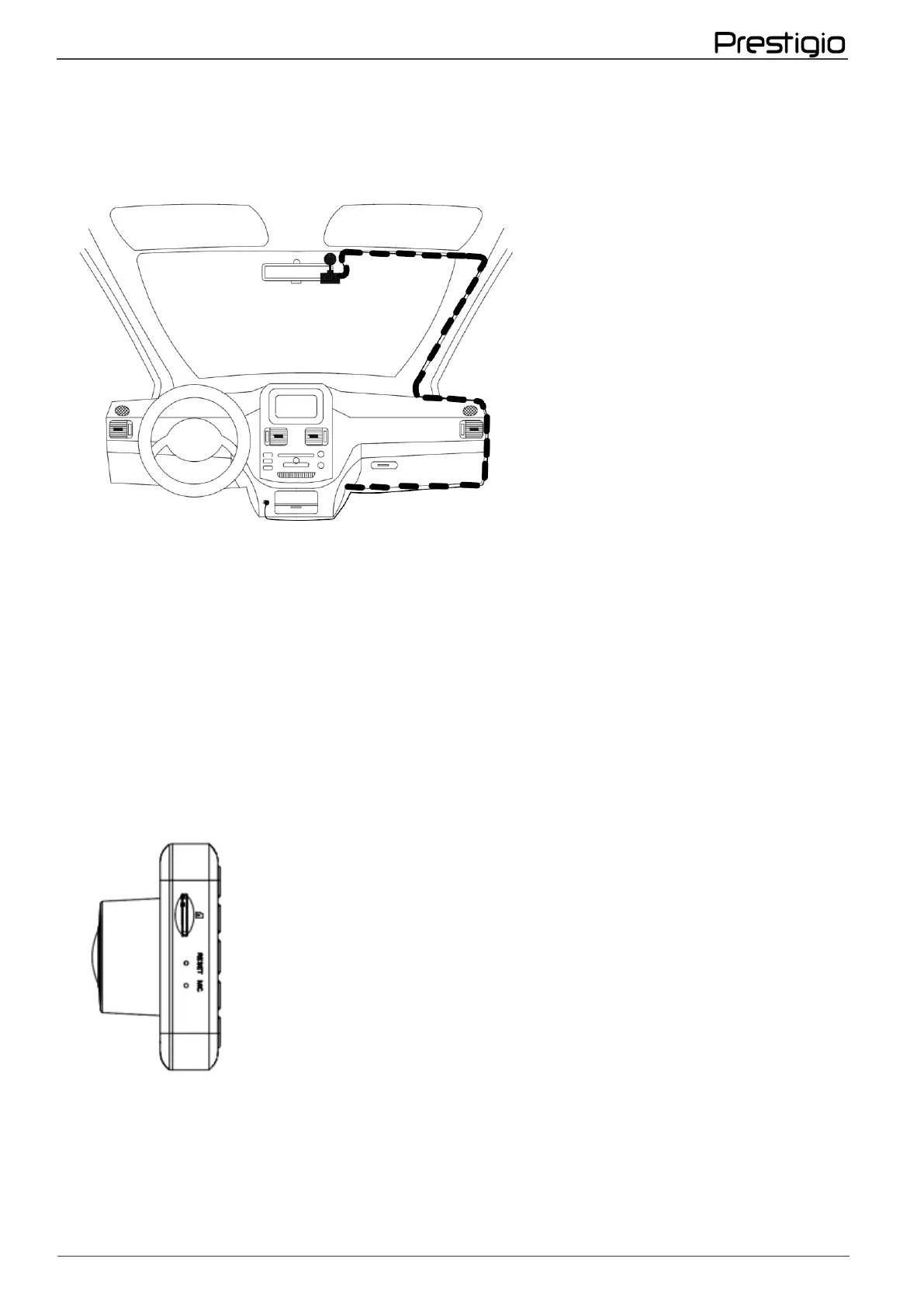
5. Make sure that the routed cable does not interfere with the deployment of airbags and other
systems.
6. Select the angle of the device to get the best possible image from the DVR camera.
NOTE.
The device will not be able to provide the required image quality when placed on a
windshield with excessively dense toning.
Temperature and humidity fluctuations can cause the adhesive part of the holder to detach
from the glass.
2.3 Installing the memory card
To use the video recording functions, you must install a memory card (not included). Make sure
the memory card is correctly positioned (see markings on the device) and insert the card into
the slot until you hear it click into place.
The device automatically recognizes the card as a storage device - all data will be stored on the
memory card.
Иuse a memory card micro-SD card with a read/write speed of at least 10 MB/s and a capacity of
8 GB to 32 GB.
To remove the card, first press it and then pull it out.



 To Next Page