Formatting
Allows you to delete all files on the memory card.
WARNING! Before formatting, make sure that all important files have been moved to another
storage medium. Once formatted, they cannot be recovered.
Reset Settings
Allows you to set the initial settings of the system. All user-defined values will be restored to
defaults.
Software version
Displays the software version of the device.
License plate
Allows you to enter the license plate number of your vehicle into the memory of the device.
2.6 GPS module
The GPS connection is established automatically after the device is turned on. Depending on
your environment and location, it may take some time to establish a stable connection to the
satellites. In cars with metallized windshield coating, there may be problems with GPS module
operation and its disorientation.
NOTE. Remember to set the time zone value before you start driving. After the DVR establishes
a reliable connection with the satellite, the date and time will be adjusted to the selected time
zone.
The GPS module performs the following functions:
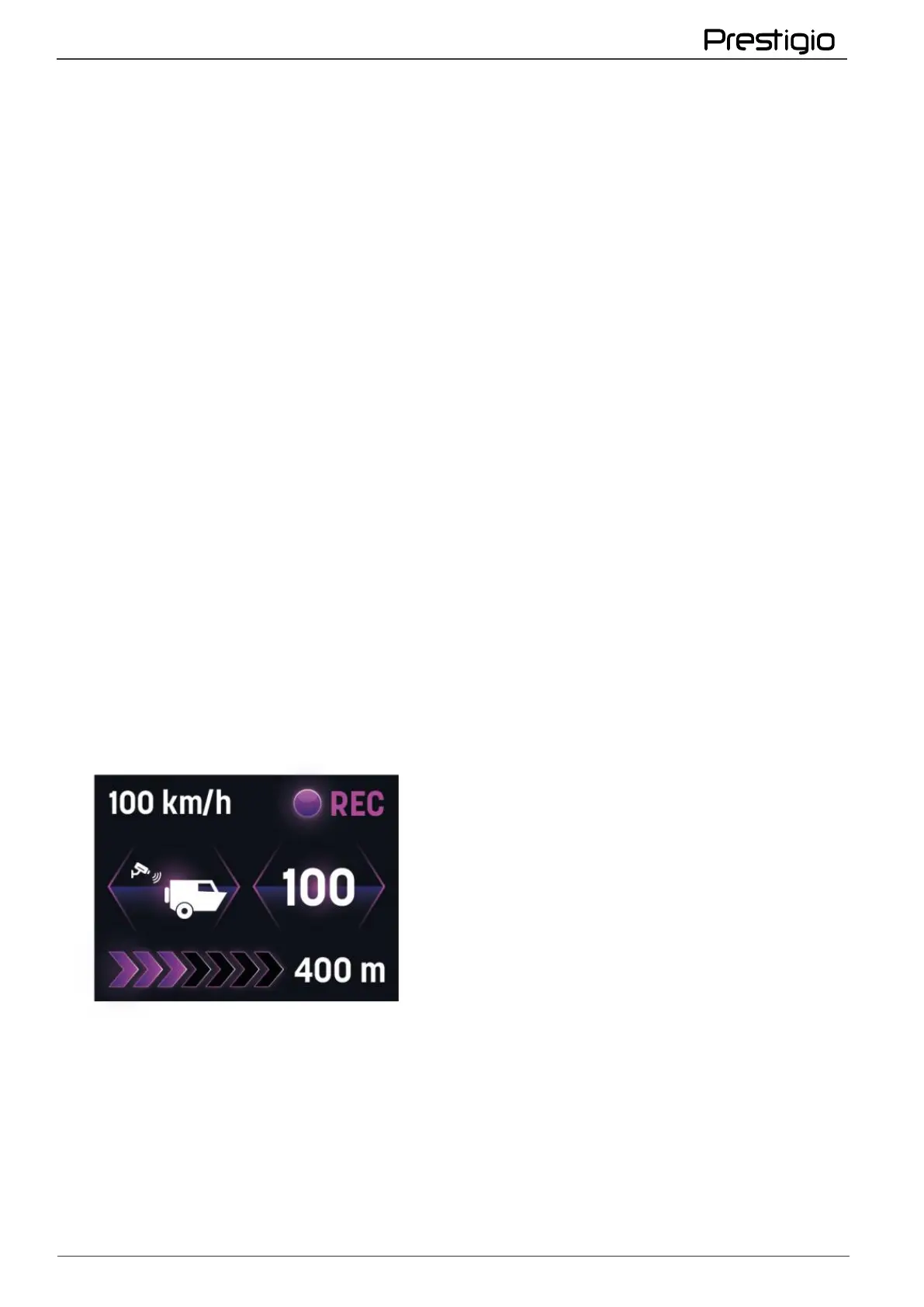
Camera warnings
In the memory of the DVR with GPS-module loaded information about the cameras on the
roads, their coordinates and types. While driving, the driver of the vehicle receives visual and
audible notifications about the approach of such control points.
Setting the correct date and time
Time information is not only convenient for the driver, but can also record the moment of an
accident. The manually set date and time can be confused by a battery failure or emergency
shooting, and GPS data can help you pinpoint the time of an accident.
Traffic speed data
If the DVR is working without GPS module, it will not help to indicate the exact current speed on
the video. This parameter for vehicle owners is the main in the selection of the device, because
the presence of a stamp on the video with the speed helps to prove innocence.



 To Next Page