INSTALLING BATTERIES AND SETTING THE CLOCK
Since neither the device nor
batteries are household waste,
follow your national/local recycling
rules and dispose of them at
appropriate collection sites.
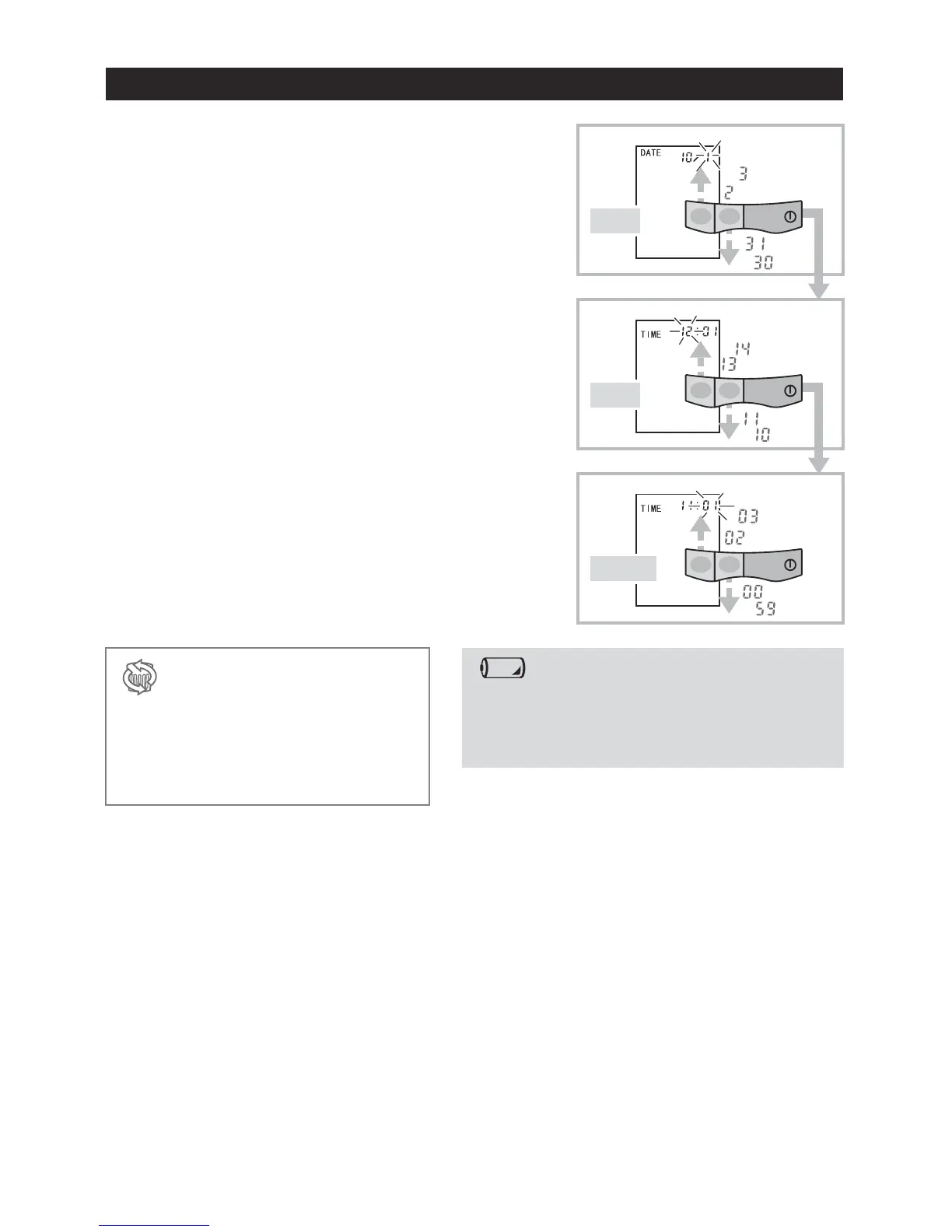
Day flashes.
Adjust with M1 and M2 buttons and press START
button to confirm.
Hour flashes.
The clock operates in 24-hour mode.
Adjust with M1 and M2 buttons and press START
button to confirm.
Minute flashes.
Adjust with M1 and M2 buttons and press START
button to confirm.
The clock is set and the unit is turned off.
6.
7.
8.
6.
DAY
7.
HOUR
8.
MINUTE
Battery replacement indication
Replace all the batteries when the battery replacement
indication appears on the display or nothing is
displayed when START button is depressed.
Fresh AAA alkaline dry cells will last for approximately 300
measurements.
-5-

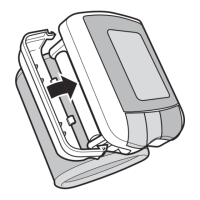

 To Next Page