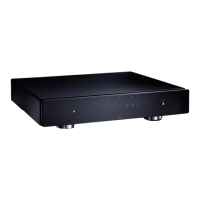
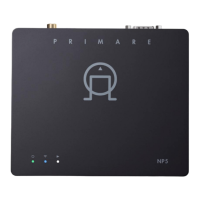
NP5 Prisma Network Player User Guide10
PLAYING MUSIC FROM A DRIVE OR MUSIC SERVER
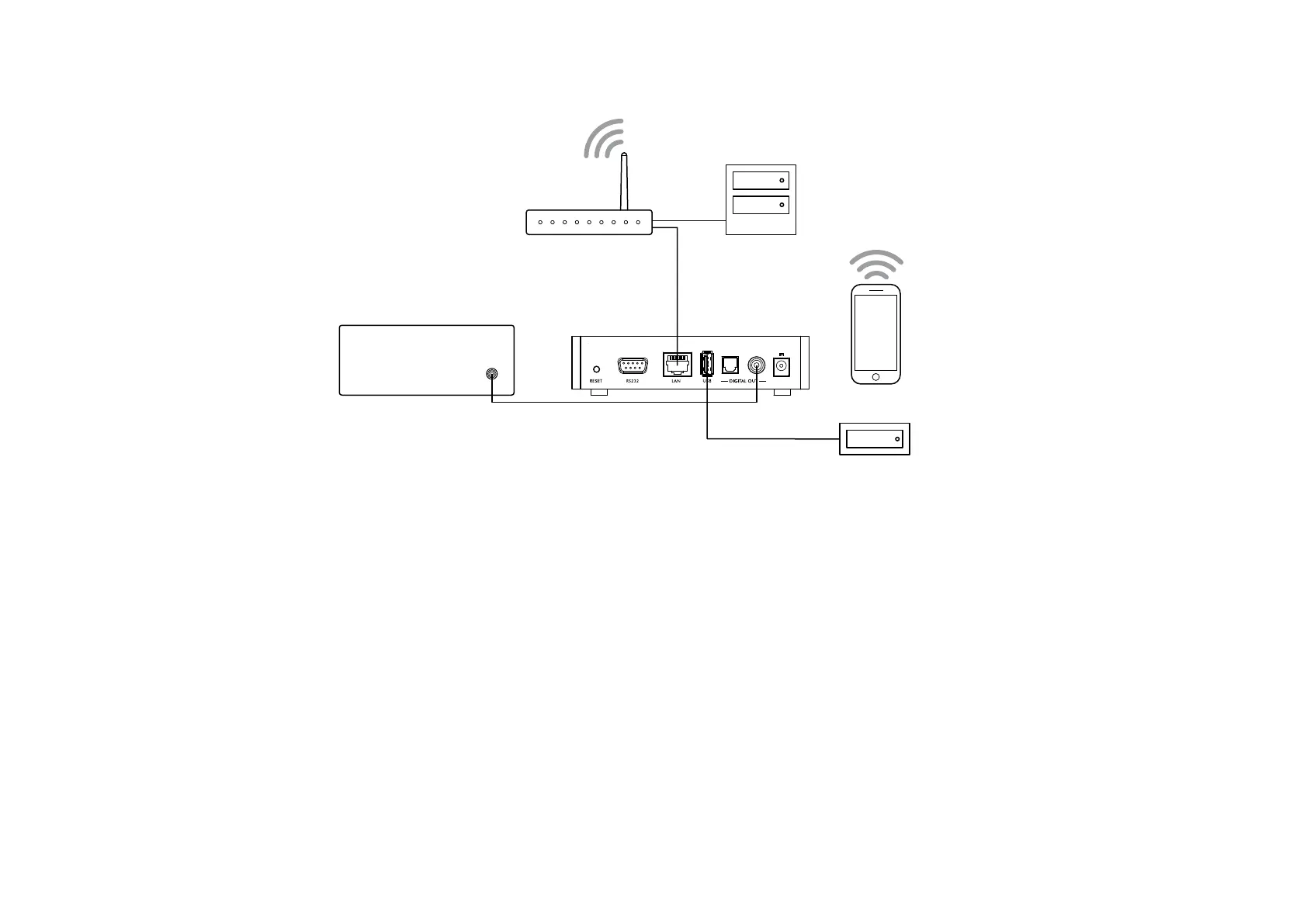
Preamplifier
NP5
Music server
Hard drive
Router
You can play audio files from a USB flash drive, external
USB hard disk, or a network drive. These options are
ideal if you already have a digital library of CDs or music
files.
On a NAS drive you have the option of running a media
server program, which will catalogue your music library
and give you the option of organising it in different ways;
eg by Artist, Genre, Album, or Composer. One free
option is MinimServer; see http://minimserver.com/.
On a USB flash drive or USB portable hard drive the files
can be organised into folders, giving you one way of
classifying your music; eg by Artist.
To play audio files from a NAS (network) drive
Connect the NAS drive to the same network as the
NP5 Prisma.
The NAS drive can either contain folders and music files
in any of the popular formats, or it can run a music server.
See
TECHNICAL SPECIFICATION
, page 14, for details of
the supported file formats.
Use the Prisma app to browse, play, and control the
music.
Alternatively you can select and play music from a Mac
or PC using a music server program such as JRiver or
Foobar2000.
To play audio files from a USB flash drive or hard
drive
Connect the USB drive to the USB input on the NP5
Prisma.
Use the Prisma app to browse, play, and control the
music.
l
l
l
l
The USB drive can contain folders and music files in any
of the popular formats; see
TECHNICAL SPECIFICATION
,
page 14
, for details.
Note that playing music via the USB input has the
following restrictions:
No playlist.
No queue.
No album art.
Maximum of 50 folders or files in a single view.
The recommended arrangement for folders is
alphabetical by artist folder.
The USB input is mainly for USB thumb and other portable
hard drives and has been tested up to 2TB on NTFS and
512 GB on FAT.
The USB connection is recommended for less critical
listening, as both signal and power go through this
connection point, which we find subtly compromises
performance when compared to a network connected
hard drive.
l
l
l
l
l


 To Next Page