Welcome
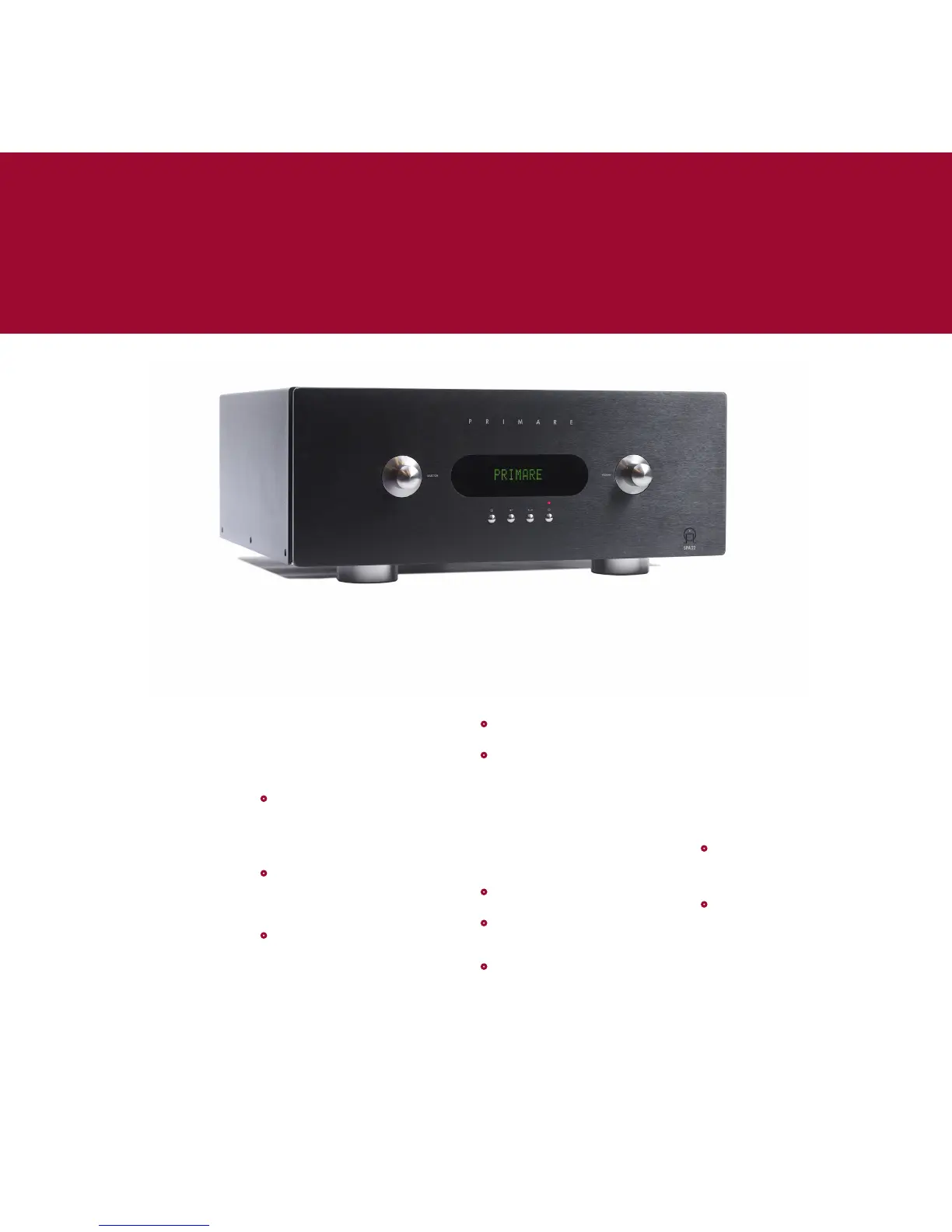
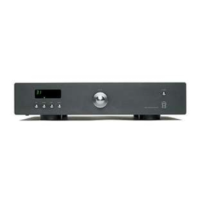
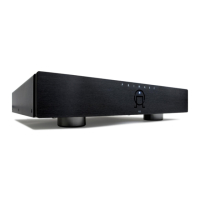
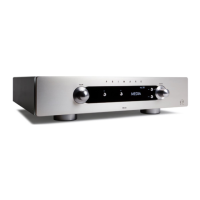
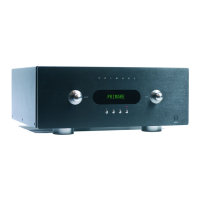
Welcome to the Primare SPA22! Your SPA22 is an advanced
surround sound amplifier with the latest sound and video
processing, making it the ultimate choice for home theatre.
Here is how to set up your SPA22 in seven simple steps:
1 Unpack the SPA22
Your SPA22 is supplied with the
following components:
Mains cable.
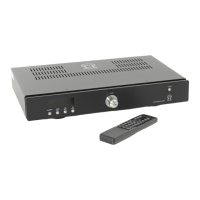
C22 remote control.
Two batteries for the remote control.
If any of these items are missing
please contact your supplier. We
recommend you retain the packaging in
case you need to transport the unit at
a later date.
2 Connect a display
While configuring your SPA22 you
should connect it to your television
or display using one of the following
options, so you can use the on-screen
display:
Y, Pr, Pb (Component)
S-Video
CVBS (Composite)
The SPA22 also supports:
HDMI (or DVI with a suitable lead)
For more information see
Video
connections
, page 3.
•
•
•
•
•
•
•
3 Connect to speakers
The SPA22 can directly drive the five
loudspeakers in a surround system. In
addition it provides line-level outputs
for seven full-frequency channels and
one subwoofer.
If your surround system does not
include a full set of speakers, the
SPA22 will distribute the signals from
these channels to the other channels
as appropriate in your system.
•
Connect the front, centre, and
surround loudspeaker outputs to the
loudspeakers in your system.
If your system includes both side
surround and back surround speakers:
•
Connect the SURR BACK analog
outputs to the input of a stereo
power amplifier.
If your system includes a subwoofer:
•
Connect the SUB analog output to
the audio input of the subwoofer.
4 Connect sources
The SPA22 is supplied with 9 standard
sources already configured; see
Selecting a source
, page 4.
For example, to connect a DVD player:
•
Connect the component output to
Component 1 on the SPA22.
•
Connect the digital audio output to
digital input 4 on the SPA22.
Alternatively you can configure up
to 15 sources to use the particular
combination of analogue, digital,
and video input you prefer; for more
information see
Input settings
, page 6.
5 Connect power
•
Connect the SPA22 to a wall socket,
using the supplied mains cable.
•
Switch on the SPA22, using the
switch next to the power connector
on the back panel.
•
Press the O button to switch on the
SPA22.
The button indicators will light up,
showing the function of the two
controls and four buttons on the front
panel.
6 Configure the speakers
Before using the SPA22 you need to
configure it to specify the combination
of speakers you have in your surround
system. For more information see
Speaker settings
, page 7.
You then need to set up the speaker
levels and speaker distances, to ensure
that the sound image is correctly
focused at the listening position. For
more information see
Level settings
,
page 7, and
Speaker distance
, page 7.
7 Play a source
•
Use the SELECTOR control on the
front panel or the A and V buttons
on the remote control to select the
source.
•
Use the VOLUME control on the front
panel or the + and – buttons on
the remote control to increase or
decrease the volume.
For more information about playing
sources see
Selecting a source
, page 4.


 To Next Page