EasyManua.ls Logo

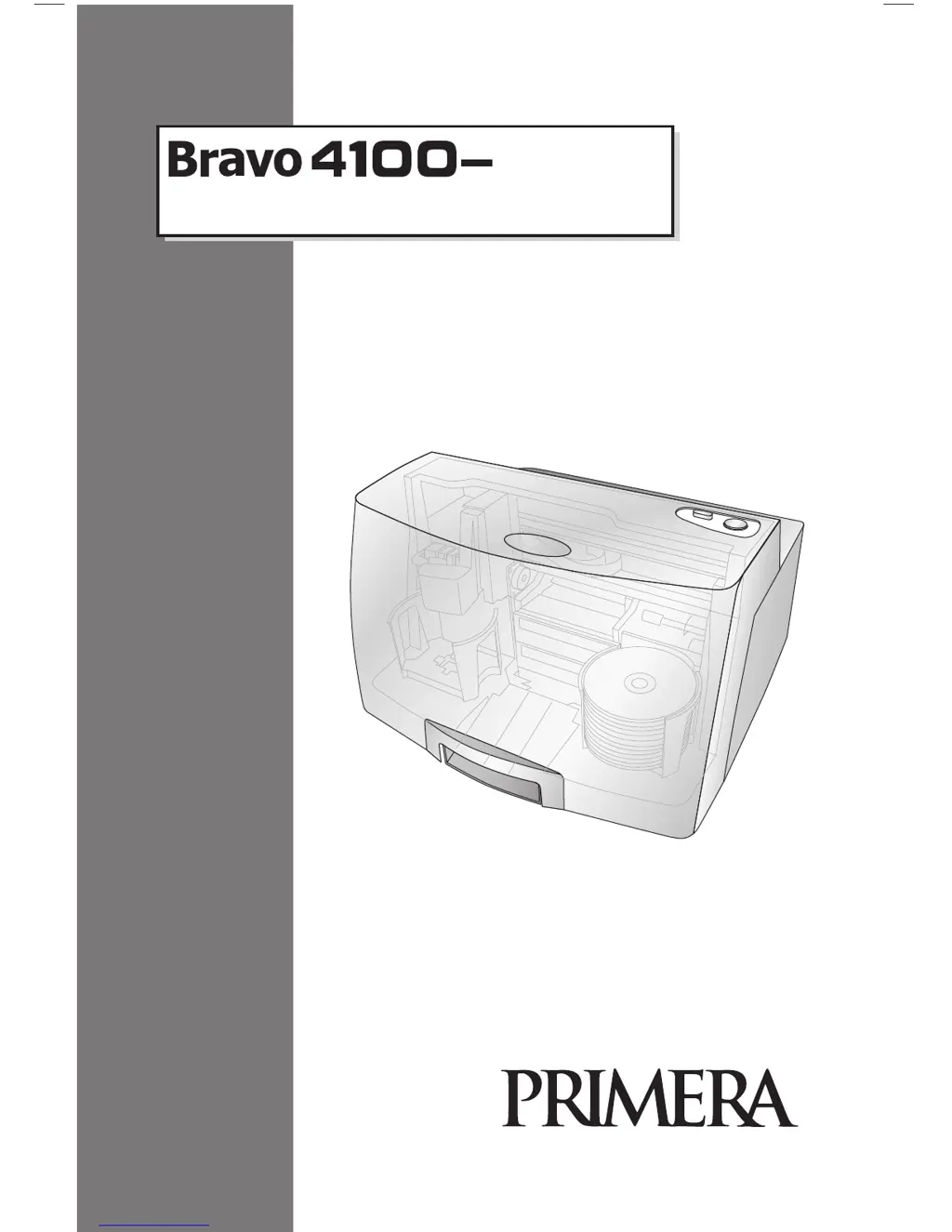
Primera Bravo 4100 Series - User Manual

Primera Bravo 4100 Series
60 pages
Print Icon
To Next Page IconTo Next Page
Loading...
111912-511276
USER’S MANUAL
For Macintosh and PC
© 2010 All rights reserved.
For the most recent version of this manual please visit
http://www.primera.com/manuals.html
-- Series
Disc Printers and Publishers

Questions and Answers

  • B
    Brandy MoralesJul 26, 2025
    Why is the print quality reduced on my Primera Disc Duplicator?
    • S
      Sergio StevensJul 26, 2025
      If you're experiencing reduced print quality or missing colors on your Primera Disc Duplicator due to clogging, make sure the corresponding cartridge is securely snapped into place. Try removing and reseating the cartridge to ensure an airtight connection. Also, clean the copper contacts on both the printhead and its carrier, as ink overspray can build up inside the printer. You can also try to open PTPublisher, go to the Tools menu, choose Printer Properties/Tools, and click Clean Print Head.
  • L
    Luis PetersonAug 3, 2025
    How to improve print quality on Primera Bravo 4100?
    • J
      Jimmy AndersonAug 3, 2025
      If you are experiencing quality issues in prints with your Primera Disc Duplicator, try changing your quality setting. The lowest quality setting may not be sufficient for many photos or graphics. If the highest quality setting causes ink to bleed on certain graphics, increase the quality of the setting as needed.
  • R
    Rhonda BushAug 11, 2025
    How to fix a stalled printer tray on Primera Bravo 4100?
    • C
      cbowmanAug 11, 2025
      If the printer tray or ink cartridge carrier has stalled on your Primera Disc Duplicator, press the Ink button to retry the operation. If you do not hear the sound of a pump forcing ink through the nozzles, the clean purge print did not complete successfully. Try again.
  • J
    Justin RobinsonAug 17, 2025
    What to do if Primera Bravo 4100 printhead is defective?
    • A
      Amanda BallardAug 17, 2025
      If you suspect your cartridge or printhead is defective in your Primera Disc Duplicator, please contact tech support to arrange for a replacement.

Summary

Section 1: Getting Started

SYSTEM REQUIREMENTS

Lists the minimum hardware and operating system specifications required for both PC and Mac to operate the Disc Publisher.

LOADING MEDIA (DISCS)

Provides step-by-step instructions on how to properly load blank CD/DVD/Blu-ray discs into the input bin of the Publisher.

REPLACING INK CARTRIDGES; LOW INK WARNING

Explains the process of replacing ink cartridges and describes the low ink warning levels and indicators.

Section 2: Creating Discs

TUTORIAL: COPY A DISC (PRINT ONLY FOR AUTOPRINTER USERS)

A step-by-step guide for users of the AutoPrinter to copy discs, focusing on print-only operations.

USING PTPUBLISHER

Introduces the PTPublisher software and its various project types for recording and printing discs.

Backup Project (PC Disc Publishers Only)

Instructions for creating a data backup project using PTPublisher, including data spanning and scheduling.

CREATING A PRINT LABEL USING SURETHING (PC)

A tutorial on using SureThing Disc Labeler software to design and print professional-looking disc labels on a PC.

Section 3: Maintenance and Troubleshooting

Primera Bravo 4100 Series Specifications

General IconGeneral
ModelBravo 4100 Series
Print MethodInkjet
Supported Disc FormatsCD-R, DVD-R, DVD+R
Dimensions16.5 inches
Operating System CompatibilityWindows, Mac
Disc Types SupportedCD-R, DVD-R, DVD+R

Related product manuals