WINDOWS 7/8 instruction guide for your Printrbot printer and computer software
You may now click on the read “Power button” icon marked Connect in the top left side of the
screen. If successful, the connect button will change from red to green
Also if you select the Manual Control tab on the right side of the screen, you will see the words
“Idle”
If you see a constant message “command waiting”, your com port settings are incorrect or there
was a problem with the previous steps.
The next steps are to confirm the mechanical
movement of the printer. However FIRST
CONFIRM THAT THE NOZZLE IS NOT touching
the bed.
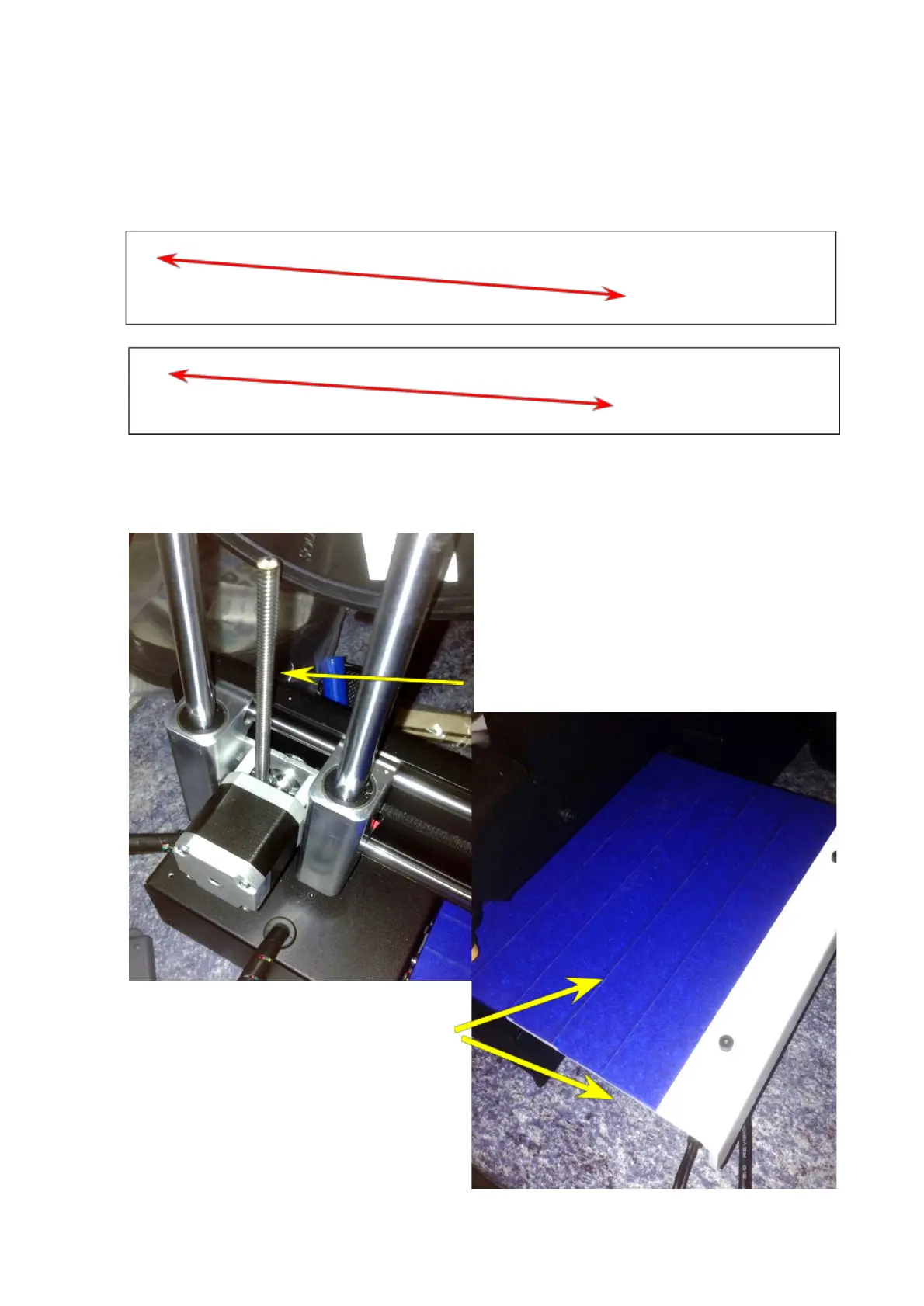
You can manually raise the nozzle by turning
on the lead screw.
If you have not already done so, now would
be a good time to cover your bed evenly
with the blue painters tape - a small overlap
of each tape run is acceptable.
Page 11 of 23



 To Next Page