WINDOWS 7/8 instruction guide for your Printrbot printer and computer software
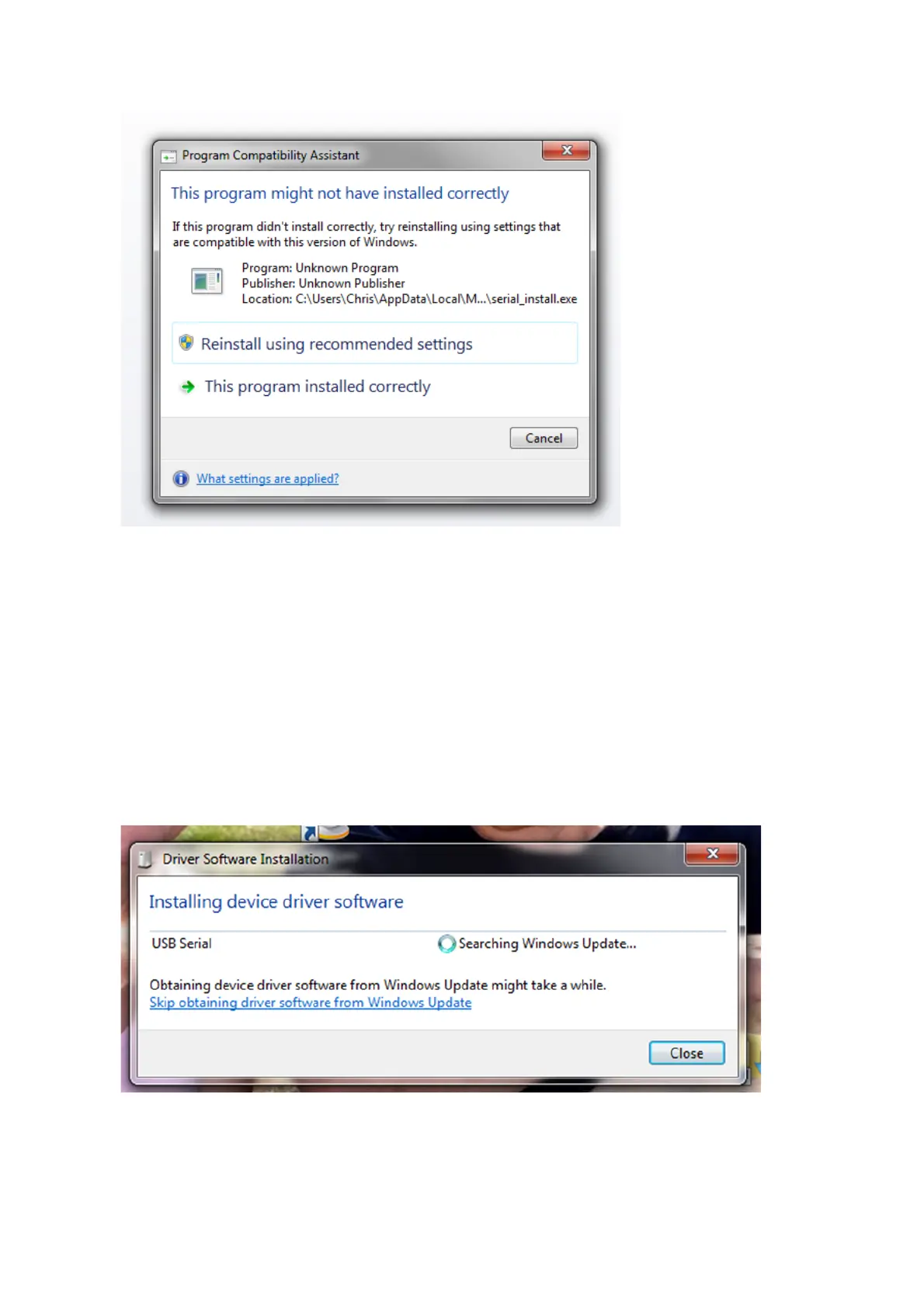
This dialogue may be
displayed
Select Cancel if
displayed.
Ensure that the power is connected to the printer.
If you are using and ATX power supply and don’t know how to connect it to the printer please see
appendix B.
Plug the USB cable into your printer and then a USB port on your computer. The USB cable will
only fit in one way into the Printrbot so do not try to force it into the socket of it does not fit.
When the USB cable is connected, the driver will be installed and configured as a COM port. The
number of the port (E.g. COM 3, COM 4 etc) will depend on your computer configuration.
The following dialogue boxes will be displayed – follow any onscreen instructions …
Page 3 of 23



 To Next Page