WINDOWS 7/8 instruction guide for your Printrbot printer and computer software
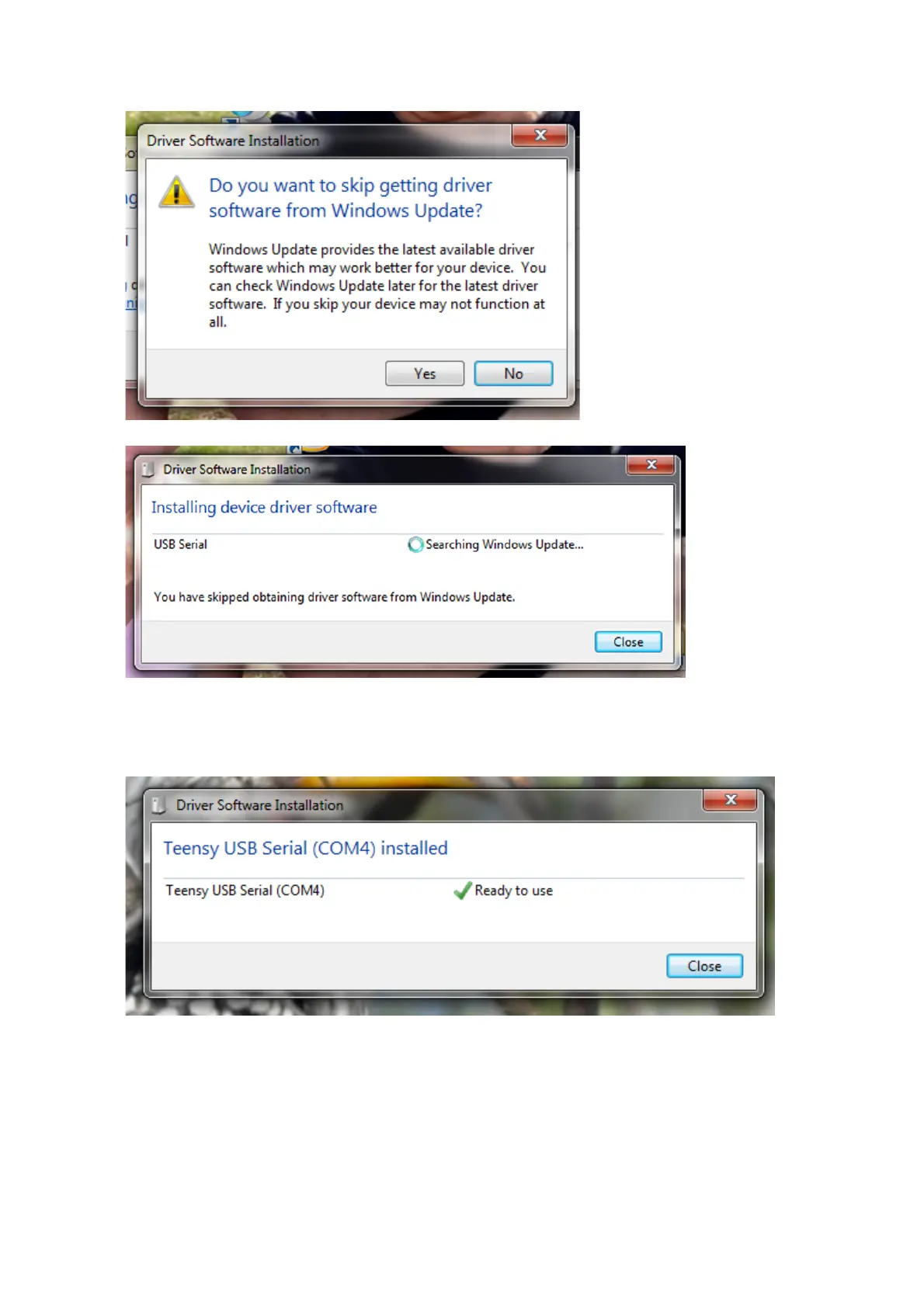
Click on Yes
Click on Close
There may be a delay during the installation due to the speed of your internet connection or your
computer. When the driver is finished installation, you will see the dialogue box ….
If the installation was not successful, it is most likely that you do not have permissions on your
laptop to install. Please contact your IT support service provider. Also see Appendix B for some
troubleshooting steps to check the status of the driver installation if required.
Page 4 of 23



 To Next Page