WINDOWS 7/8 instruction guide for your Printrbot printer and computer software
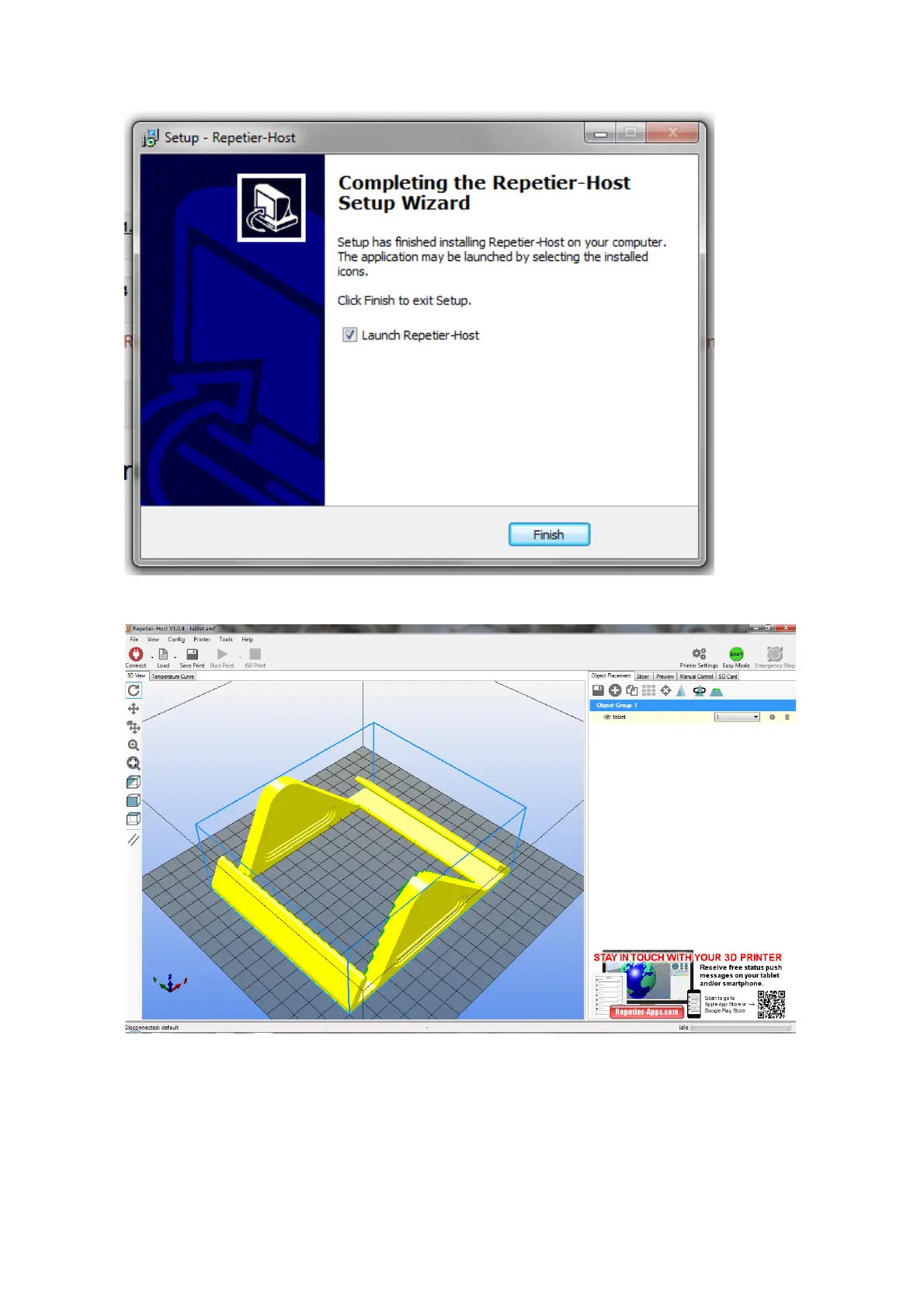
When the
installation is
complete,
click on
Finish
Once installed, run Repetier ….
For the first starting of Repetier, you will see that a tablet stand is loaded. Please delete the stand
from the build platform by clicking the trash can icon on the right side of the screen below the text
line “Object Group 1”. Select the printer Settings tab in the top right hand side of the screen
Page 8 of 23



 To Next Page