7
Section 4: Stand Installation
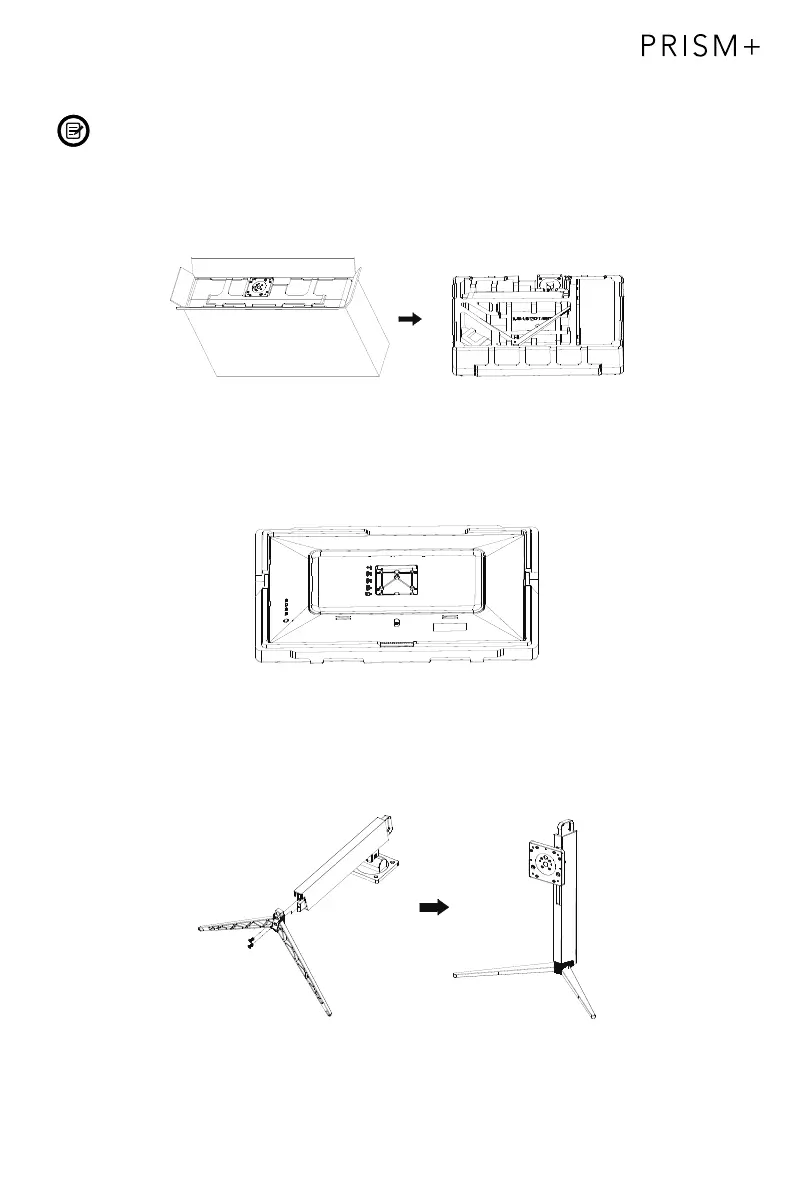
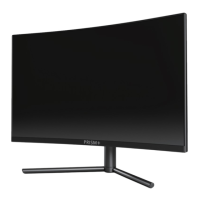
Keep the foam underneath the monitor before attaching the stand.
1. Open the packaging, gently take out the foam and monitor.
2. Remove the upper foam, keep the monitor laying on the nether foam.
3. Take out the stand stem and stand base and fasten them with 2pcs of 12mm screws.
( Screws are in the accessory bag )


 To Next Page