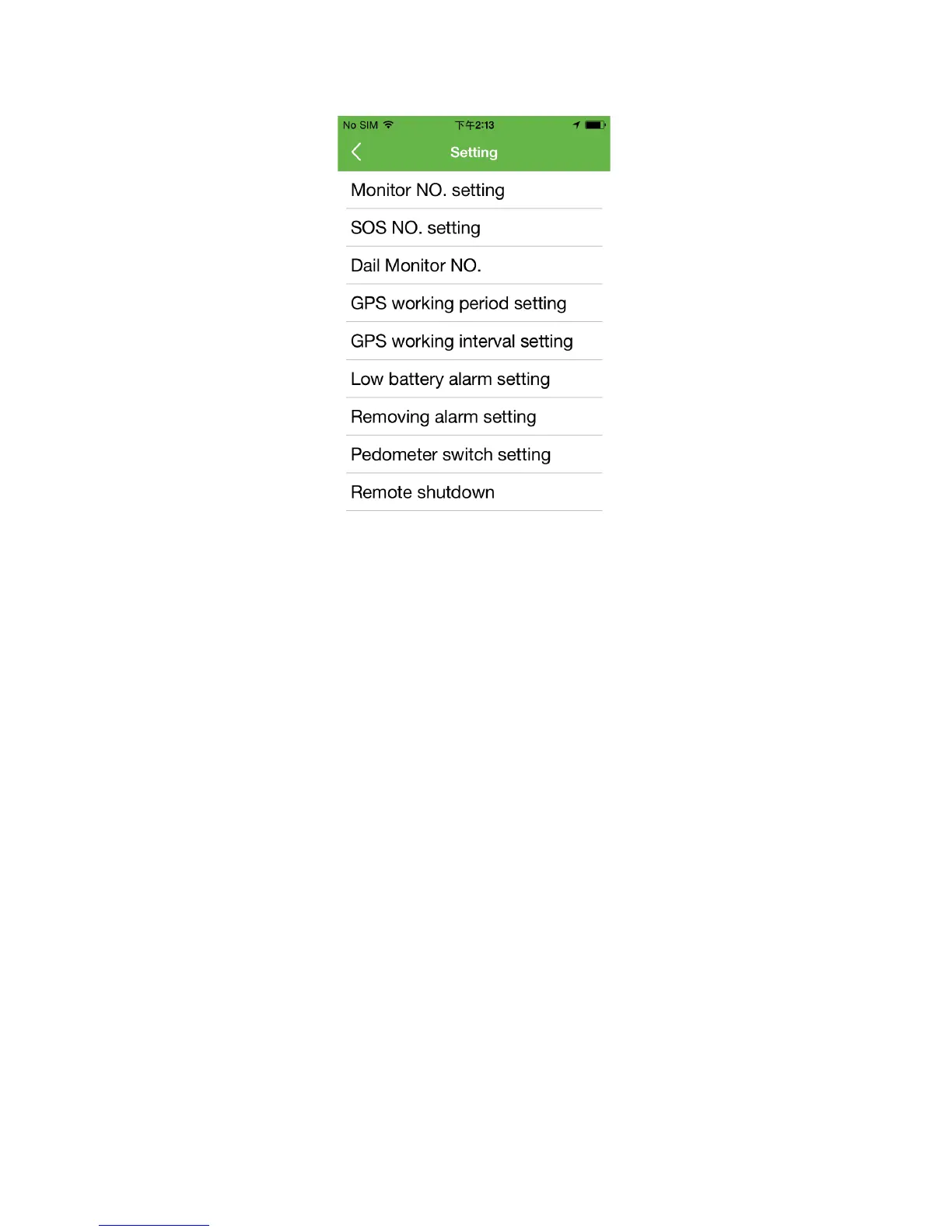
1.Setting monitor Number
After the monitor number is set successful(the number can be smart phone number or
fixed-line telephone number), can remote monitor the surrounding circumstance of the watch by
open the Dialing monitor number function but watch terminal is without knowing it.
2.Setting SOS Number
Can set three SOS numbers, the setting method is same as family number, SOS number One
same as family number 1, tie up the key“1”(namely Volume +); SOS number two is family
number 2, tie up the key“2”(namely Volume-). When the watch dial phone number out, it is OK
to press SOS key about 3 seconds.
When in an emergency, press SOS key about 3 seconds, the watch screen indicates SOS, the
watch will be in the state of alarm and dial the three SOS numbers twice automatically. If get
through it will stop dialing. If no answering it will dial twice automatically. It will send alarm
message to APP at the same time.
3.Turn on Voice Monitoring
This function can be used after setting Monitor Number.
4.Setting GPS work-time period


 To Next Page
 Loading...