30/40
The display unit will be reset and a screen of the transferred project file will be
displayed.
(9) Close the Transfer Tool.
(10) Click the [X] mark on top right of the screen or [Project]->[Exit] to close
GP-Pro EX.
3.6 Differences of software
If you change the Display Unit to GP-4301TM on GP-Pro EX after receiving data from
GP/ST3000 series, the function settings GP-4301TM does not support are deleted from
the project file.
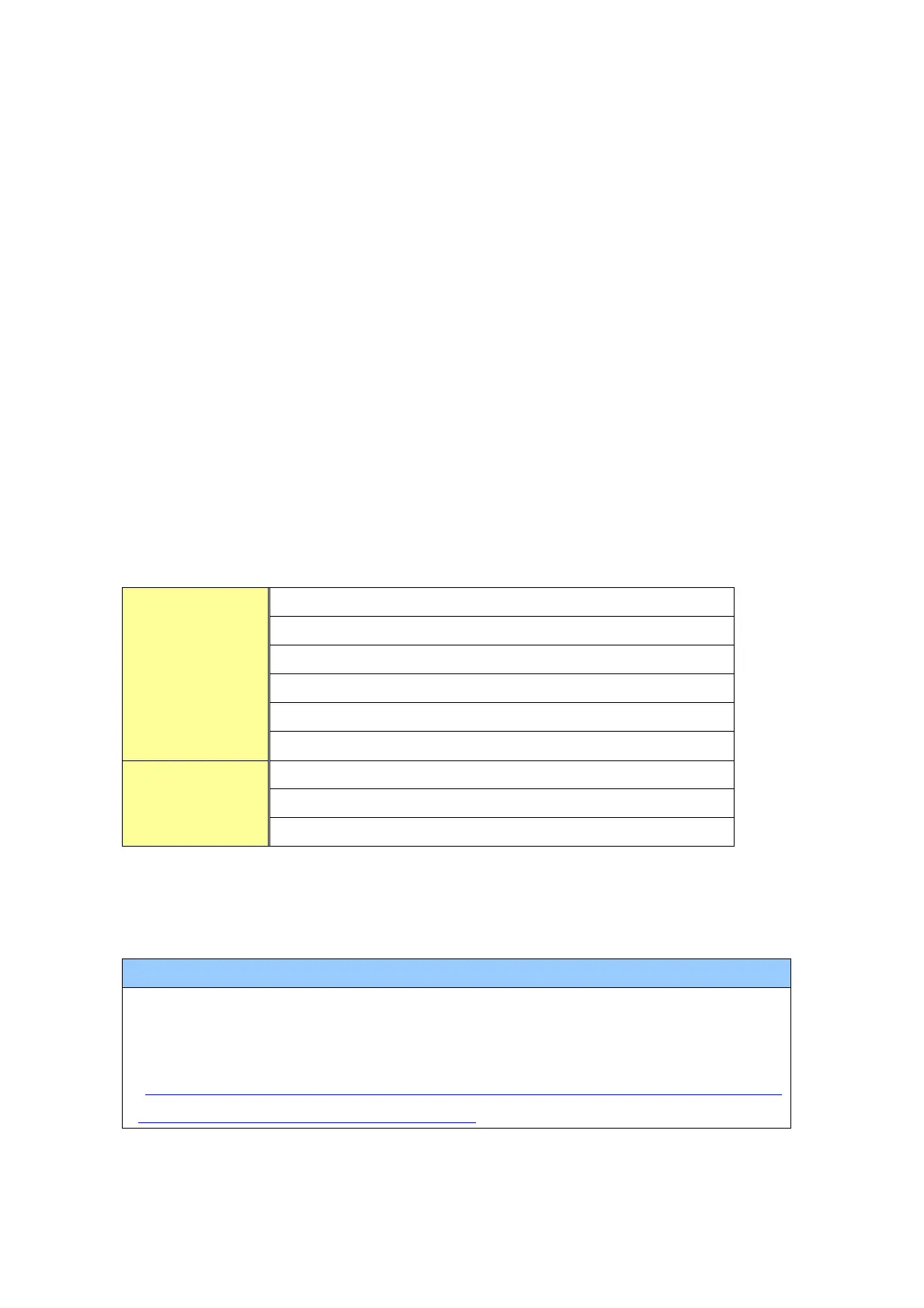
The functions to be deleted from the GP-Pro EX’s project files.
VM Unit Display (Image Unit Display)
Transfer CSV Data on Recipe
*1: In the Sampling settings, only the [Display/Save As CSV, Printing Language] setting that is not supported
by GP-4301TM is deleted.
For details of GP-Pro EX’s parts and functions that cannot be used or have
restrictions on GP-4301TM, refer to [For Those Using GP-4*01TM] in the GP-Pro EX
Reference Manual.
(http://www.pro-face.com/otasuke/files/manual/soft/gpproex/new/refer/mergedP
rojects/welcome/welcome_rr_gm4000.htm)



 To Next Page