11/44
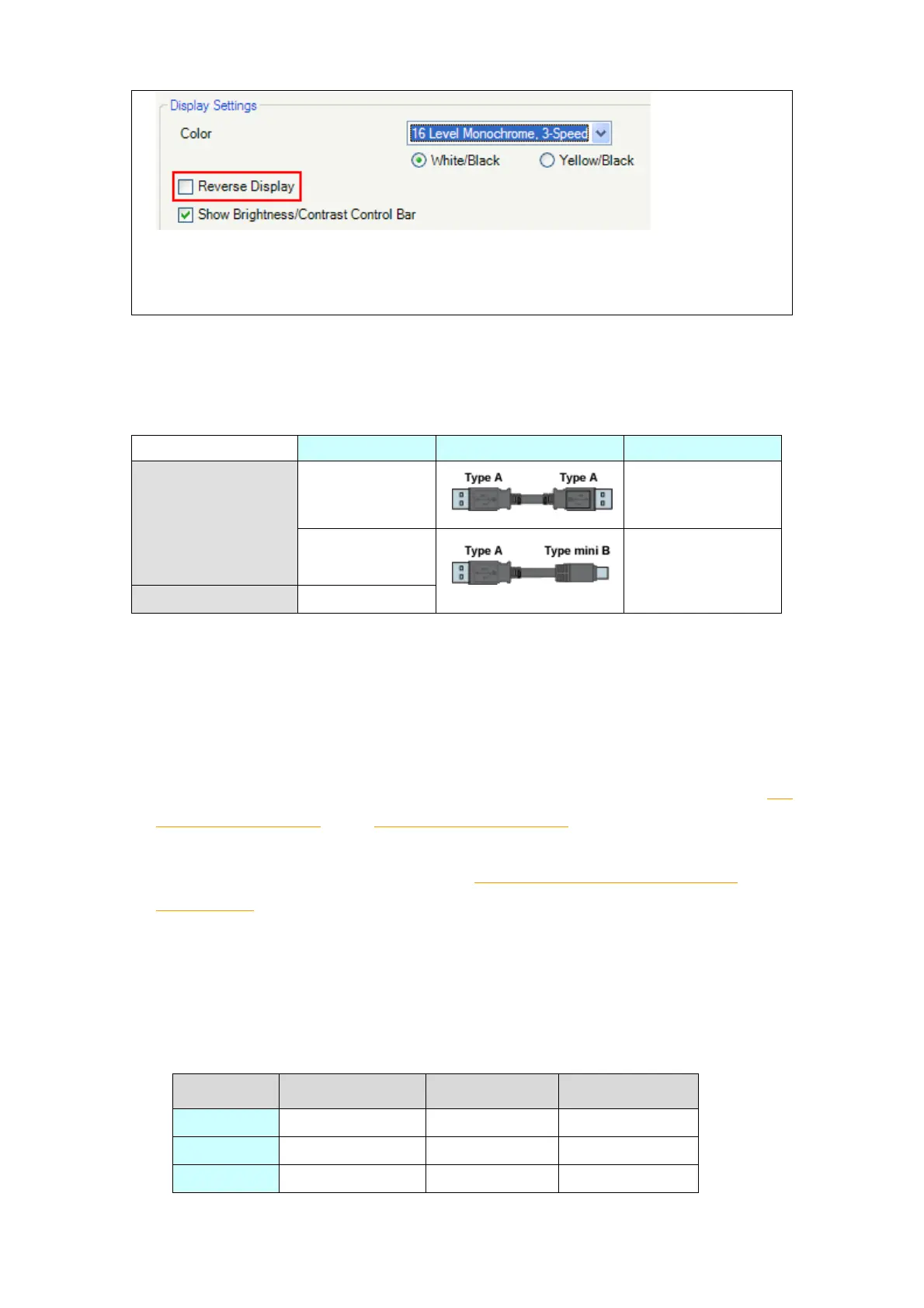
* Please confirm the display colors of the drawing or the parts on the screens after
changing the [Color] setting to “16 Levels Monochrome, 3-Speed Blink”.
2.4 Transfer cable
To transfer screen data to GP4000 series, use a USB transfer cable or Ethernet.
The USB cables that can be used for GP4000 series are as follows;
Please note that the cables (GPW-CB02, GPW-CB03, GP430-CU02-M)
GP-377R/377S/377L cannot be used for GP-4000 series.
2.5 Interface
2.5.1 Serial Interface
The pin assignment and the shape of plug/socket connector of GP-377R/377S/377L
are different from those of GP-4000 series. To know the details about them, see [4.2
Shapes of COM ports] and [4.3 Signals of COM ports].
Because of it, the existing PLC connection cables cannot be used as they are. If you
use the existing connection cables, see [4.5 Cable Diagram at the time of
replacement].
2.5.2 CF Card Interface
(only when using “Multi-Unit E” (GP377R-MLTE11))
GP4000 series is not equipped with CF card slot. However, GP4000 series allows
you to connect SD card (only GP-4301T) or USB device.




 To Next Page