32/44
Chapter 4 Communication with Device/PLC
4.1 Driver list
More connectable drivers will be added.
For the devices/PLC each driver supports, see [Connectable Devices]
(http://www.pro-face.com/product/soft/gpproex/driver/driver.html).
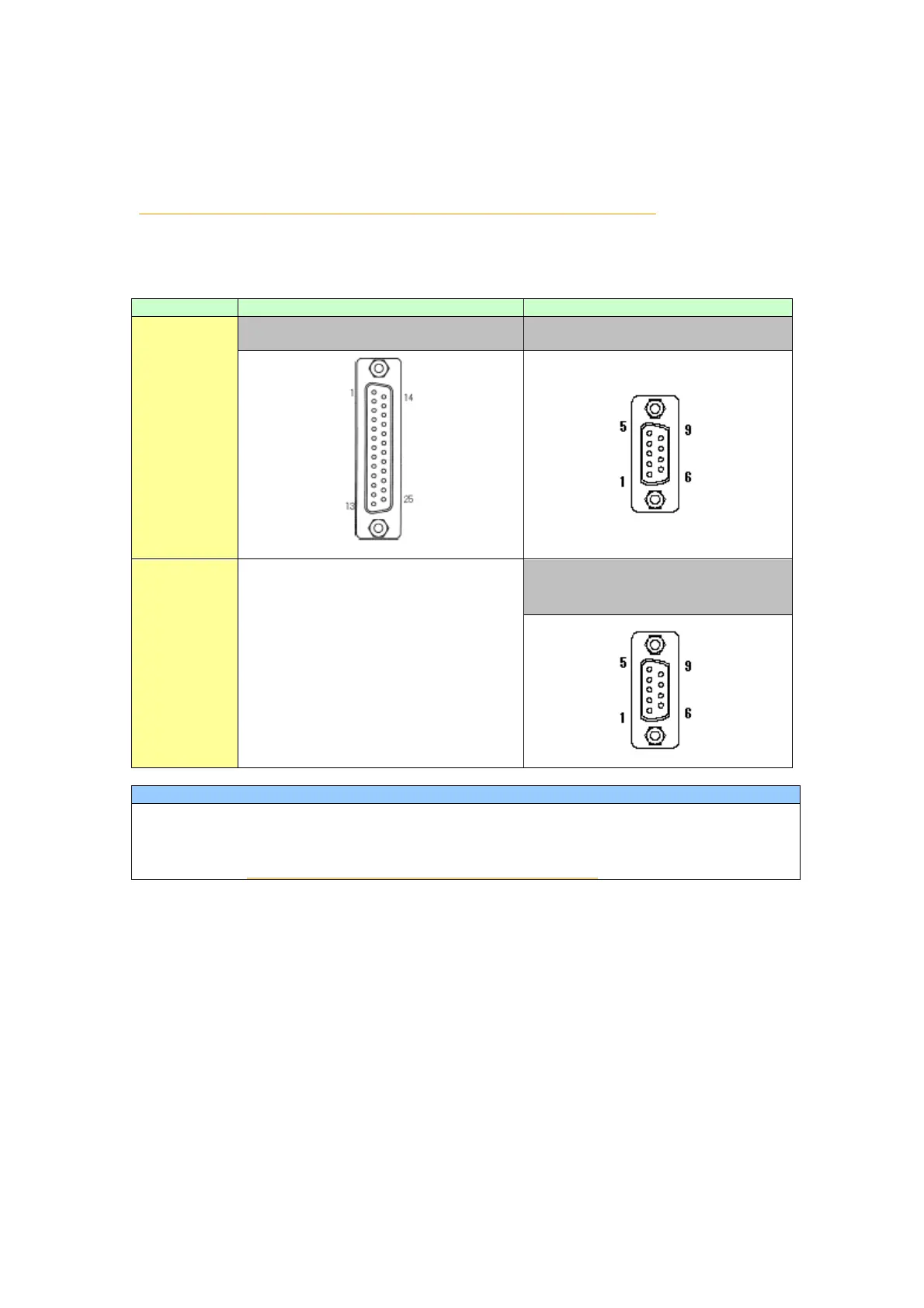
4.2 Shapes of COM ports
D-Sub25P soket
RS-232C/422
For the COM ports of GP-377R/377S/377L and GP-4000 series, the pin assignment and
the shape of plug/socket connector are different. Because of it, the existing PLC
connection cables cannot be used as they are. If you use the existing connection
cables, see [4.5 Cable Diagram at the time of replacemet].
4.3 Signals of COM ports
4.3.1 Signals of COM1
◆ For GP-377R/377S/377L
RS-232C or RS-422(soket)




 To Next Page