22
The console features an information mode that keeps
track of treadmill usage information and allows you to
select a unit of measurement for the console.
To select the information mode, insert the key into the
console while holding down the Stop button. Then,
release the Stop button. Note: If a workout has been
selected, you may have to press the Stop button
repeatedly to exit the workout before you can access
the information mode. When the information mode is
selected, the following information will be shown:
The display will show the software version of the con-
sole.
An “E” for English miles or an “M” for metric kilometers
will appear in the display. Press the Speed increase
button to change the unit of measurement, if desired.
To exit the information mode, remove the key from the
console, or press the Stop button repeatedly.
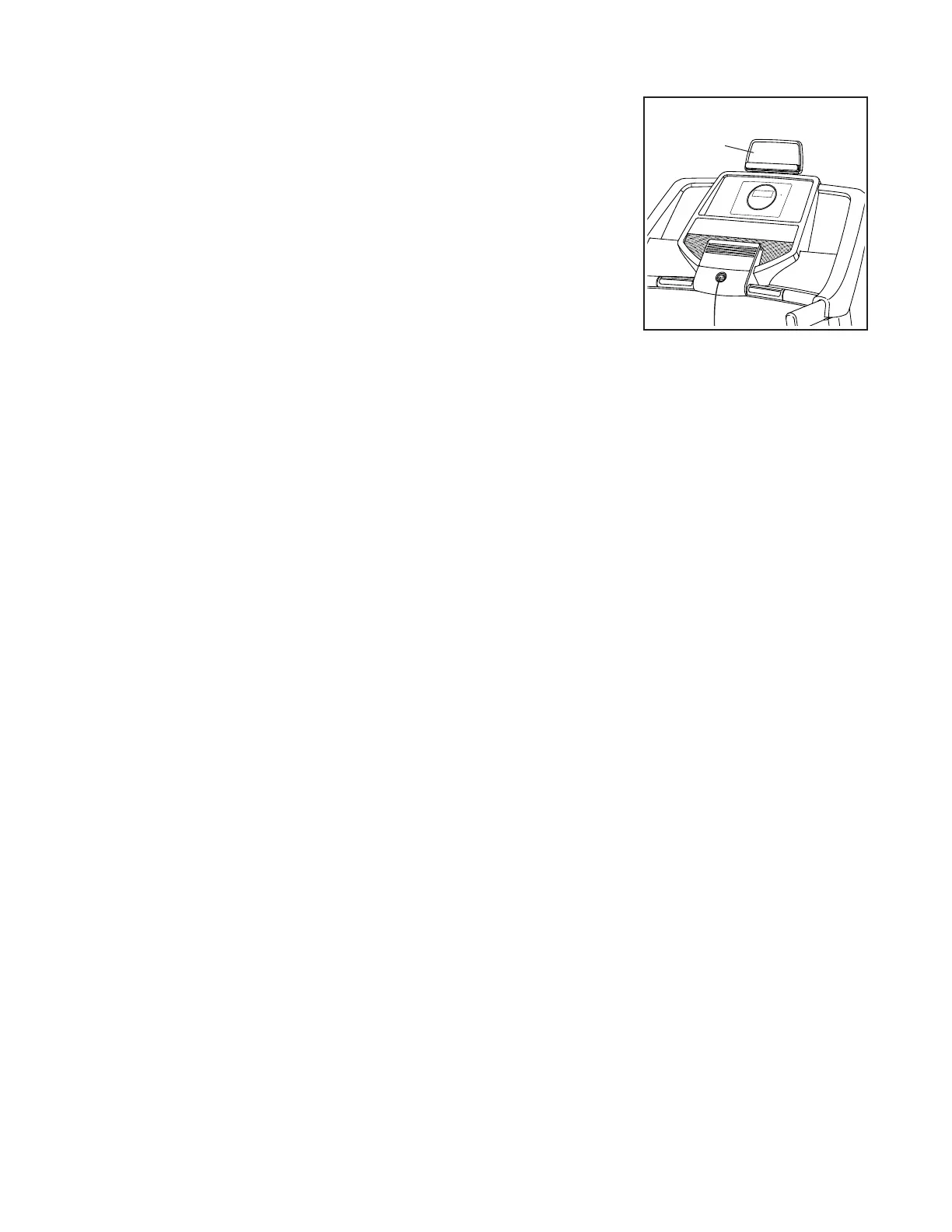
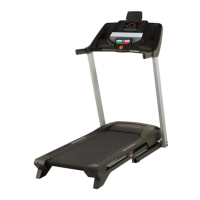
You can use your
tablet to browse
media while you
exercise. Place
your tablet on
the tablet holder
and let the tablet
holder hold your
tablet in place.
Tablet
Holder



 To Next Page