© Audio Trade GmbH · Pro-Ject Phono Box RS · Revision 2012.9.1
2
Dear music lover,
thank you for purchasing a PRO-JECT AUDIO phono amplifier.
In order to achieve maximum performance and reliability you should study these instructions for use carefully.
!
Warning of a hazard for the user, the unit or possible misuse.
Important notice.
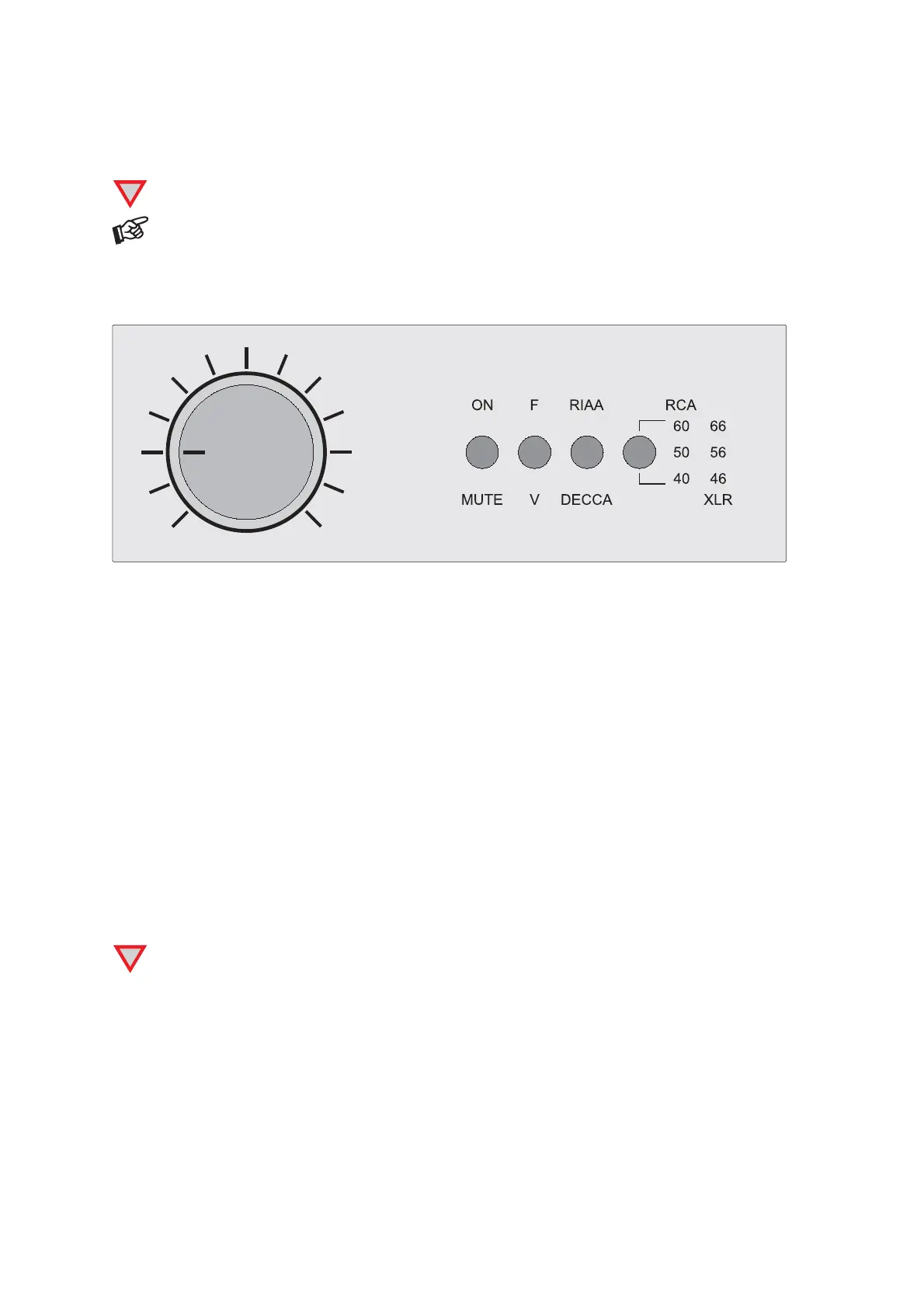
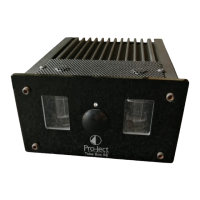
Front panel controls
1200
1100
1000
700
400
200
150
130
100
60
30
20
10
Ohm
To switch on from standby or to standby
The switch on the left hand side of the front panel turns the unit on or back into standby. The blue LED above
the stand-by switch shows that the unit is switched on.
Mute
ON/MUTE activates and deactivates mute
Selecting the de-emphasis curve
RIAA / DECCA selects the desired mode
Settings
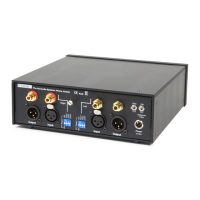
Use the dip switches, the switch RCA / XLR at the back of the unit and the rotary control at the front to set
input gain, input capacitance and input impedance. Please set both channels equally.
!
To alter settings MUTE must be engaged. Input impedance setting (variable) can be done while
listening.
Examples of typical settings
Ortofon 2M Red (MM) - input gain 40dB, input capacitance 200pF, input impedance 47kohms
Ortofon X1-MC (high-output MC) - input gain 50dB, input capacitance 420pF, input impedance 47kohms
Ortofon Rondo Red (low-output MC) - input gain 60dB, input capacitance *, input impedance 10ohms


 To Next Page