N/P
ebce
3
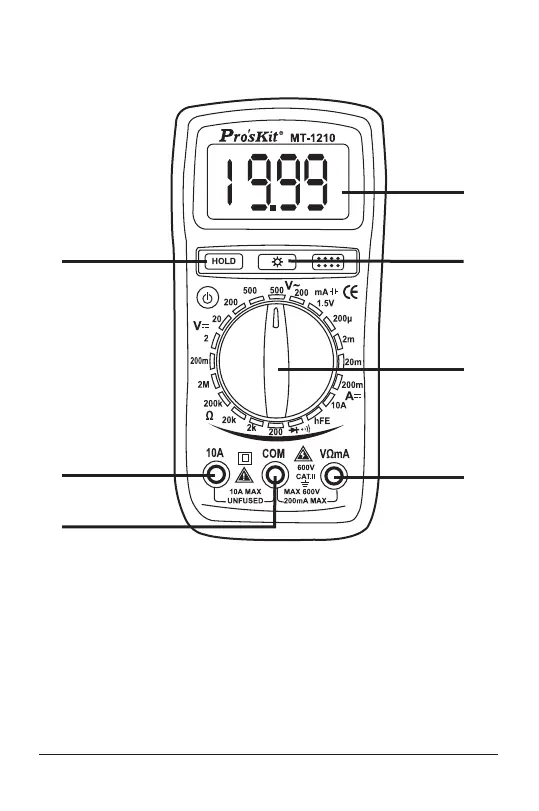
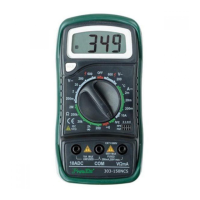
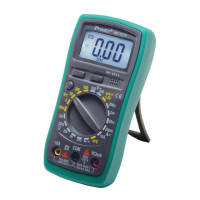
Display
1. 3 1/2 digit, 7 segment, 15mm high LCD.
2. Back light
When this button is pushed, the Back light of display is on; press
the Back light button once, and the backlight is turned off.
3. Rotary switch
This switch is used to select functions and desired ranges as well
as to turn on/off the meter.
1
4
5
6
2
3
7
FRONT PANEL DESCRIPTION


 To Next Page