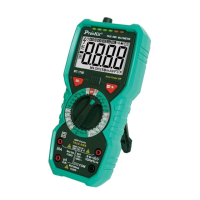
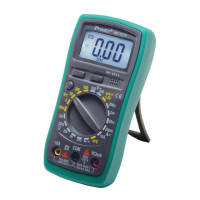
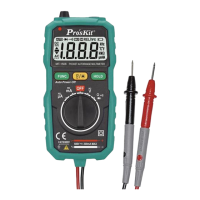
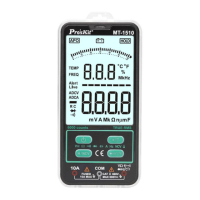
2.5 Accessories
1.Operation Manual X 1 copy 2. Test lead X 1 pair
3. K-Type thermocouple X 1 pce
3. Operational guidelines
3.1 Normal operation
3.1.1 Hold mode
In the hold mode, the reading can be maintained on the display unit.
Changing the measurement function position or pressing the key "Hold"
again to exit the hold mode.
Hold mode: entry and exit
1. Press the key “Hold ” and the reading will be held and the symbol
“HOLD” will appear on the LCD screen.
2. Press the key “Hold” again to restore the meter to its status for normal
measurement.
3.1.2 Backlight
The meter is equipped with the functions of backlight so that the operator
can access measurement results even if he is in a darker place. The
backlight function can be enabled or disenabled by the steps below:
1. Press the key" " to enable backlight .
2. Press the key" " again to manually disenable backlight; wait
for 15 seconds until the backlight is automatically disenabled.
3.1.3 LED Light
Press the key " ",the led light will be on, and press the key another, the
led light will be off.
3.1.4 Auto power off
If no operations are made in 15 seconds following the initialization, the meter
will sound to remind the operator to automatically cut off power supply and


 To Next Page