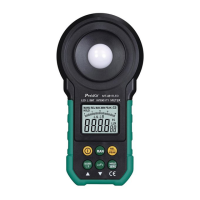
Cover the opto-sensor with the visor, and press and hold
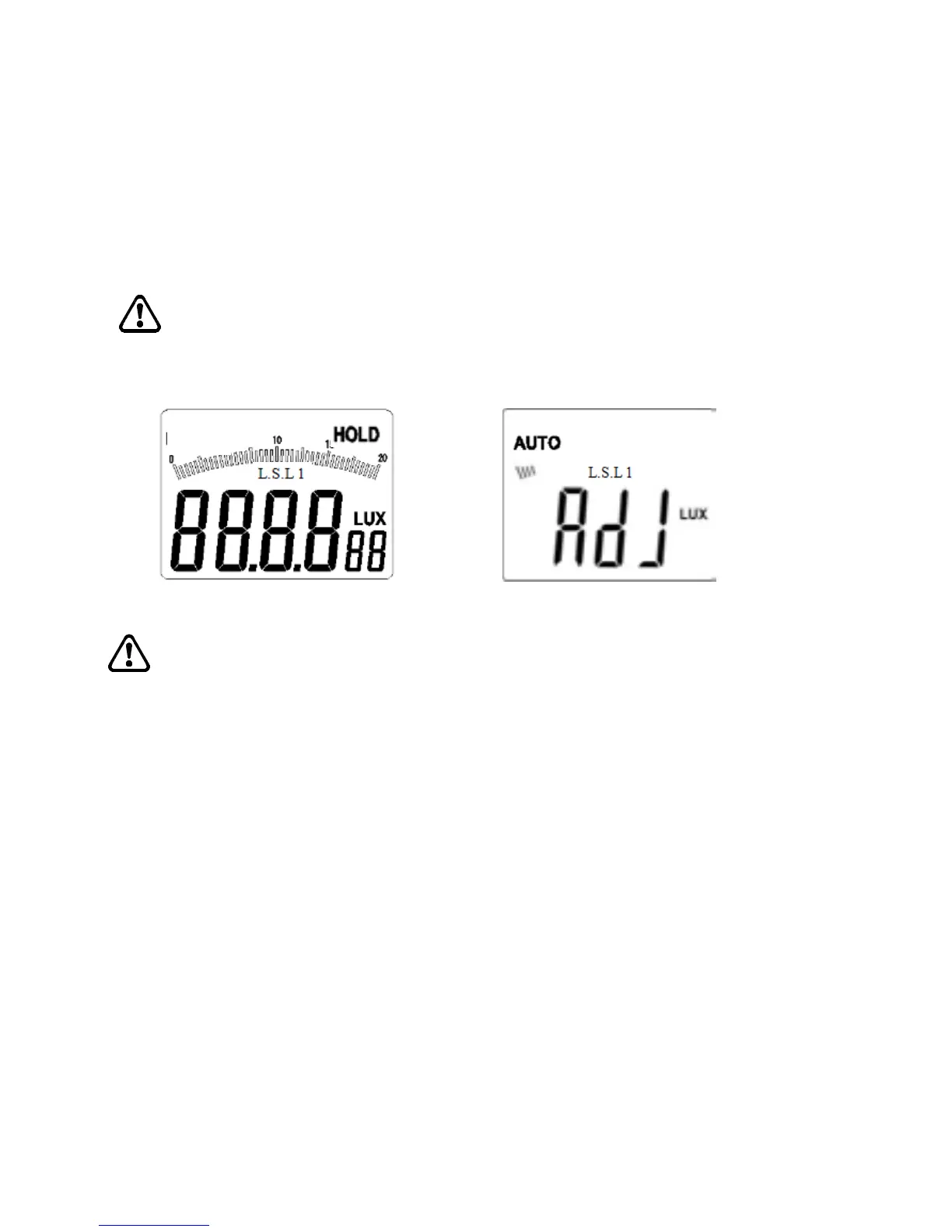
“HOLD/ZERO” key for one second, “ADJ” will appear on LCD
interface (as shown in figure 3-1-4B), then the device will enter
the zero calibration mode. Several seconds later, “ADJ” on LCD
interface will disappear, and zero calibration mode will
automatically exit and return to auto measurement mode.
Notice
Before zero calibration, the opto-sensor must be covered with the
opto-sensor visor.
Figure 3-1-4A Figure 3-1-4B
Tips
1. In non-zero calibration mode, press and hold “HOLD/ZERO” key
for a short time to enter the data hold mode.
2. Zero-calibration can be made in any mode.
Application of light source selection mode
1 Selection of light source:
1.1 Long press “MAX/MIN/L.S.” key for one second, “L.S.LN”
will flashes for light source selection
1.2 Light source selection mode, please short press
“MAX/MIN/L.S.” or “Lx/Fc” key to select light source from
L0~L9
L0 for standard light
L1 for LED white
L2 for LED red
L3 for LED yellow
L4 for LED green


 To Next Page