L5 for LED blue
L6 for LED purple
1.3 Press the “HOLD/ZERO” key to confirm, and then
measure
2 Light source parameter setting
2.1 Long press “MAX/MIN/L.S.” key for one second, “L.S.LN”
will flashes for light source selection
2.2 Light source selection mode, please short press
“MAX/MIN/L.S.” or “Lx/Fc” key to select light source from
L0~L9
2.3 Short press “RAN” key again to change the light source
parameter to meet your need.
2.4 Long press “MAX/MIN/L.S.” to save the new Light source
parameter,and then go into measurement mode;
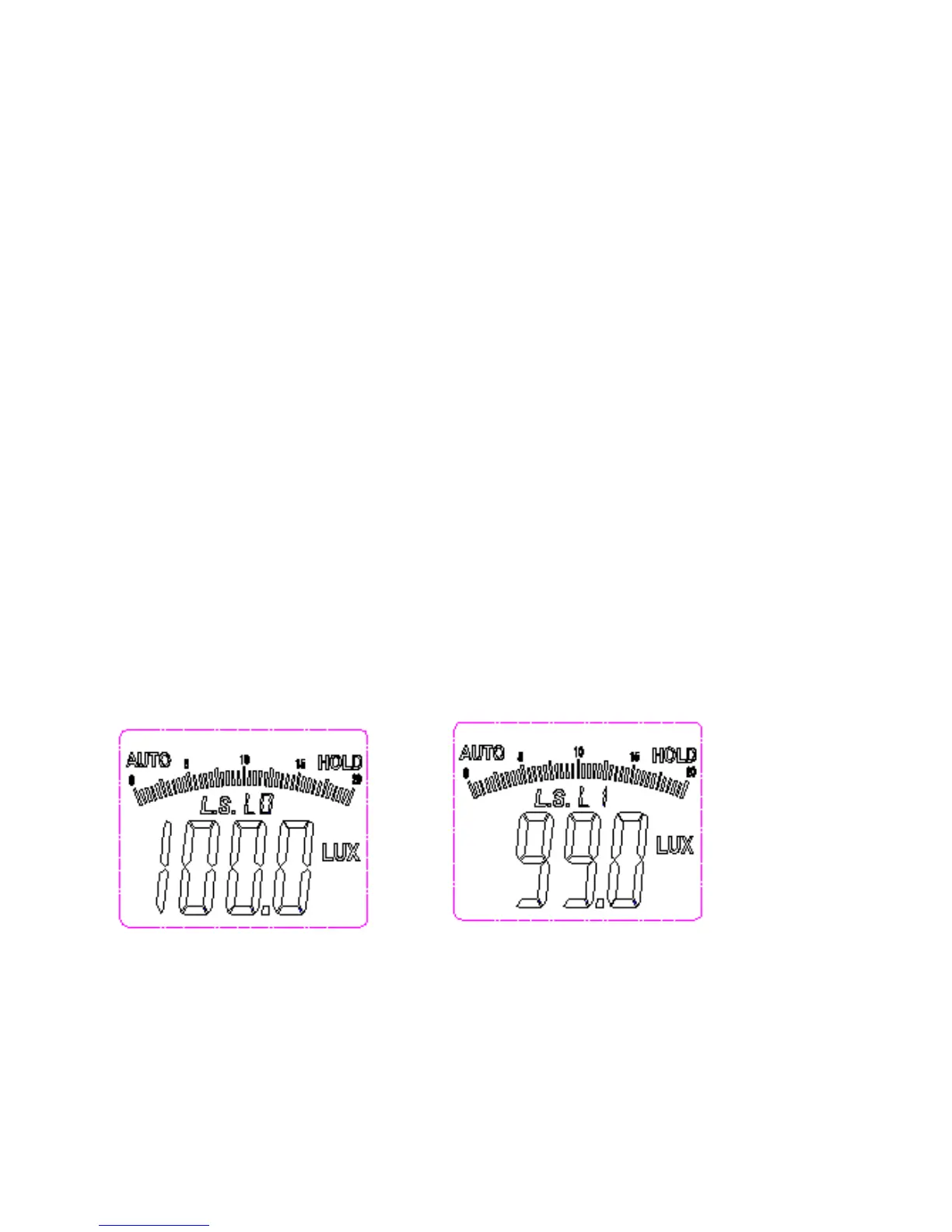
2.5 Default setting of light source parameter:
L0—> standard light source:1.000
L1—>LED white:0.990
L2—>LED red:0.516
L3—>LED yellow:0.815
L4—>LED green:1.216
L5—>LED blue:1.475
L6—>LED purple:1.148
L7--L9—> standard light source:1.000, you can reset
the L7~L9 parameters according your need, but highly
recommend keeping L0-L9 parameter as standard.
Other Functions
Auto power-off
If there is no action on keys of the MT-4617LED for a long time, the
meter will automatically power off about 10 minutes later.



 To Next Page