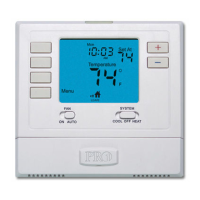
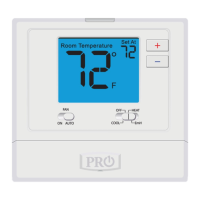
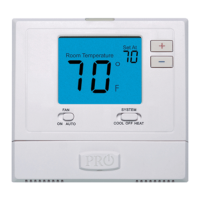
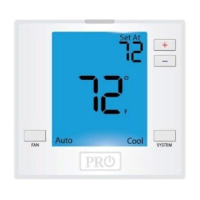
1. Select HEAT or COOL with the SYSTEM key.
Note: You have to program heat and cool each separately.
2. Press the MENU button (If menu does not appear rst, press
RUN SCHED).
3. Press SET SCHED. Note: Monday is displayed and the
WAKE icon is shown. You are now programming the
WAKE time period for that day.
4. Time is ashing. Use the or key to make your time
selection for that day’s WAKE time period.
Note: If you want the fan to run continuously during this time
period, select ON with the FAN key. If you want to use IAQ
mode during this time period, select IAQ with the FAN key.
5. Press NEXT.
6. The setpoint temperature is ashing. Use the or key
to make your setpoint selection for that day’s WAKE
period.
7. Press NEXT.
8. Repeat steps 4 through 7 for that day’s LEAVE
time period, for that day’s RETURN time period,
and for that day’s SLEEP time period.
To customize your 7 day Program schedule, follow these steps:
Monday:
Repeat steps 4 through 8 for the remaining days of the week.
A Note About Auto Changeover:
In Auto you have the ability to switch between Auto Heat or Auto Cool
by pressing the system key. This can be done once the current mode has
reached its setpoint. For example: in Auto Heat, the heat setpoint must
be satised before the thermostat will allow you to switch to Auto Cool.
You can switch out of Auto by holding down the system key. To get back
into Auto, you must toggle the system key to Auto.
Programming
Features
Specications
The display range of temperature ... 41˚F to 95˚F (5˚C to 35˚C)
The control range of temperature.... 44˚F to 90˚F (7˚C to 32˚C)
Load Rating............................................... 1 amp per terminal, 1.5 amp
maximum all terminals combined
Swing (cycle rate or dierential) ...... Heating is adjustable from 0.2˚ to 2.0˚
Cooling is adjustable from 0.2˚ to 2.0˚
Power source ...........................................18 to 30 VAC, NEC Class II, 50/60 Hz
for hardwire
Battery power from 2 AA Alkaline
batteries
Operating ambient ............................... 32˚F to +105˚F (0˚C to +41˚C)
Operating humidity .............................. 90% non-condensing maximum
Dimensions of thermostat ................. 4.7” W x 4.3” H x 0.9” D
Specications
If the lter change reminder is enabled, you will see a reminder in
the display when your air lter needs changed. The reminder will
be shown in the display after your system has run long enough to
require an air lter change.
Resetting The Filter Change Reminder: When the reminder is
displayed, you should change your air lter and reset the reminder by
holding down the 3rd button from the left side of the thermostat for
3 seconds.
This thermostat also has other maintenance reminders (UV lamp, and
IAQ Cell), that are reset with the same procedure.
Filter Change & Other Reminders
Temporary Hold: The thermostat will display HOLD and RUN SCHED
on the bottom of the screen when you press the / or fan
key. If you do nothing, the temperature will remain at this setpoint
temporarily for 4 hours. The program will resume after the temporary
hold is over.
Permanent Hold: With a temporary hold set, If you press the HOLD
key at the bottom of your screen, you will see HOLD appear below
the setpoint temperature in the display. The thermostat will now
permanently stay at this setpoint and can be adjusted using the
or keys.
To Return To Program: Press the RUN SCHEDULE key at the bottom
of the screen to exit temporary and permanent holds.
Temporary & Permanent Hold Feature
Programming
The programmable fan feature will run the fan continuously
during any time period it is programmed to be on. This is the
best way to keep the air circulated and to eliminate hot and cold
spots in your building.
A Note About Programmable Fan:
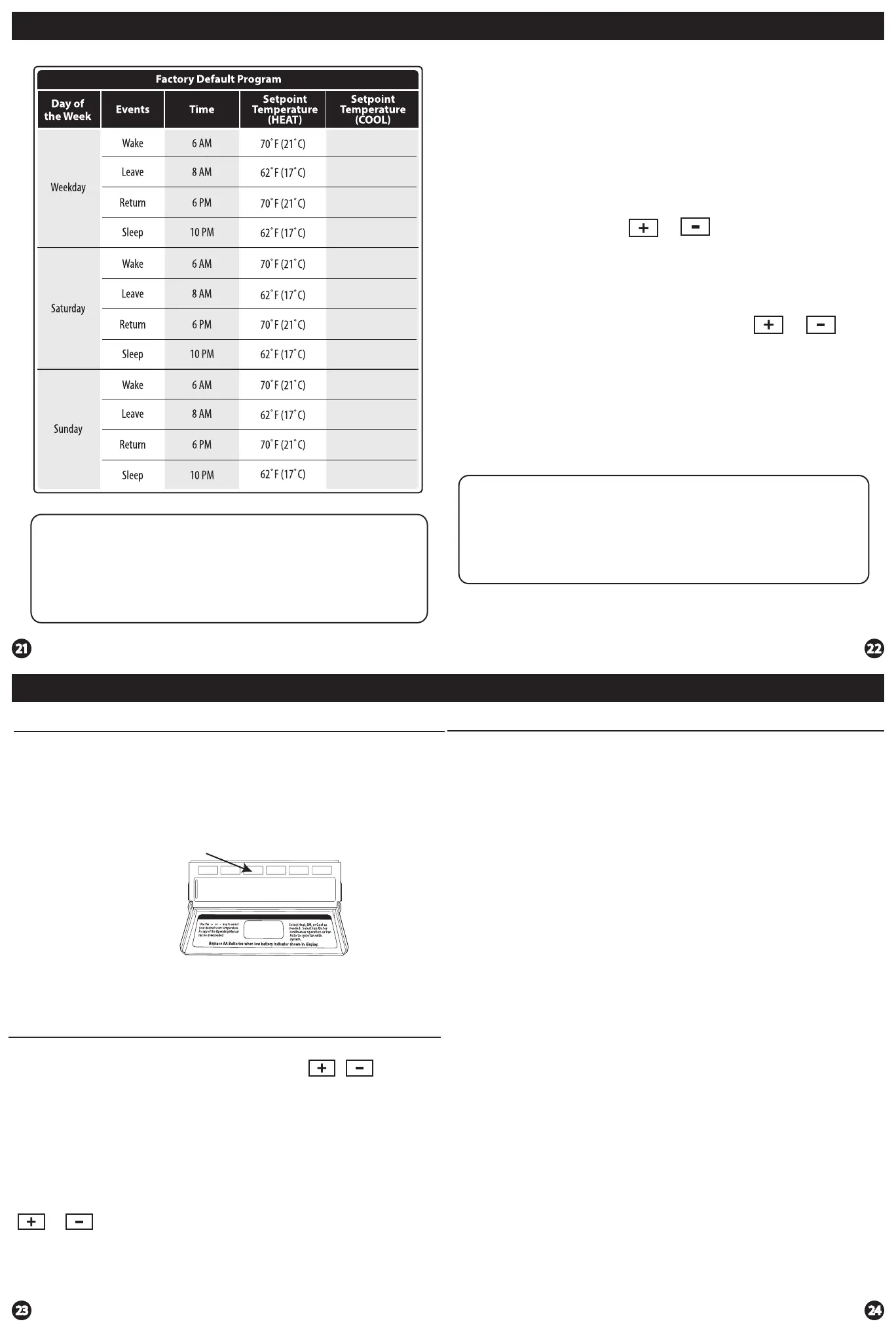
78˚F (26˚C)
85˚F (29˚C)
78˚F (26˚C)
82˚F (28˚C)
78˚F (26˚C)
85˚F (29˚C)
78˚F (26˚C)
82˚F (28˚C)
78˚F (26˚C)
85˚F (29˚C)
78˚F (26˚C)
82˚F (28˚C)


 To Previous Page
 Loading...