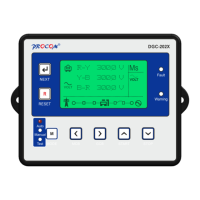
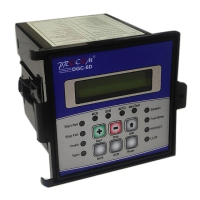
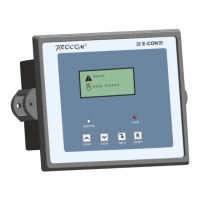
10.0 Display / Front Panel
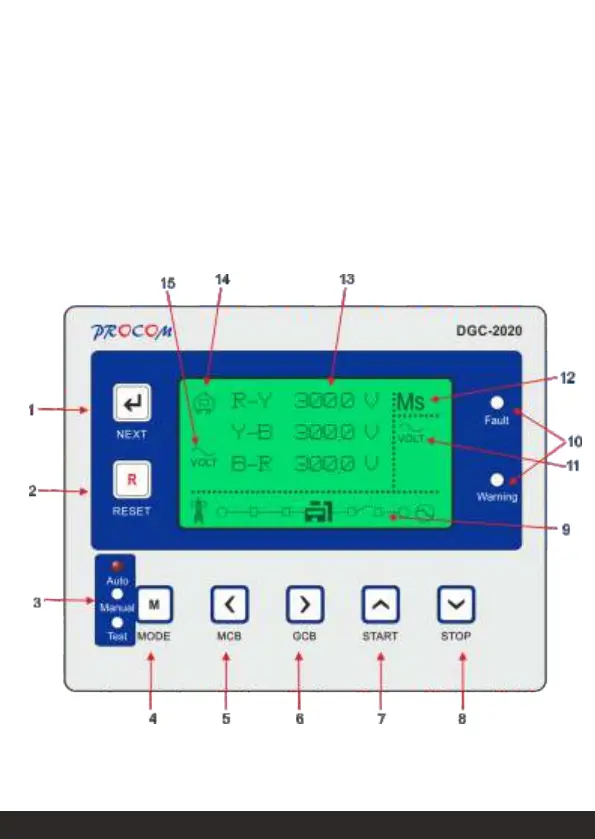
10.1 Front Facia
128x64 pixels Graphical LCD Display for ease of readout. Parameters are displayed in English
along with symbolic representation. Normally the display auto scrolls and displays a parameter for
10 seconds, but any time the Next key can be pressed to select the next parameter window.
Icons:
When displaying instrumentation, a small icon is displayed in the instrumentation area to indicate
what value is currently being displayed.


 To Next Page
 Loading...