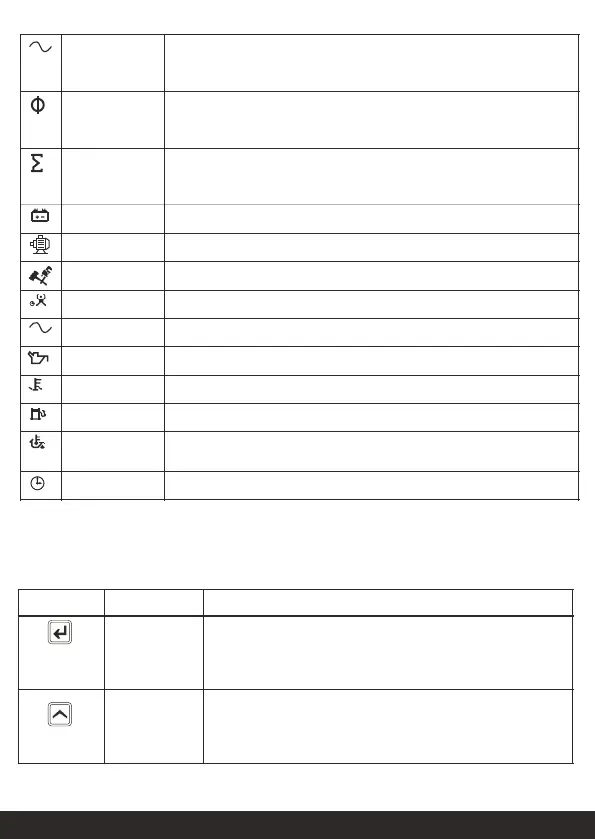
This icon shows the apparent power of Mains or Generator. When Mains
contactor is connected, it shows Mains apparent power. When generator
contactor is connected, it shows Generator apparent power.
This icon shows the power factor of Mains or Generator. When Mains
contactor is connected, it shows Mains power factor. When Generator
contactor is connected, it shows Generator power factor.
This icon shows the total power of Mains or Generator. When Mains
contactor is connected, it shows Mains total power. When Generator
contactor is connected, it shows Generator total power.
Charging Alternator Voltage.
Remaining hours for servicing the generator.
This icon shows the low lube oil pressure of generator.
This icon shows the high-water temperature of generator.
This icon shows the fuel of generator.
This icon shows the oil temperature of generator when CAN is enabled.
This icon shows the current date and time.
12.0 Keys & LEDs Description
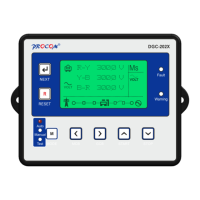
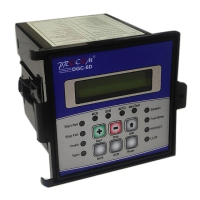
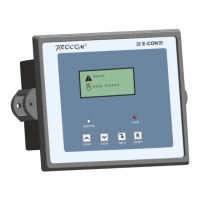
DGC202x has seven Keys provided on its front panel. The table below describes the operation of
these.
S
E
Normal operation mode: It is used to scroll forward the
parameters being displayed on LCD.
Programming Mode: Key displays the next parameter to be
programmed.
Programming Mode: It is used to increment
the value of the parameters being modified.
Manual mode: it is used to issue the crank/ start command to
DG. Crank is disabled while in Programming Mode.


 To Next Page
 Loading...