10
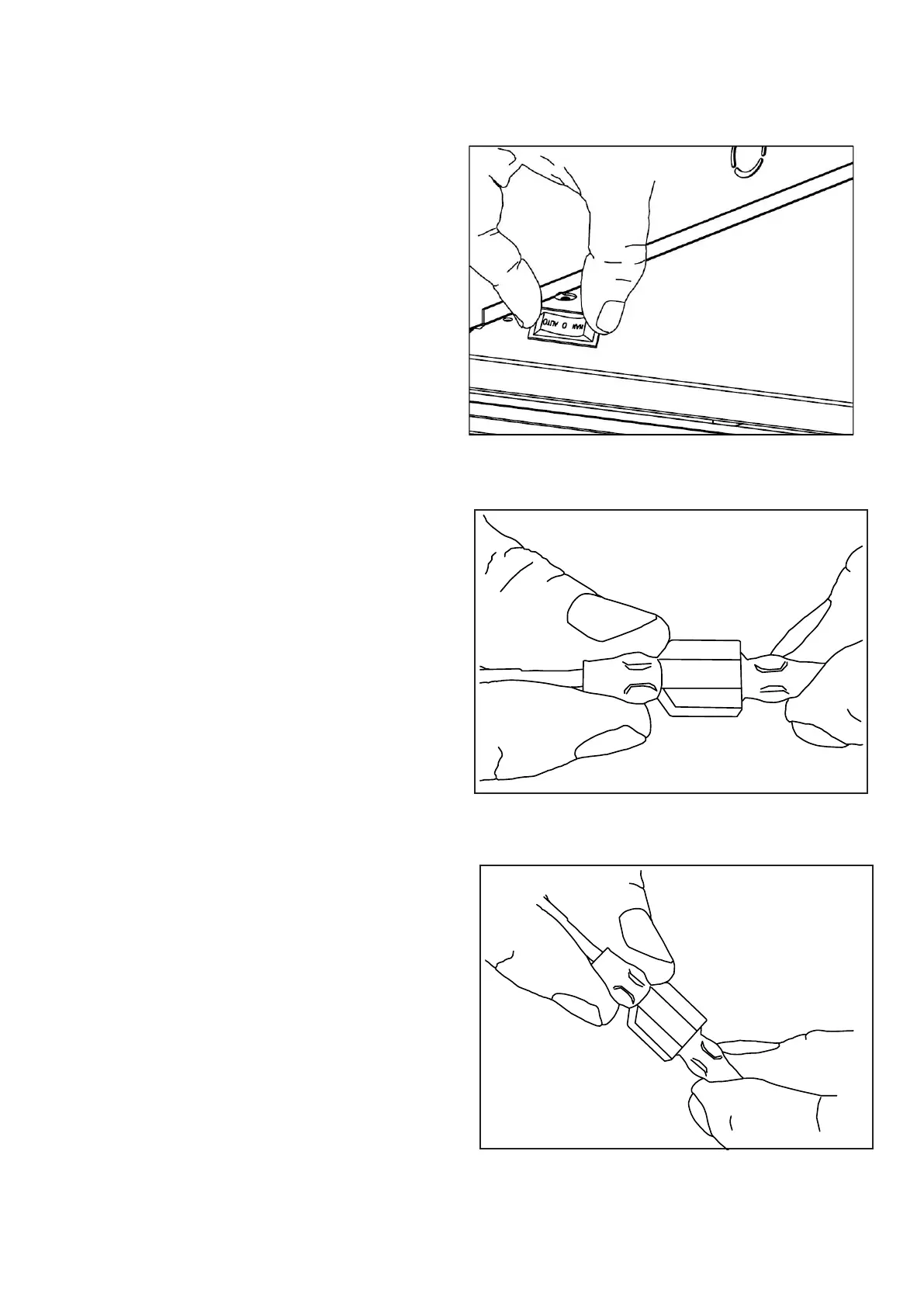
Fig.17
17.Pushtherockerswitchintotheholeon
thepanel.SeeFig.17.(ForPC32VFCand
PC36VFCseriesonly).
Fig.18
18.Insertthemaleport,whichisontheblack
powersupplywire(markedwithP2),intothe
correspondingfemaleport(markedwithP2).
SeeFig.18.
Fig.19
19.Insertthefemaleport,whichisonthewhite
powersupplywire(markedwithP1),intothe
correspondingmaleport.(markedwithP1).
SeeFig.19.
P2
P1


 To Next Page