Need help?
Do you have a question about the Procon V3D Series and is the answer not in the manual?
Lists critical warnings for electrical shock, unexpected starting, and fire hazards.
Details critical warnings regarding water, foreign objects, short circuits, and ESD.
Provides a table for selecting appropriate mains fuses and cable cross-sections.
Outlines safety measures and recommendations for connecting the main power supply.
Details safety measures for connecting the motor to the converter output.
Provides safety guidelines for earthing connections to ensure stability.
Guides through the essential steps for the first-time operation of the converter.
Recommends initial checks with an unloaded motor for proper setup.
Describes the front panel programming terminal, its display, and buttons.
Explains the specific actions of each button in different modes.
Describes the step-by-step process for accessing and modifying parameters.
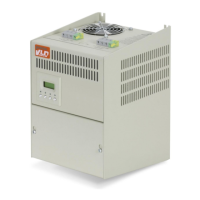
Presents a detailed table of converter models, their specs, and physical dimensions.
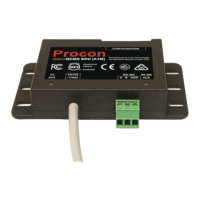
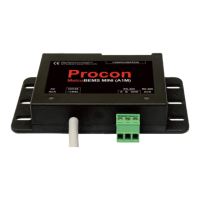
Shows which peripherals are compatible with different converter models.
 General
| Category | Media Converter |
|---|---|
| Data Transfer Rate | 10/100/1000Mbps |
| Model | V3D Series |
| Fiber Type | Single-mode or Multi-mode |
| Connector Type | SC, ST, or LC |
| Power Input | 5V DC |
| Housing | Metal |
| Mounting | DIN-Rail or Wall Mount |
| Input Interface | RJ45 |
| Output Interface | Fiber |
| Power Supply | External |
| Dimensions | Varies by model |
| Weight | Varies by model |


 To Next Page