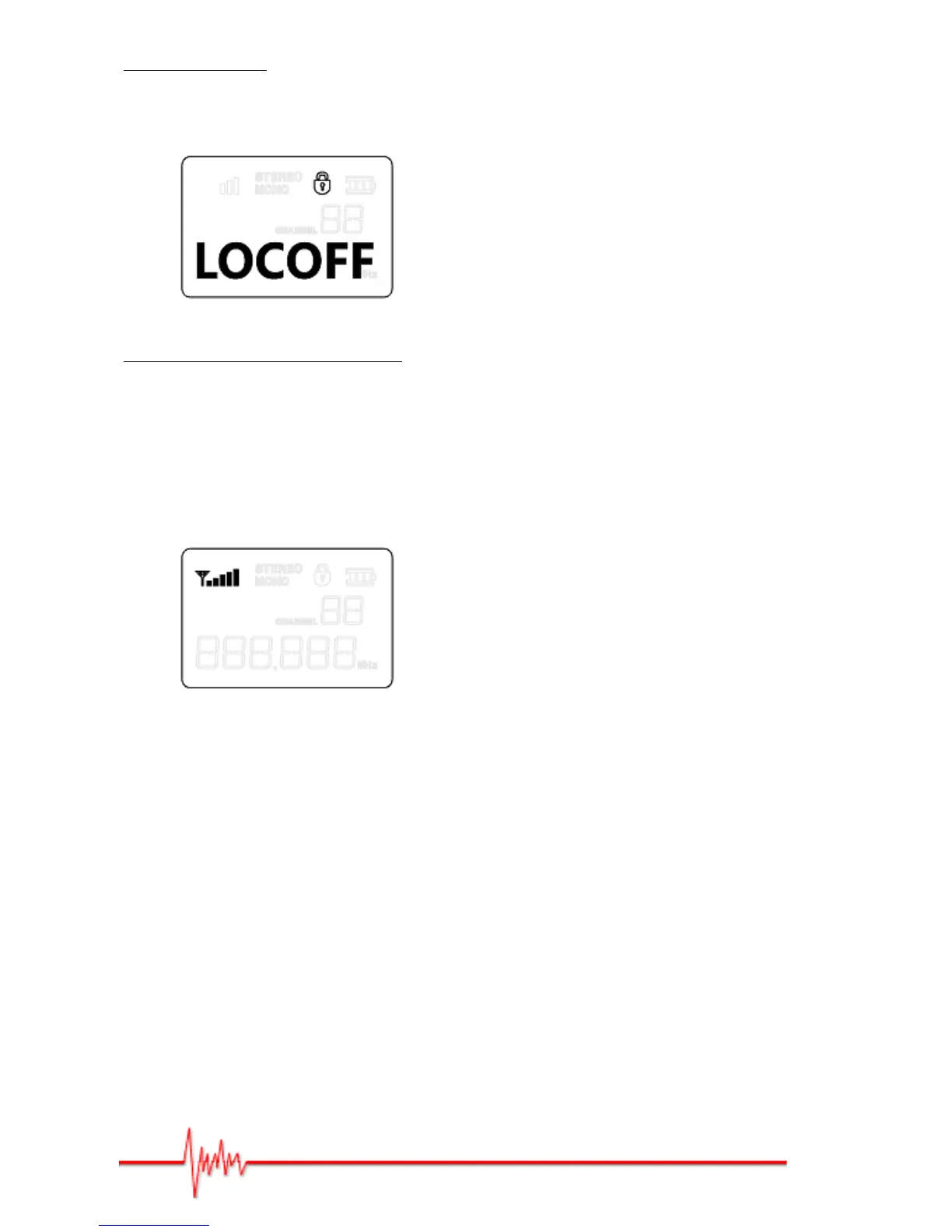
Locking the menu:
Hold down the "SET" button (system setup) until the "Lock Select" indicator comes on.
Press on the "▲" or "▼" button to select the "LOCKON" function or "LOCOFF" function.
"L" and "R" balance in stereo/mono:
At any given moment you can use the "▲" and "▼" buttons to find the right balance
between "L" and "R" channels (STEREO), or if you’re in MONO, to find the right balance
between the mixed "L" and "R" signals.
At any given moment you can check the strength of the UHF signal on the bodypack
receiver screen (signal strength indicator in bars).


 To Next Page