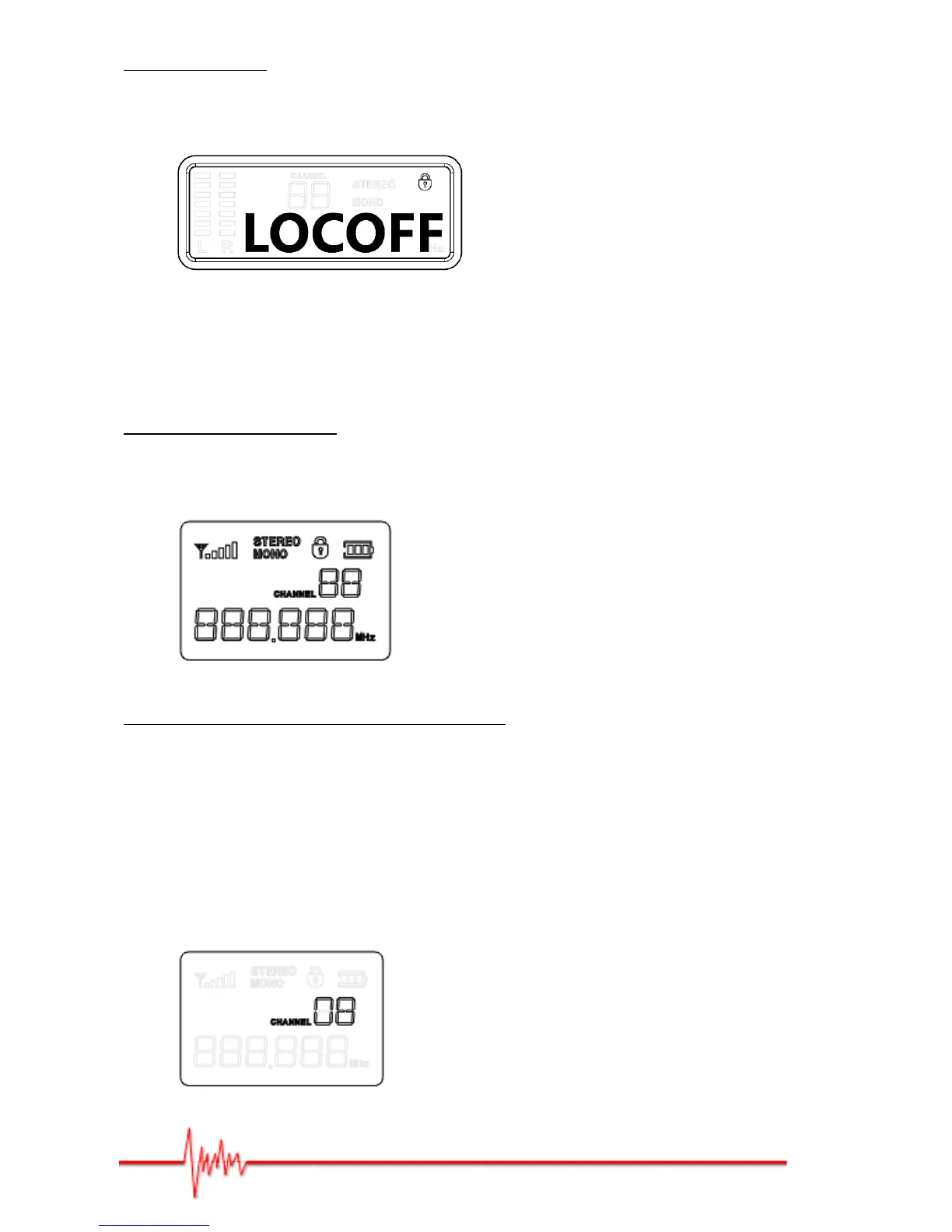
Locking the menu:
Hold down the "SET" button (system setup) until the "Lock Select" indicator comes on.
Press on the "▲" or "▼" button to select the "LOCKON" function or "LOCOFF" function.
Programming the bodypack receiver
Switching on the bodypack:
Switch your bodypack receiver on by turning the volume knob clockwise.
Do the opposite to switch off.
Selecting the group and channel for your system:
Press the "SET" button (system setup) and the "Group" indicator will flash on the screen.
Press on the "▲" or "▼" button to select the number of the appropriate frequency group.
Press the "SET" button again and the "CHANNEL" indicator will flash on the screen. Press
on the "▲" or "▼" button to select the appropriate channel.
FOR INFORMATION: when you have several systems on the go, make sure that all your
systems are using the same frequency group and select a different channel number for
each system.


 To Next Page