Prodys S.L. Tel: +34 91 6896880 Fax: +34 91 6943777 Email: sales@prodys.net Web: www.prodys.com
Page 22
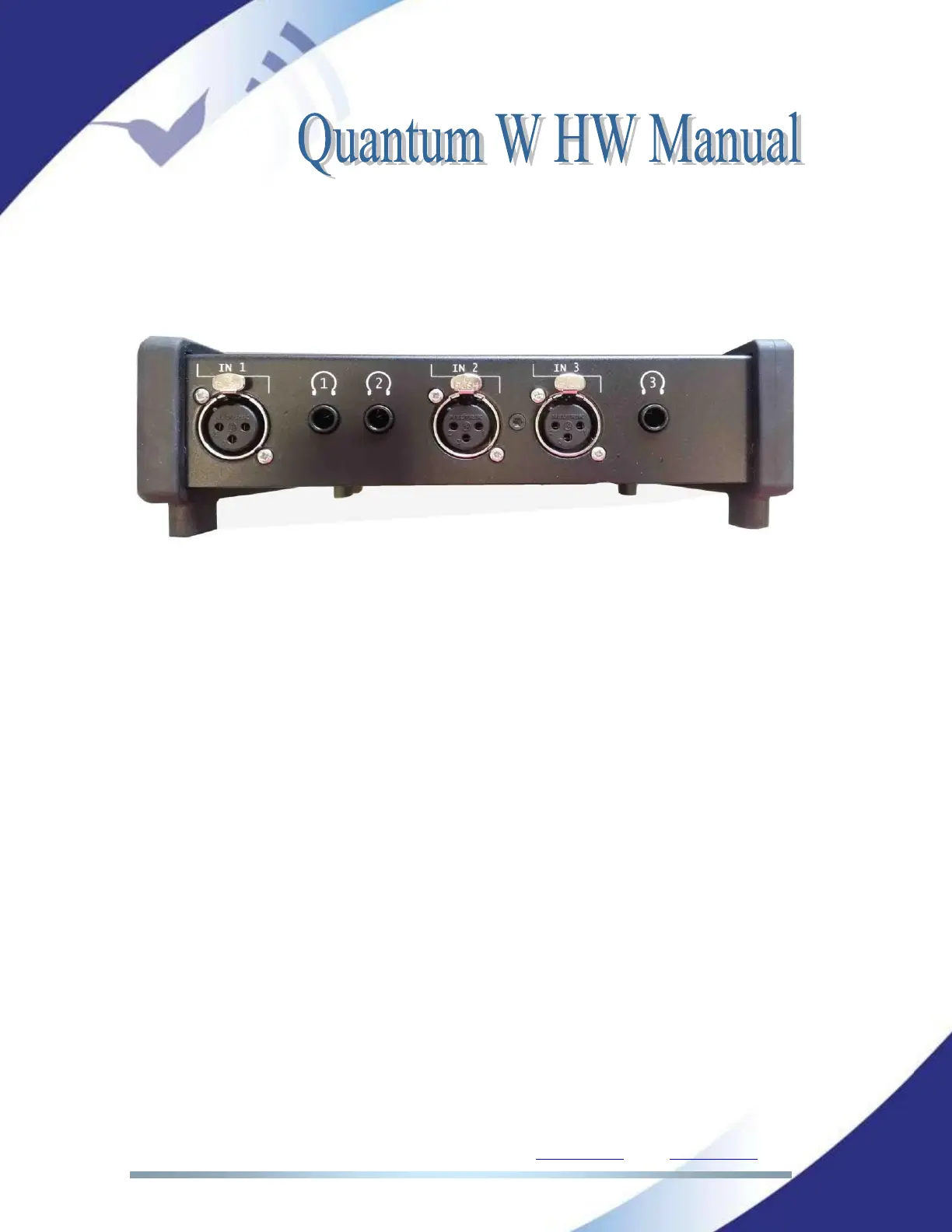
II.4 The front panel and its connectors
In the front panel there are two types of connectors: Jack connectors for the
headphone outputs (3), and XLR connectors for the MIC/LINE level inputs (3):
II.4.1 MIC/LINE Audio inputs
There are three MIC/LINE level audio inputs. Each audio input can be switched
between MIC or LINE level via software (web page or touch panel menu), and
can be configured to be applied a 48 VDC phantom power.
Each audio input supports Automatic Gain Control, a High Pass Filter and a
Compressor/Limiter. They can also be enabled/disabled by the user. For more
information about the technical specifications of these tools please refer to the
Chapter V.1.1.
Please find below a screen shot with the configuration window for MIC/Line
inputs #1. To go into this menu, click on ‘Menu’, then Audio, then ‘Inputs’, and
select the input to configure.



 To Next Page