13
OPERATION GUIDE
SOUND MODE
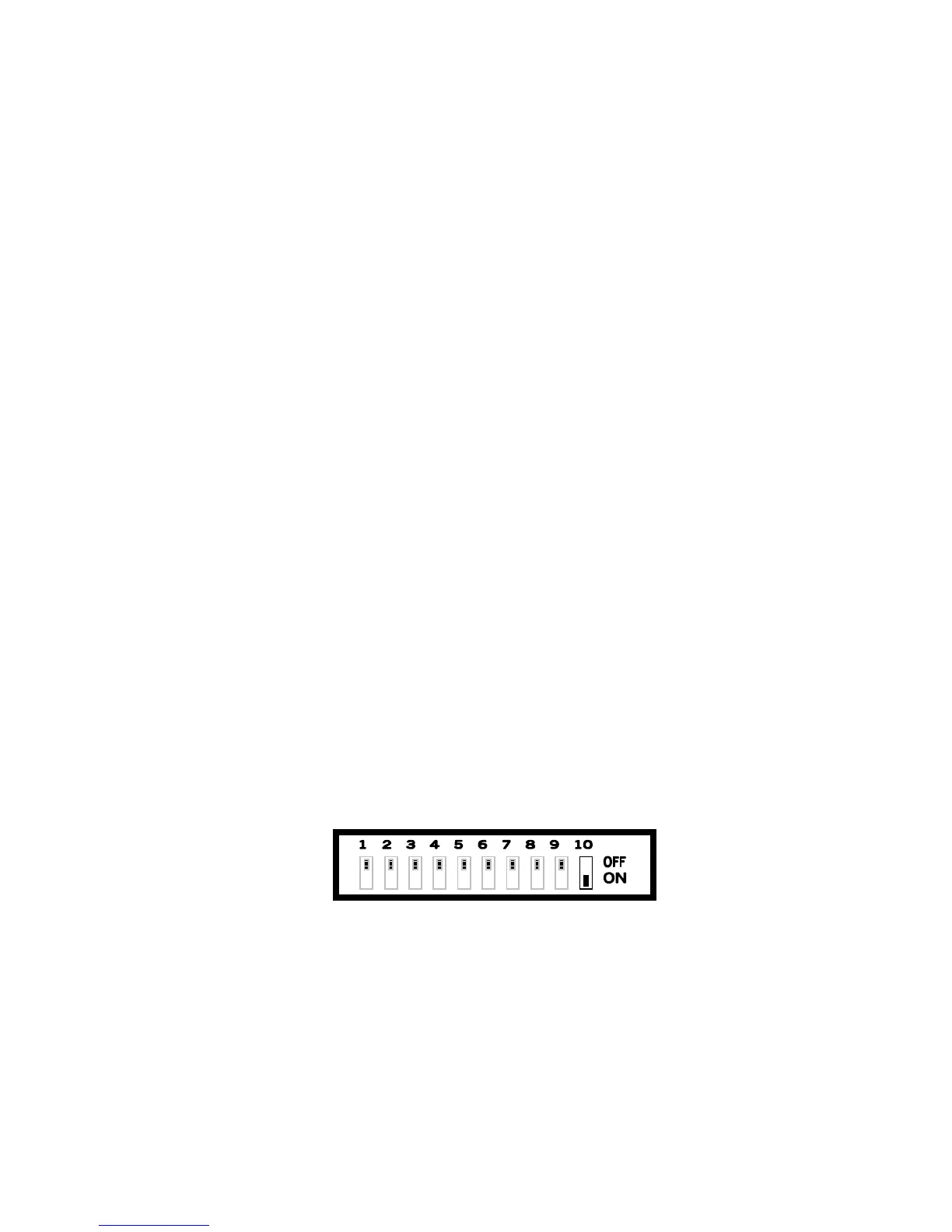
Set the No. 9 on the ON position to active the Sound Mode.
Combine the position of the switches from No. 1 to No. 8 to select the
desired effect.
AUTOMATIC MODE
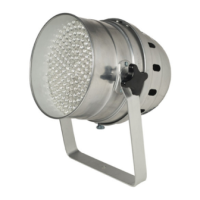
Set the switches No. 9 and the No. 10 on the OFF position, the LED
PAR will work in automatic mode. The running speed of the shows will
be adjust by switches No. 7 and No. 8 positions. The colour is
selected by switches No.1 – No.2 – No.3 (separately for RGB) while
the flashing speed by switches No.4 – No.5 – No.6.
CONNECTION WITH A DMX CONTROLLER
To control the LED PAR by an external DMX controller, set the No.10
switch on the ON position.
The address code of each LED is programmed by switches.
See the following tab to have the dipswitches position in relation with
address code.


 To Next Page