EasyManua.ls Logo

PROFAX WP-250 - User Manual

PROFAX WP-250
8 pages
Print Icon
To Next Page IconTo Next Page
Loading...
®
®
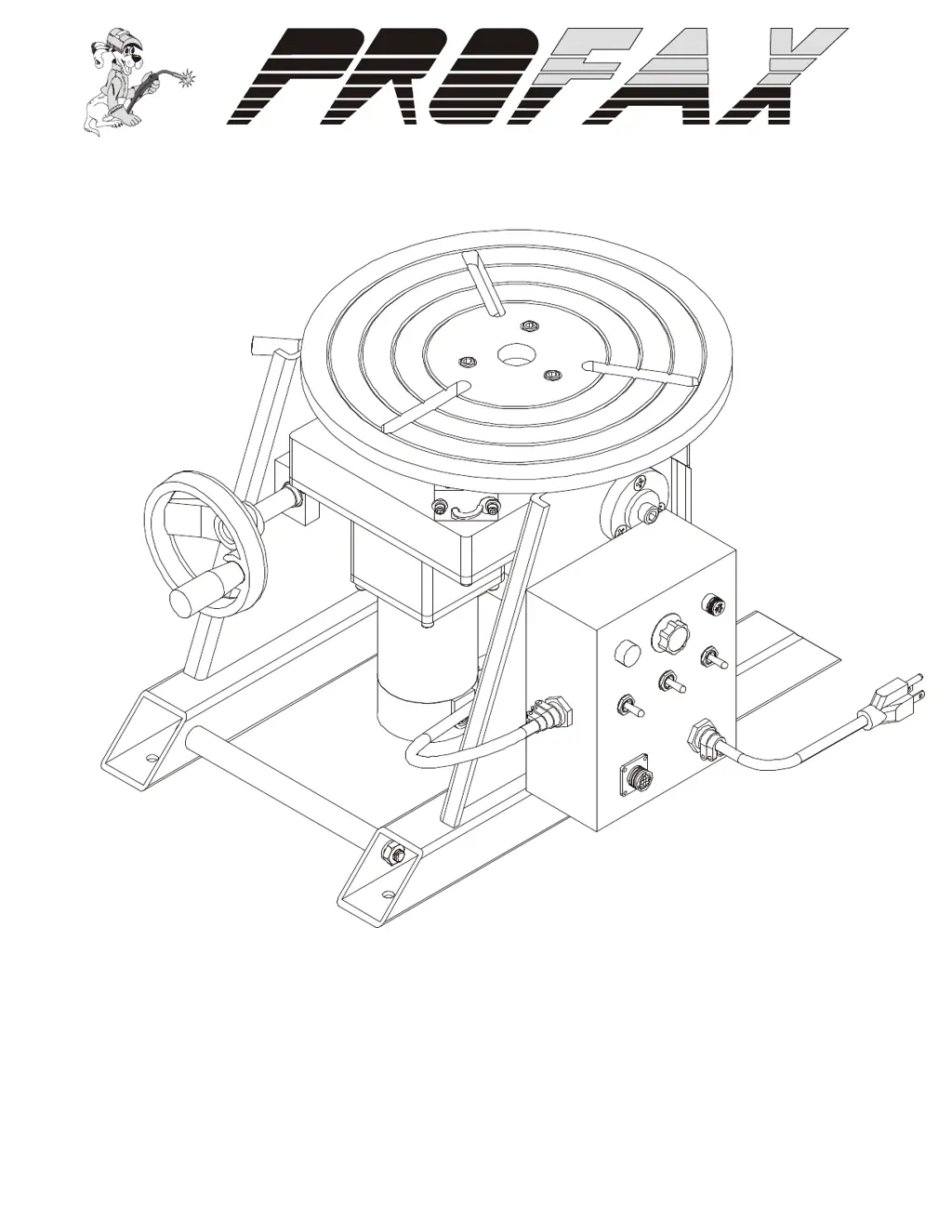
WELDING POSITIONER
00317OG091207
WARNINGS, SAFEGUARDS
&
OPERATING INSTRUCTIONS
MODEL NO: WP-250

Questions and Answers

  • J
    John FarrellAug 4, 2025
    What to do if the indicator light fails on PROFAX WP-250?
    • J
      Jerry PhillipsAug 4, 2025
      If the indicator light on your PROFAX Welding Accessories fails, there are several potential causes. First, ensure the power supply is providing 115VAC at 50/60Hz. If the power supply is adequate, check the fuse and replace it if necessary. If the fuse is not the issue, the indicator light itself, the power switch, or the PC board might be faulty and need checking and replacement.
  • A
    Amber MathewsAug 17, 2025
    Why does my PROFAX WP-250 Welding Accessories table fail to turn?
    • L
      Linda RobinsonAug 17, 2025
      If your PROFAX Welding Accessories table isn't turning, start by checking the tilt lock to ensure it's released. Next, verify that the forward/off/reverse switch is in either the forward or reverse position and test the switch continuity. If these steps don't resolve the issue, the motor may be faulty and require checking and replacement.

Summary

Warnings, Safeguards & Operating Instructions

Electrical Shock Hazards

Details dangers and precautions related to electrical shock during operation.

Health Hazards from Smoke and Fumes

Explains risks associated with welding smoke, fumes, and gases and necessary precautions.

Burn Hazards from Hot Parts

Warns about the danger of burns from hot components and advises on proper handling.

Injury Risks from Moving Parts

Highlights potential injury from moving parts and the need for guards.

Falling Equipment Hazards

Addresses risks of injury and damage from falling equipment during lifting or moving.

Safety and Operating References

Lists standards and regulations relevant to welding and equipment safety.

Warranty Information

Positioner Specifications

Provides technical details and capacities of the welding positioner.

Dimensional Drawings

Presents visual representations and dimensions of the welding positioner.

WP-250 General Operating Instructions

Loading the Positioner

Guidelines for safely mounting and loading work pieces onto the positioner.

Welding Cable Ground Connection

Instructions for properly connecting the welding ground to the positioner.

Control Panel and Wiring

Control Panel Overview

Details the functions of each control and indicator on the positioner's panel.

Wiring Schematic

Presents the electrical wiring diagram for the positioner's control system.

WP-250 Parts and Troubleshooting

Parts List

Lists all components of the WP-250 welding positioner with PROFAX part numbers.

Troubleshooting Guide

Provides solutions for common problems encountered with the welding positioner.

Daily Maintenance

Maintenance Procedures

Outlines daily and weekly checks and tasks to ensure proper equipment operation.

PROFAX WP-250 Specifications

General IconGeneral
BrandPROFAX
ModelWP-250
CategoryWelding Accessories
LanguageEnglish