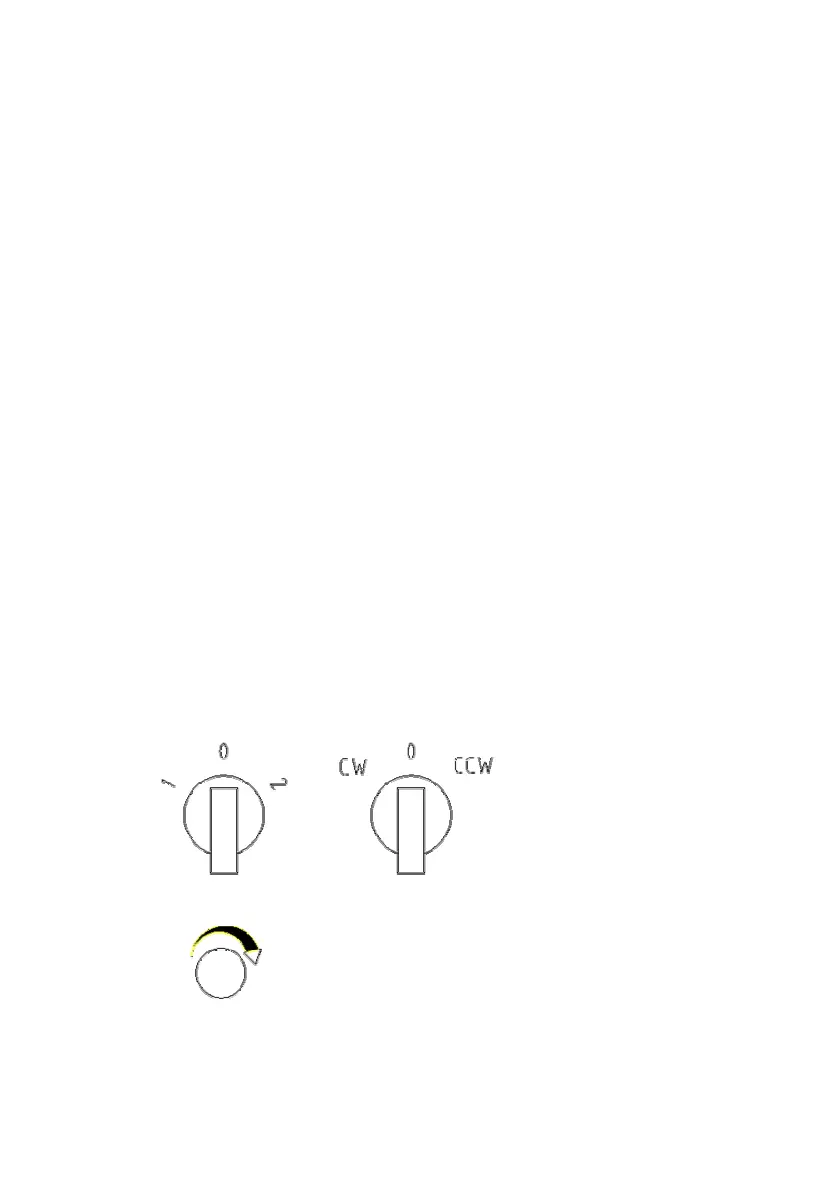
turn knob anticlockwise, worktable rotate negative;
When turn knob to middle tap position, then power off
and stop work.
While worktable rotates smooth and steady, it’s speed
can be adjusted by the rotary knob on bottom of
electric box. Turn knob clockwise, speed up; turn
knob anticlockwise, speed down.
4.1.2 Adjust angle of worktable
Hold up worktable firmly when machine come to a full
stop (can be done by several people together when
workpiece is heavy).
Turn the locking hand shank upward, adjust angle of
worktable by manual.
Turn the locking hand shank downward after
adjustment, make sure lock firmly, then finish angle
adjustment.
4.2 Adjust of WP500
(Adjust revolve of worktable)


 To Next Page