15
3.5 MM AUDIO INPUT
1. Turn on the radio.
2. Plug your 3.5 mm audio cable into the Aux input jack. (Not supplied)
3. Plug the other end of the cable into a compatible audio device.
4. Turn on the audio device and set it to sound output. The sound should be audible from the AC adapter.
Dome speaker.
Note: The USB power port allows you to conveniently charge your audio or mobile device while music is playing.
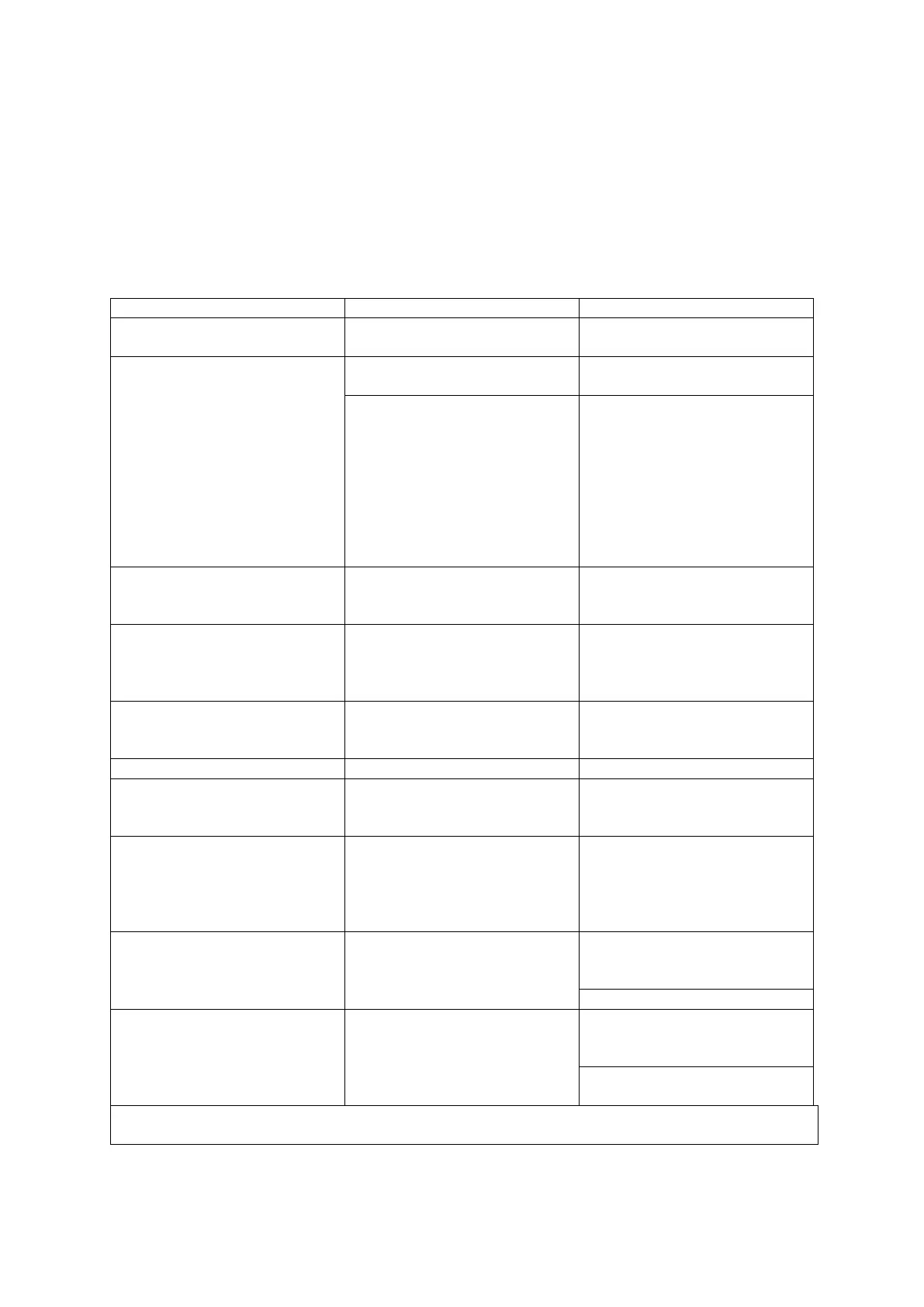
TROUBLESHOOTING
High temperature
protection
Allow the power station cool down
for about 10 minutes
Power station battery
voltage is below 10 volts
Recharge the station immediately
Excessive current drawn
by appliance being
operated.
Reduce load to maximum wattage
1.Turn off the device and inverter.
2.Disconnect device.
3.Turn the inverter on and let it
run for a minimum of 2 minutes.
4.Turn inverter off.
5.Quickly plug device into inverter.
6.Turn on both the inverter and
the device
Check and replace if necessary. Be
sure replacement fuse is the same
type and rating
Battery charge level is
too low
1. Disconnect all appliances.
2. Turn inverter off.
3. Charge power station fully. (See
charging section for more details.)
Inverter power indicator
is not lit
Check internal battery status and
recharge if voltage drops below 10
volts
Reduce load to maximum wattage
Inverter automatically
shuts down
Unplug and power off to restart
then reduce AC load to maximum
wattage
Television/power
tool will not start
Required wattage exceeds power
station peak surge for start-up
Toggle the Inverter Switch on and
off in quick succession for 5 times.
If the device does not start, the
device is not compatible with this
type of inverter
Picture breaking up
(static).
Place the power station as far as
possible from the TV, antenna, and
coaxial cable.
TV station may be out of range
Static/noise interference
in audio system
Sound system has weak
alternating current
shielding
Do not use the power station’s
inverter with low quality audio AC
filtering system.
Replace audio system with high
quality noise filtering
34-36 hours with AC charging (socket)
14-16 hours with DC charging (cigarette lighter)


 To Next Page