2 3
SAFETY INSTRUCTIONS
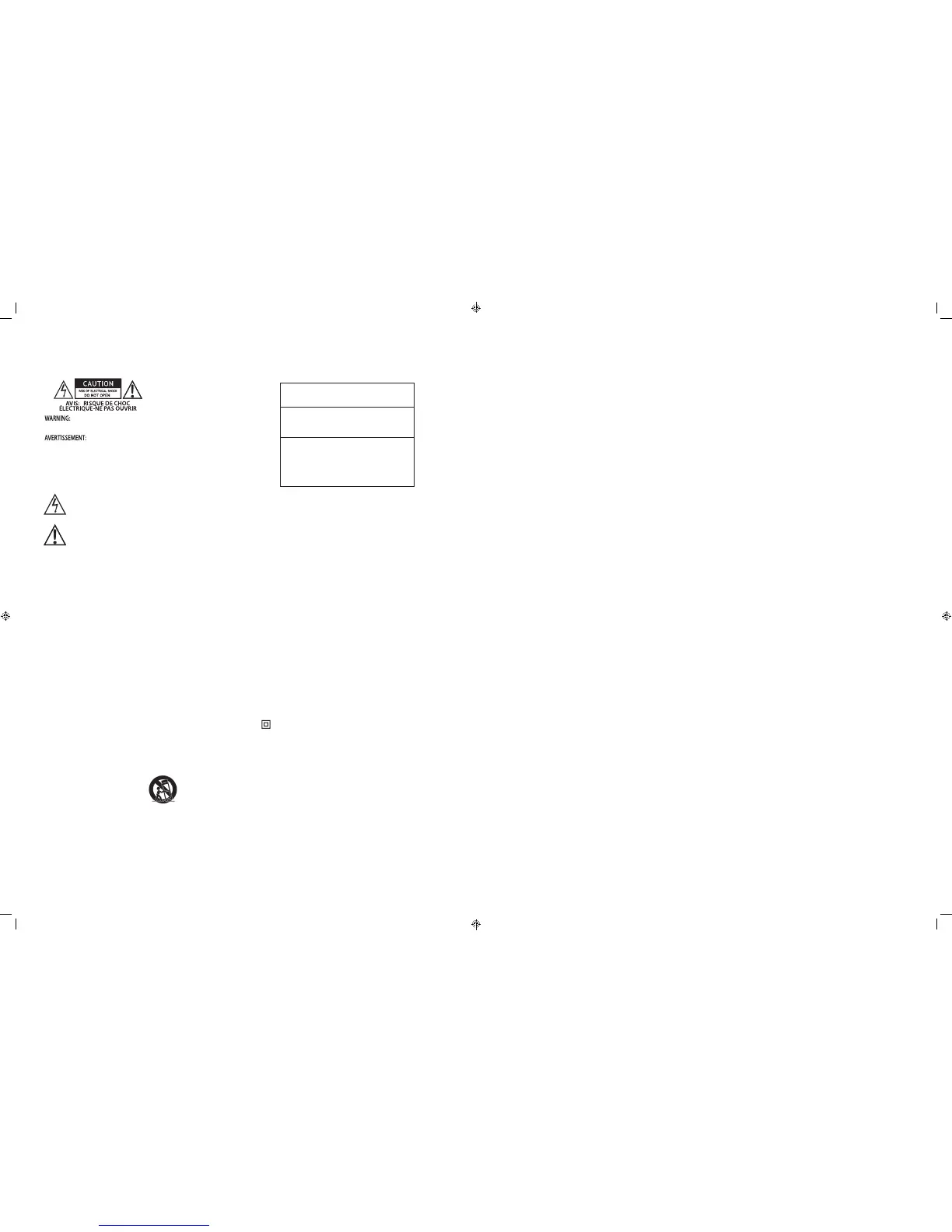
The lightning ash with arrowhead symbol, within
an equilateral triangle, is intended to alert you to the
presence of non-insulated “dangerous voltage” within
the product’s enclosure that may be of sucient
magnitude to constitute a risk of electric shock to
persons.
The exclamation point within an equilateral triangle
is intended to alert you to the presence of important
operating and maintenance (servicing) instructions in
the literature accompanying the product.
APPLICABLE FOR USA, CANADA OR
WHERE APPROVED FOR USAGE
CAUTION: TO PREVENT ELECTRIC SHOCK,
MATCH WIDE BLADE PLUG TO WIDE SLOT,
INSERT FULLY.
ATTENTION: POUR EVITER LES CHOCS
ELECTRIQUES, INTRODUIRE LA LAME LA
PLUS LARGE DE LA FICHE DANS LA BORNE
CORRESPONDANTE DE LA PRISE ET POUSSER
JUSQU AU FOND.
1. Read these instructions.
2. Keep these instructions.
3. Heed all warnings.
4. Follow all instructions.
5. Do not use this apparatus near water.
6. Clean only with a damp cloth.
7. Do not block any ventilation openings. Install in accordance with the
manufacturer’s instructions.
8. Do not install near any heat sources such as radiators, heat registers, stoves, or
other apparatus (including ampliers) that produce heat.
9. Do not defeat the safety purpose of the polarized or grounding-type plug. A
polarized plug has two blades with one wider than the other. A grounding-type
plug has two blades and a third grounding prong. The wide blade or the third
prong are provided for your safety. If the provided plug does not t into your
outlet, consult an electrician for replacement of the obsolete outlet.
10. Protect the power cord from being walked on or pinched particularly at plugs,
convenience receptacles, and the point where they exit from the apparatus.
11. Only use attachments/accessories specied by the manufacturer.
12. Use only with the cart, stand, tripod, bracket, or table specied by the
manufacturer, or sold with the apparatus. When a cart is used, use caution
when moving the cart/apparatus combination to avoid injury from tip-over.
13. Unplug this apparatus during lightning storms or when unused for long periods
of time.
14. Refer all servicing to qualied service personnel. Servicing is required when the
apparatus has been damaged in any way, such as power-supply cord or plug is
damaged, liquid has been spilled or objects have fallen into the apparatus, the
apparatus has been exposed to rain or moisture, does not operate normally, or
has been dropped.
15. The apparatus shall not be exposed to dripping or splashing and that no
objects lled with liquids, such as vases, shall be placed on the apparatus.
16. CAUTION: Servicing instructions are for use by qualied service personnel only.
To reduce the risk of electric shock, do not perform any servicing other than
that contained in the operating instructions unless you are qualied to do so.
17. WARNING: To reduce the risk of re or electric shock, do not expose this
apparatus to rain or moisture.
18. Where the MAIN plug or an appliance coupler is used as the disconnect device,
the disconnect device shall remain readily operable.
19. This equipment is a Class II or double insulated electrical appliance. It has
been designed in such a way that it does not require a safety connection to
electrical earth.
20. CAUTION: Danger of explosion if remote control battery is incorrectly replaced.
Replace only with the same or equivalent type (CR2025). WARNING: Do not
expose batteries to excessive heat such as direct sunlight, fire or the like.
Dispose of dead batteries in accordance with local regulations.
PORTABLE CART WARNING
TABLE OF CONTENTS
SAFETY INSTRUCTIONS .............................................................................................................................................................. 2
TABLE OF CONTENTS ................................................................................................................................................................... 3
WHAT’S INCLUDED .........................................................................................................................................................................4
INTRODUCTION ............................................................................................................................................................................. 5
MT2 FEATURES ................................................................................................................................................................................ 6
MT2 FRONT PANEL ..................................................................................................................................................................6
MT2 REAR PANEL ..................................................................................................................................................................... 6
MT2 CONNECTION PANEL ....................................................................................................................................................7
MT2 BOTTOM PANEL .............................................................................................................................................................. 8
MT2 IR REMOTE CONTROL ................................................................................................................................................... 9
INSTALLATION ..............................................................................................................................................................................10
CONNECTIONS .............................................................................................................................................................................11
OPTICAL DIGITAL AUDIO ....................................................................................................................................................11
COAXIAL DIGITAL AUDIO .................................................................................................................................................... 11
L&R AUDIO ...............................................................................................................................................................................11
AC POWER CORD ...................................................................................................................................................................11
OPERATING THE MT2 .................................................................................................................................................................12
POWER ON/OFF .....................................................................................................................................................................12
VOLUME/MUTE ......................................................................................................................................................................12
TONE CONTROLS ................................................................................................................................................................... 12
EQ RESET ..................................................................................................................................................................................12
SIMULATED SURROUND .....................................................................................................................................................12
SELECT INPUT .........................................................................................................................................................................13
PAIRING AND SELECTING A BLUETOOTH SOURCE ...........................................................................................................13
LIMITED TWO-YEAR WARRANTY .............................................................................................................................................15


 To Next Page
 Loading...