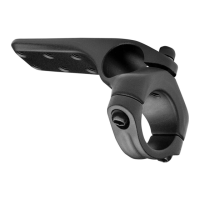
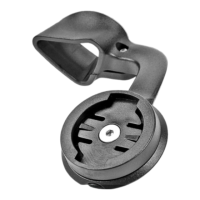
ASC Computer Mount
6
15° 5°
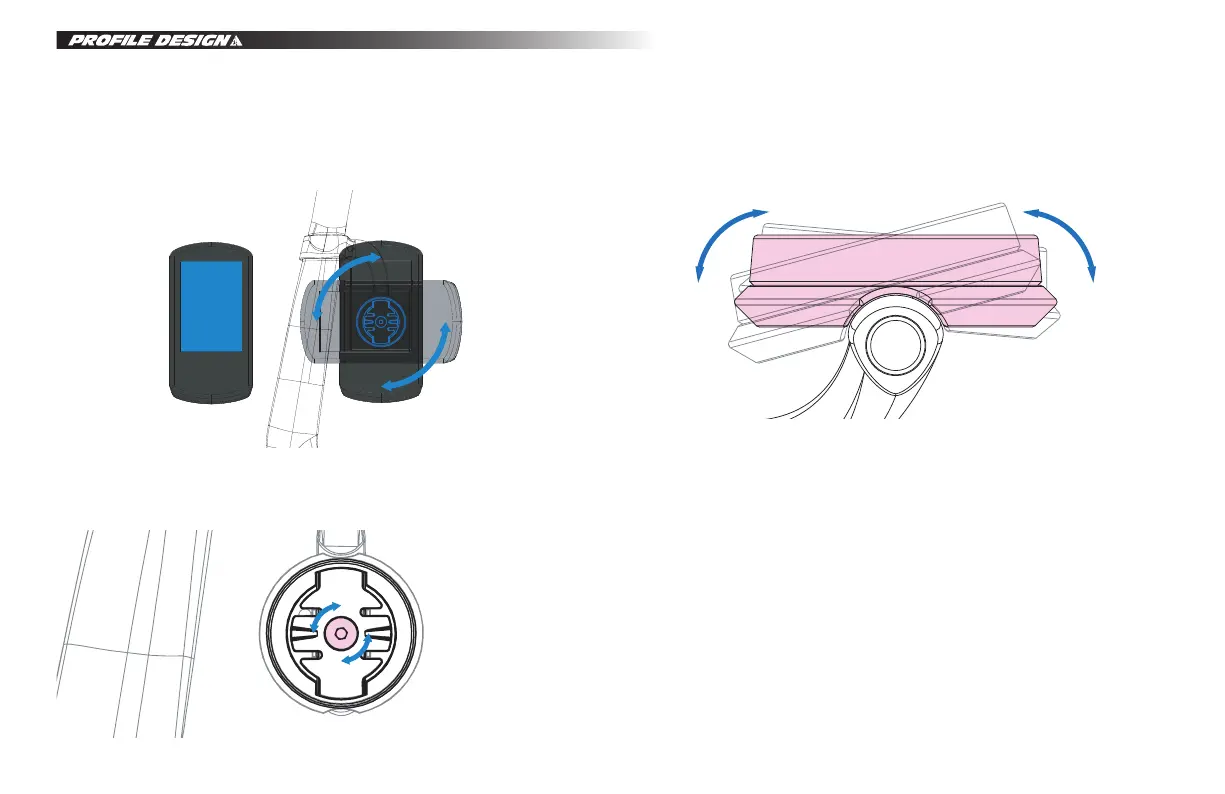
5. Next, please sit on your bike in your usual riding position to see if any slight adjustments are needed.
6. If an adjustment is needed, please remove the computer.
7. Use a 2.5mm Allen torque wrench to loosen the bolt in the centre of the Garmin plate.
*Please be careful not to loosen the screw completely; only loosen it enough so that the computer holder
can be rotated slightly.
ASC Computer adjustment method:
Tilt Left and Right
Tilt Left – 15 degree maximum Tilt Right – 5 degree maximum
8. After adjusting to the position you are satisfied with, please use a 2.5mm Allen torque wrench tighten the
centre bolt again to complete the installation.
* Please note that the base torque value is 0.8 Nm and should be customized based on individual
requirements. The maximum torque should not surpass 1 Nm.


 To Next Page