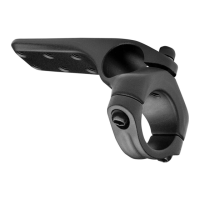
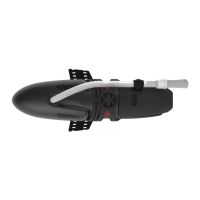
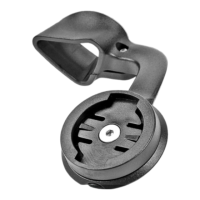
ASC Computer Mount
54
INSTALLATION INSTRUCTIONS
* Caution! Before riding, ensure that the bolts are tightened to the torque specified in the Instruction Sheet.
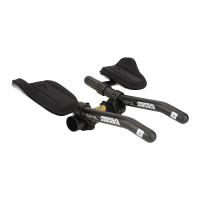
Note: Before installing the computer mount onto the extension, please ensure that your aerobar is
positioned in the way you are used to.
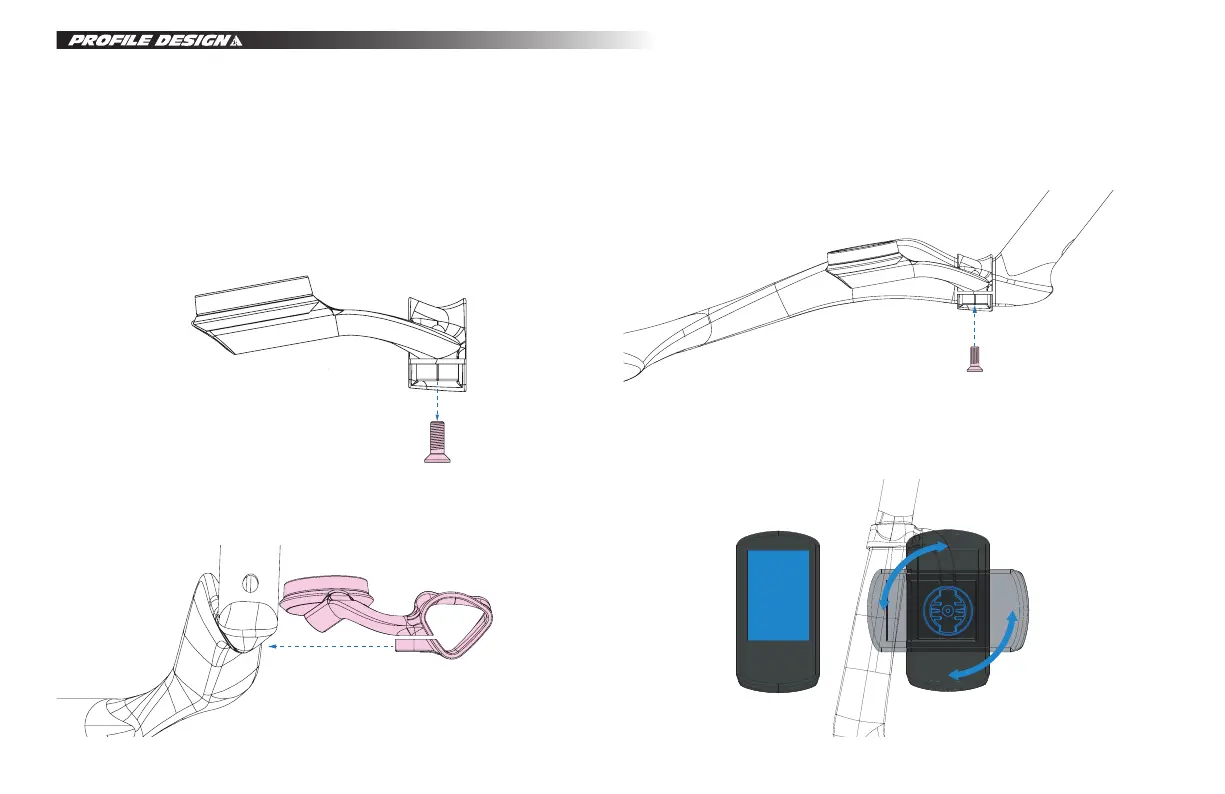
1. Use a 2.5mm Allen torque wrench to remove the bolt on the clamp area.
2. The computer mount will install on the left side extension: Install the computer mount by pushing it onto
extension from the opening.
*Please note that the torque value 0.7 Nm.
3. After finding a suitable position, use a 2.5mm Allen torque wrench to tighten the bolt until the upper and
lower parts of the opening are securely fastened.
4. Place the tabs on the base of the Garmin© into the mount and gently make a quarter turn of the head
unit to engage it with the mount.


 To Next Page