EasyManua.ls Logo

ProForm 540 S Treadmill - User Manual

ProForm 540 S Treadmill
34 pages
Print Icon
To Next Page IconTo Next Page
Loading...
CAUTION
Read all precautions and instruc
-
tions in this manual before using
this equipment. Save this man
-
ual for future reference.
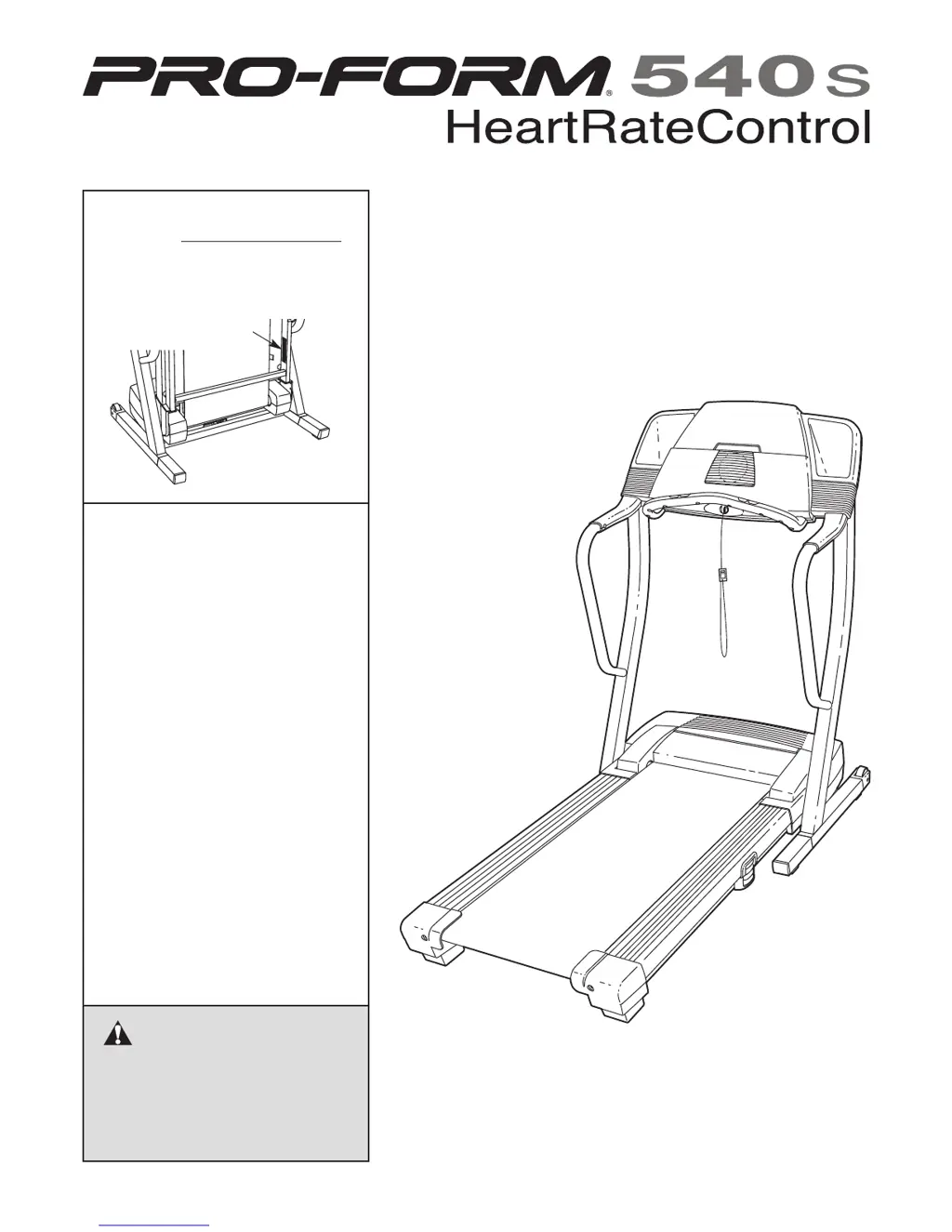
Write the serial number in the space
above for future reference.
Serial Number Decal
Sears, Roebuck and Co., Hoffman Estates, IL 60179
TREADMILL EXERCISER
Users Manual
Model No. 831.294052
Serial No.
• Assembly
• Operation
• Maintenance
• Part List and Drawing

Questions and Answers

  • P
    Paula BlairAug 1, 2025
    What to do if ProForm 540 S power does not turn on?
    • N
      Nathan ClarkAug 1, 2025
      First, ensure the power cord is plugged into a surge suppressor, and that the surge suppressor is plugged into a properly grounded outlet. Use only a single-outlet surge suppressor. Note: The treadmill isn't compatible with GFCI-equipped outlets. Also, check that the key is fully inserted into the console. Finally, check the reset/off circuit breaker located on the frame near the power cord. If the breaker protrudes, wait five minutes, then press it back in.
  • S
    Steven TaylorAug 8, 2025
    Why does my ProForm 540 S Treadmill power turn off during use?
    • D
      Dr. Nathan Gonzales MDAug 8, 2025
      The treadmill may be turning off due to a tripped circuit breaker or a loose power connection. Check the reset/off circuit breaker located on the treadmill frame near the power cord; if it has tripped, wait five minutes, and then press the switch back in. Make sure the power cord is securely plugged in; if it is, unplug it, wait five minutes, and then plug it back in. Also, try removing the key from the console and then reinserting it.
  • S
    Scott DouglasAug 15, 2025
    What to do if ProForm 540 S Treadmill walking belt slows when walked on?
    • B
      Bradley HarrisAug 15, 2025
      If the walking belt slows down when you walk on it, it might be overtightened. Use only a single-outlet surge suppressor. To resolve this, remove the key and unplug the power cord. Using the included allen wrench, turn both rear roller adjustment bolts counterclockwise 1/4 of a turn. When the walking belt is properly tightened, you should be able to lift the edges of the walking belt 3 to 4 inches off the walking platform. Be careful to keep the walking belt centered. Plug in the power cord, insert the key, and run the treadmill for a few minutes. Repeat until the walking belt is properly tightened.
  • W
    Wanda LeeNov 21, 2025
    How to fix ProForm Treadmill walking belt that is off-center or slips?
    • H
      Hannah MasonNov 21, 2025
      To fix a walking belt that is off-center or slips, follow these steps: 1. First remove the key and unplug the power cord. 2. If the walking belt has shifted to the left, use the allen wrench to turn the left rear roller bolt clockwise 1/2 of a turn; if the walking belt has shifted to the right, turn the left bolt counterclockwise 1/2 of a turn. Be careful not to overtighten the walking belt. 3. Plug in the power cord, insert the key, and run the treadmill for a few minutes. Repeat until the walking belt is centered. If the walking belt slips when walked on: 1. First remove the key and unplug the power cord. 2. Using the allen wrench, turn both rear roller bolts clockwise 1/4 of a turn. When the walking belt is correctly tightened, you should be able to lift each side of the walking b...

Summary

Key Safety Precautions

General Safety Precautions

Key safety measures and precautions for operating the treadmill.

Treadmill Assembly

Assembly Requirements and Initial Steps

Details on tools, hardware, and initial assembly steps for legs and wheels.

Handrail, Wiring, and Console Installation

Instructions for attaching handrails, connecting wiring, and mounting the console.

Operating the Treadmill

Finishing Exercise and Powering Off

Steps to stop the treadmill, fold it, and safely power it down.

Using Preset Programs

Using Heart Rate Programs

Target Heart Rate, Execution, and Stopping

Setting target heart rate, program adjustments, and how to stop.

Using iFIT.com Programs

Using Web-Based Programs

Folding and Moving the Treadmill

Folding for Storage and Moving Procedures

Instructions on how to fold the treadmill for storage and safely move it.

Unfolding the Treadmill for Use

Instructions on how to safely unfold the treadmill from storage.

Treadmill Troubleshooting

Power and Console Display Issues

Solutions for problems with power, display functionality, and console errors.

Walking Belt Speed and Alignment Issues

Troubleshooting steps for walking belt speed, centering, and slipping problems.

Exercise Guidelines

ProForm 540 S Treadmill Specifications

General IconGeneral
BrandProForm
Model540 S Treadmill
CategoryTreadmill
LanguageEnglish

Related product manuals