EasyManua.ls Logo

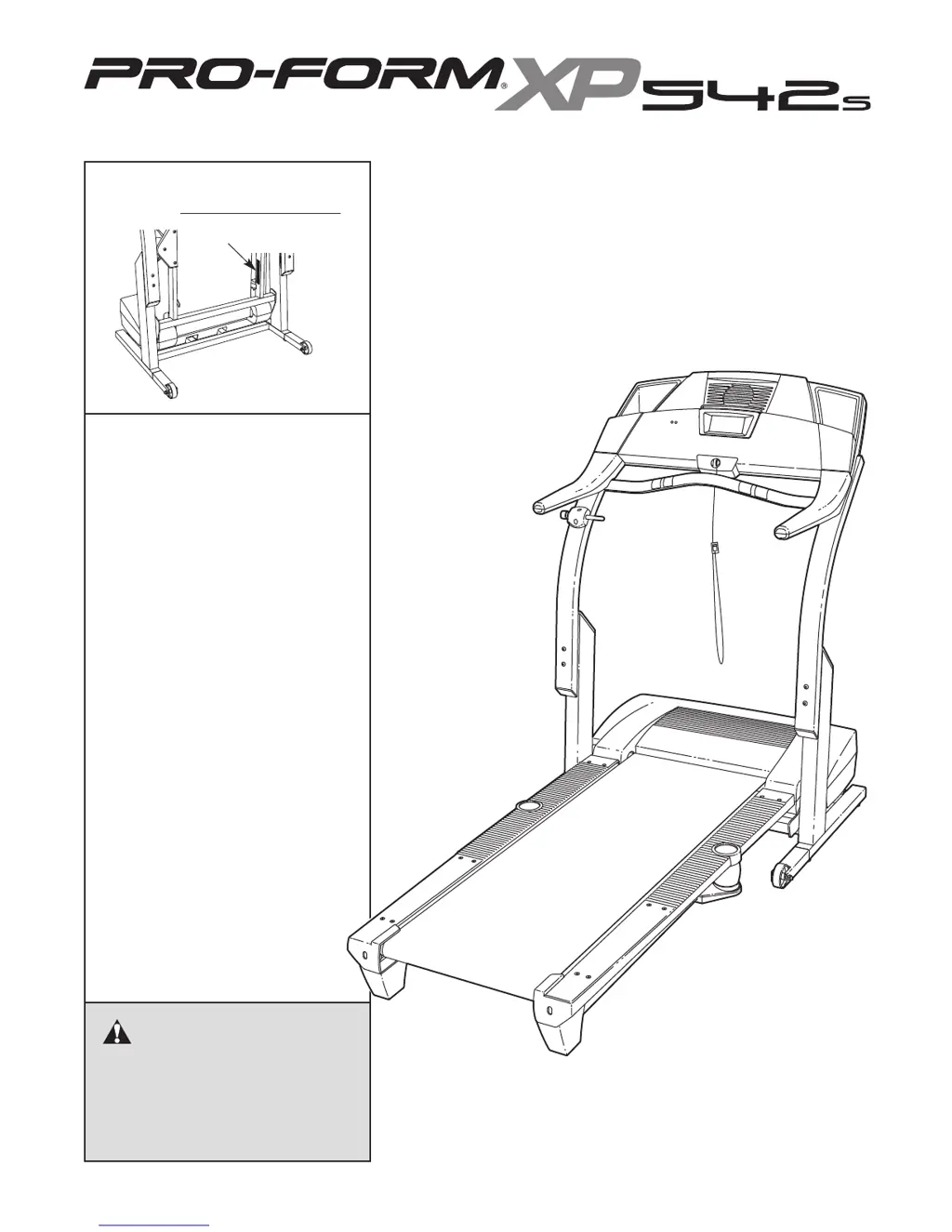
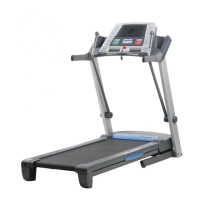
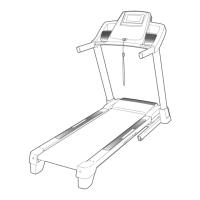
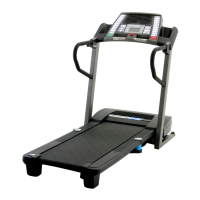
ProForm XP 542s 831.295050 - User Manual

ProForm XP 542s 831.295050
30 pages
Print Icon
To Next Page IconTo Next Page
Loading...
Serial Number Decal
Model No. 831.295050
Serial No.
CAUTION
Read all precautions and instruc-
tions in this manual before using
this equipment. Save this manual
for future reference.
Sears, Roebuck and Co., Hoffman Estates, IL 60179
TREADMILL EXERCISER
Users Manual
• Assembly
• Operation
• Maintenance
• Part List and Drawing

Questions and Answers

  • K
    Karen AndersonJul 29, 2025
    What to do if ProForm Treadmill power turns off during use?
    • I
      irwinpeterJul 29, 2025
      If your ProForm Treadmill turns off during use, check the reset/off circuit breaker and, if tripped, wait five minutes before pressing the switch back in. Also, ensure the power cord is securely plugged in; if it is, unplug it, wait five minutes, and plug it back in. Finally, remove and reinsert the key fully into the console.
  • D
    doneillAug 4, 2025
    How to turn on ProForm XP 542s 831.295050?
    • M
      Mr. Edward BenitezAug 4, 2025
      To turn on your ProForm Treadmill, ensure the power cord is plugged into a surge suppressor that meets the specifications. The surge suppressor should be plugged into a grounded outlet. Also, make sure the key is fully inserted into the console. Check the reset/off circuit breaker located on the treadmill frame near the power cord. If the switch protrudes, the circuit breaker has tripped. To reset it, wait five minutes, then press the switch back in.
  • K
    kimberlywebbAug 9, 2025
    How to recalibrate incline on ProForm Treadmill?
    • D
      David ThomasAug 9, 2025
      To recalibrate the incline on your ProForm Treadmill, insert the key into the console, then press one of the Incline buttons. While the incline is changing, remove the key. After a few seconds, re-insert the key. The treadmill will automatically rise to the maximum incline and then return to the minimum level, recalibrating the incline system.
  • J
    jennifer18Aug 13, 2025
    How to fix ProForm Treadmill walking belt that is off-center or slips?
    • M
      Michelle BowmanAug 13, 2025
      If the walking belt on your ProForm Treadmill is off-center or slips, unplug the power cord first. If the belt has shifted left, turn the left rear roller bolt clockwise 1/2 turn with an Allen wrench. If it has shifted right, turn the bolt counterclockwise 1/2 turn. Avoid overtightening. If the belt slips, turn both rear roller bolts clockwise 1/4 turn. The belt should be tight enough to lift each side 2 to 3 inches off the platform. Plug the treadmill back in, insert the key, and test, repeating adjustments as needed until centered and properly tightened.
  • S
    Shawn GeorgeAug 18, 2025
    Why ProForm XP 542s 831.295050 Treadmill console displays do not function properly?
    • B
      Bradley BaileyAug 19, 2025
      If the console displays on your ProForm Treadmill aren't working right, remove the key and unplug the power cord. With help, carefully tip the Upright Base down. Remove the five Hood Screws. Find the Reed Switch and the Magnet on the left side of the Pulley. Turn the Pulley until the Magnet lines up with the Reed Switch, ensuring the Switch is about 1/8" away. If needed, loosen the Screw. Reattach the Hood and run the treadmill briefly to check the speed reading.
  • P
    powersstevenAug 23, 2025
    Why ProForm Treadmill walking belt slows when walked on?
    • S
      stephaniehortonAug 25, 2025
      If the walking belt slows down when you walk on your ProForm Treadmill, ensure you are using a single-outlet surge suppressor that meets the specified requirements. Also, if the walking belt is overtightened, it can decrease performance and potentially damage the belt. To resolve this, unplug the power cord and use an Allen wrench to turn both rear roller adjustment bolts counterclockwise by 1/4 of a turn. The belt should be tight enough that you can lift each side 2 to 3 inches off the platform. Plug the treadmill back in, insert the key, and run it for a few minutes, repeating until the belt is properly tightened.

Summary

IMPORTANT PRECAUTIONS

BEFORE YOU BEGIN

ASSEMBLY

OPERATION AND ADJUSTMENT

How to Turn On and Use the Power

Instructions for plugging in the power cord and starting the treadmill.

How to Use the Manual Mode

Details operating the treadmill using manual speed and incline controls.

Using Workout Programs

Guide to utilizing preset and heart rate programs for structured workouts.

Connecting and Using iFIT.com

Guides on connecting external devices and utilizing iFIT.com features.

HOW TO FOLD AND MOVE THE TREADMILL

Folding the Treadmill for Storage

Step-by-step instructions for folding the treadmill into its storage position.

Moving and Lowering the Treadmill

Instructions on safely moving and unfolding the treadmill.

TROUBLESHOOTING

CONDITIONING GUIDELINES

Exercise Intensity and Workout Guidelines

Guidance on intensity levels, warm-up, training, and cool-down for effective workouts.

SUGGESTED STRETCHES

PART LIST

PART IDENTIFICATION CHART

EXPLODED DRAWING

ProForm XP 542s 831.295050 Specifications

General IconGeneral
Incline0-10%
Speed0-10 MPH
FoldingYes
Running Area20" x 55"
Weight Capacity300 lbs
DisplayLCD
Heart Rate MonitoringDual-Grip EKG™ Heart Rate Monitor

Related product manuals