EasyManua.ls Logo

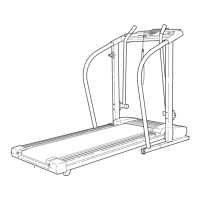
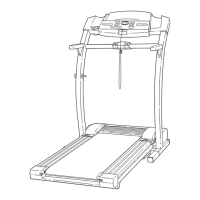
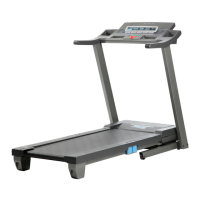
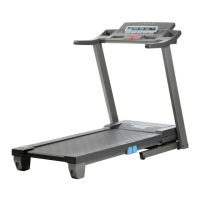
ProForm 630DS 831.299253 - User Manual

ProForm 630DS 831.299253
26 pages
Print Icon
To Next Page IconTo Next Page
Loading...
USER'S MANUAL
¨
CAUTION
Read all precautions and instruc-
tions in this manual before using
this equipment. Save this manual
for future reference.
Serial
Number
Decal
Model No. 831.299253
Serial No.
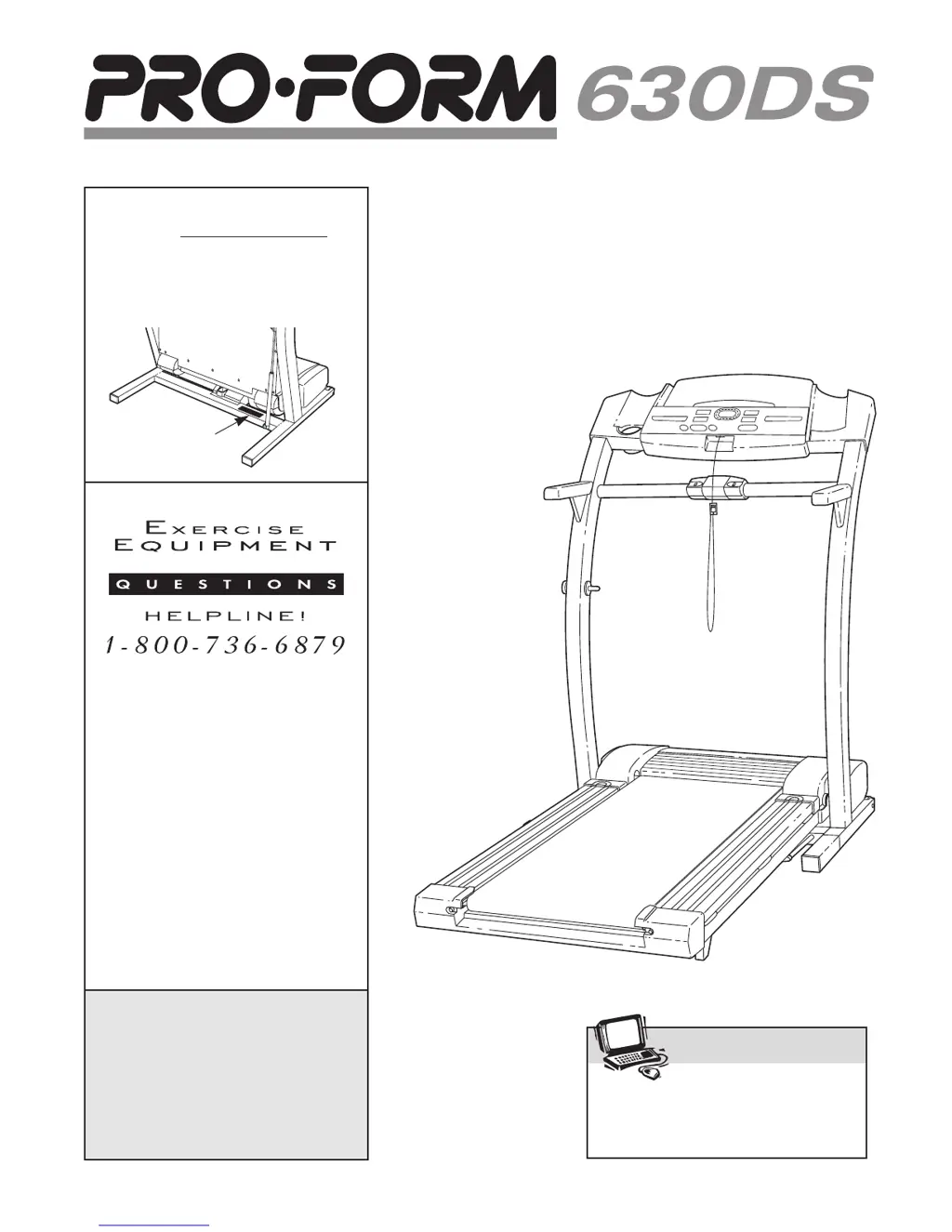
Find the serial number in the location
shown below. Write the serial number
in the space above for reference.
Visit our website at
www.proform.com
new products, prizes,
fitness tips, and much more!
SEARS, ROEBUCK AND CO.
HOFFMAN ESTATES, IL 60179

Questions and Answers

  • M
    Misty HarrisJul 26, 2025
    How to fix ProForm 630DS 831.299253 if the power does not turn on?
    • M
      Michael GreenJul 26, 2025
      If your ProForm Treadmill isn't turning on, ensure the power cord is plugged into a surge suppressor (UL 1449 listed TVSS) with specific ratings (120 volts AC, 15 amps, suppressed voltage rating of 400 volts or less, minimum surge dissipation of 450 joules). Also, verify the key is fully inserted into the console. Check the circuit breaker near the power cord; if tripped, wait five minutes, then reset it. Finally, confirm the on/off switch near the power cord is in the 'on' position. Note: ProForm Treadmills are not compatible with GFCI-equipped outlets.
  • D
    Debra GreenAug 5, 2025
    What to do if ProForm Treadmill power turns off during use?
    • L
      Leslie DavisAug 5, 2025
      If your ProForm Treadmill shuts off during use, first check the circuit breaker near the power cord; if tripped, wait five minutes before resetting it. Ensure the power cord is securely plugged in and that the key is fully inserted into the console. Also, verify the on/off switch is in the 'on' position.
  • W
    Wayne WolfAug 14, 2025
    What to do if ProForm 630DS 831.299253 pulse display on the console does not function properly?
    • A
      Austin McbrideAug 14, 2025
      If the pulse display on your ProForm Treadmill console isn't working properly, wash your hands before using the pulse sensor. Clean the sensor with a damp cloth and a bit of dish soap. Also, make sure no bright light or direct sunlight shines on the pulse sensor.

Summary

Important Safety Precautions

General Safety Rules

Covers user responsibilities, placement, environment, user limits, and clothing.

Additional Safety Guidelines

Before You Begin

Assembly Instructions

Step-by-Step Assembly Guide

Detailed steps for assembling the treadmill, including diagrams and part references.

Operation and Adjustment

Power Cord Connection and Surge Protection

Instructions for safely connecting the power cord and using surge suppressors.

Console Operation and Features

Manual Mode Operation

Starting and Operating the Treadmill

Step-by-step guide to starting the walking belt and beginning manual operation.

Manual Mode Operation Details

Measuring Heart Rate with Pulse Sensor

Instructions on how to use the console's pulse sensor to monitor heart rate.

Using iFit.com Programs

Managing iFit.com Program Playback

Internet Program Usage

Running Internet-Based Workouts

Instructions for starting and following workouts directly from the iFit.com internet site.

Folding and Moving the Treadmill

Folding for Storage

Instructions on how to properly fold the treadmill for compact storage.

Moving the Treadmill Safely

Steps and precautions for safely moving the folded treadmill.

Troubleshooting Common Problems

Power Issues and Solutions

Guidance on resolving issues related to the treadmill not turning on or shutting off.

Troubleshooting Belt and Incline Issues

Walking Belt Adjustment and Issues

Solutions for walking belt problems like slowing, shifting, or slipping.

Conditioning and Workout Guidelines

ProForm 630DS 831.299253 Specifications

General IconGeneral
BrandProForm
Model630DS 831.299253
CategoryTreadmill
LanguageEnglish

Related product manuals