EasyManua.ls Logo

ProForm 620 - User Manual

ProForm 620
32 pages
Print Icon
To Next Page IconTo Next Page
Loading...
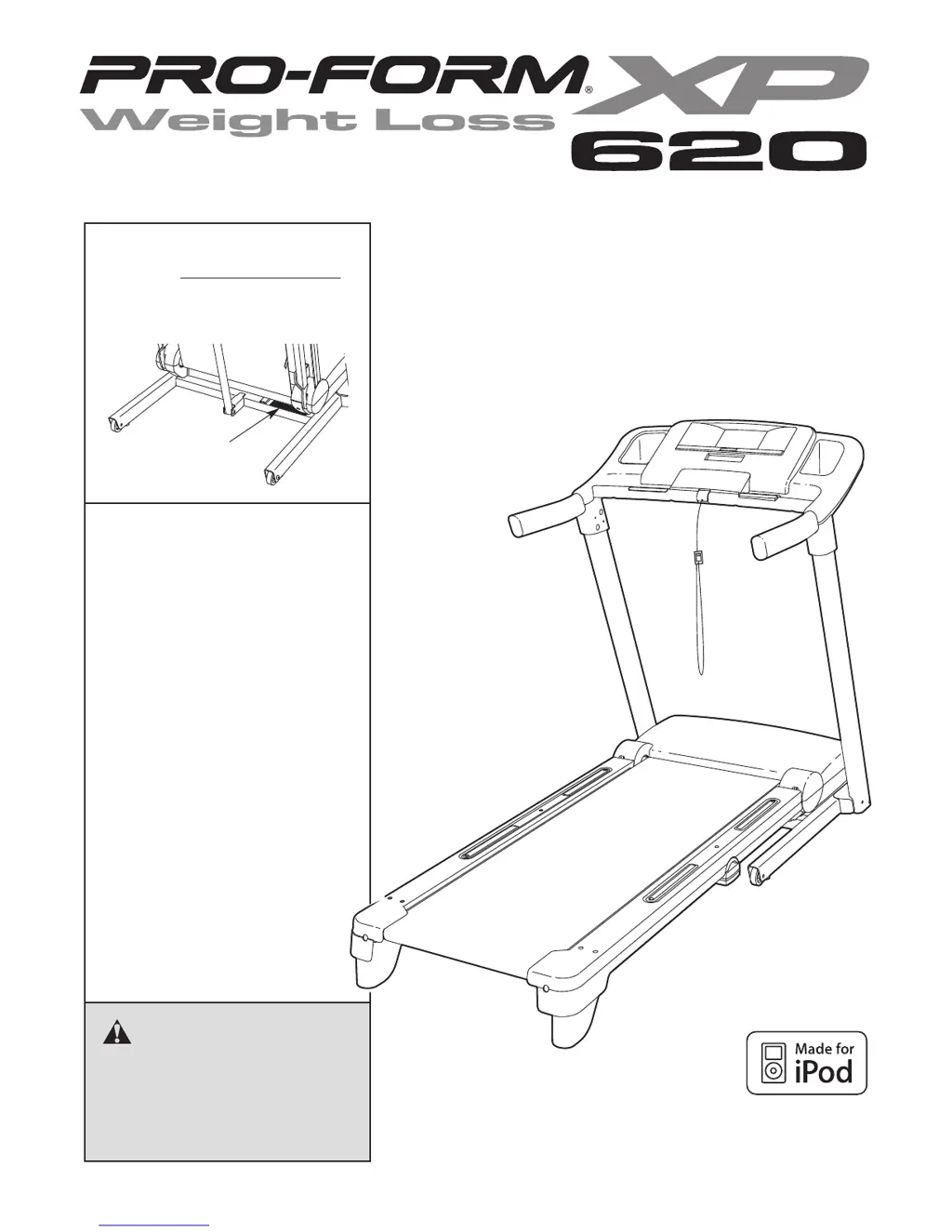
Serial
Number
Decal
Model No. 831.24755.1
Serial No.
CAUTION
Read all precautions and instruc-
tions in this manual before using
this equipment. Save this manual
for future reference.
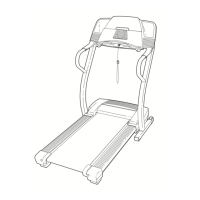
TREADMILL EXERCISER
Users Manual
Assembly
Operation
Maintenance
Part List and Drawing
Sears, Roebuck and Co., Hoffman Estates, IL 60179
Write the serial number in the
space above for future reference.
With Universal Dock for iPod
®

Questions and Answers

  • R
    rhonda29Jul 26, 2025
    Why does my ProForm 620 power turn off during use?
    • E
      Emily AliJul 26, 2025
      If your ProForm Treadmill turns off during use, try the following: 1. Check the reset/off circuit breaker. If tripped, wait five minutes, then press the switch back in. 2. Ensure the power cord is securely plugged in. If it is, unplug it, wait five minutes, and plug it back in. 3. Remove and reinsert the key from the console. If the issue persists, further assistance may be needed.
  • G
    ghaynesJul 30, 2025
    What to do if ProForm 620 power does not turn on?
    • K
      Kimberly MiddletonJul 30, 2025
      If your ProForm Treadmill power does not turn on: * Ensure the power cord is plugged into a surge suppressor and the suppressor into a grounded outlet. Use only a single-outlet surge suppressor meeting specified requirements. * Verify the key is inserted into the console. * Check the reset/off circuit breaker on the treadmill frame. If it protrudes, wait five minutes, then press it back in to reset.
  • D
    Donald MurrayAug 5, 2025
    What to do if ProForm 620 Treadmill incline does not change correctly?
    • M
      Mary HerringAug 5, 2025
      If the incline of your ProForm Treadmill does not change correctly, with the key in the console, press one of the Incline buttons. While the incline is changing, remove the key. After a few seconds, re-insert the key. The treadmill will automatically rise to the maximum incline level and then return to the minimum level. This will recalibrate the incline system.
  • G
    Gabrielle AndersonAug 10, 2025
    How to fix ProForm 620 Treadmill walking belt if it slips or is off-center?
    • P
      Paul WeaverAug 10, 2025
      To fix a ProForm Treadmill walking belt that is off-center or slips: * First, remove the key and unplug the power cord. * If the belt is off-center, turn the left or right rear roller bolt (depending on which way the belt has shifted) clockwise or counterclockwise 1/2 turn with a hex key. Then plug in the power cord, insert the key, and run the treadmill for a few minutes. Repeat until centered. * If the belt slips, turn both rear roller bolts clockwise 1/4 turn with the hex key. Ensure proper tightness by lifting each edge of the belt 2-3 inches off the platform. Plug in the power cord, insert the key, and carefully walk on the treadmill for a few minutes. Repeat until properly tightened.
  • A
    amataAug 15, 2025
    How to fix ProForm 620 Treadmill walking belt slowing down?
    • K
      Kurt StewartAug 15, 2025
      If the ProForm Treadmill walking belt slows down when walked on: * Use only a single-outlet surge suppressor that meets all specifications. * If the walking belt is overtightened, remove the key and unplug the power cord. Turn both rear roller bolts counterclockwise 1/4 turn. Ensure you could lift each edge of the walking belt 2 to 3 inches off the platform. Plug in the power cord, insert the key, and run the treadmill for a few minutes. Repeat until the walking belt is properly tightened.
  • J
    jperryAug 20, 2025
    How to turn off demo mode on ProForm Treadmill?
    • H
      hughesadrianAug 20, 2025
      If the console displays on your ProForm Treadmill remain lit after removing the key, the demo mode is likely activated. To deactivate it, press and hold the Stop button for a few seconds. If the displays are still lit, see THE INFORMATION MODE on page 18 to turn off the demo mode.

Summary

WARNING DECAL PLACEMENT

IMPORTANT PRECAUTIONS

ASSEMBLY

Assembly Steps - Base and Wheel Attachment

Instructions for attaching base pads, wheels, and upright wires.

Assembly Steps - Upright Attachment

Instructions for attaching uprights, base endcaps, and hardware.

OPERATION AND ADJUSTMENT

CONSOLE DIAGRAM AND FEATURES

OPERATING THE TREADMILL

How to Turn On the Power

Steps for safely powering on the treadmill and its console.

How to Use the Manual Mode

Instructions for operating the treadmill in manual mode.

WORKOUT MODES

FOLDING AND MOVING THE TREADMILL

HOW TO LOWER THE TREADMILL FOR USE

TROUBLESHOOTING

Power and Console Display Issues

Solutions for power, console lit, and display functionality problems.

Belt Speed and Incline Adjustment Issues

Troubleshooting belt speed and incline adjustment problems.

Walking Belt Alignment and Slipping

Correcting the walking belt's centering and slip issues.

PART LIST

WARRANTY AND SERVICE INFORMATION

One Year Full Warranty

Terms and conditions of the treadmill's one-year limited warranty.

ProForm 620 Specifications

General IconGeneral
BrandProForm
Model620
CategoryTreadmill
LanguageEnglish

Related product manuals